DESCRIPTION
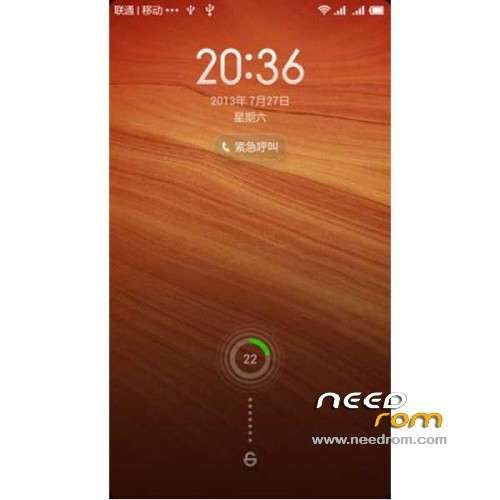
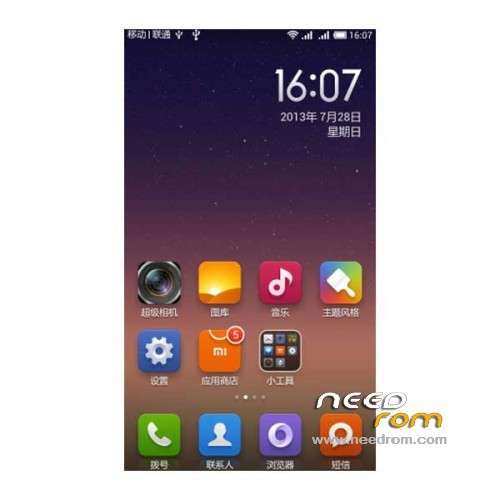
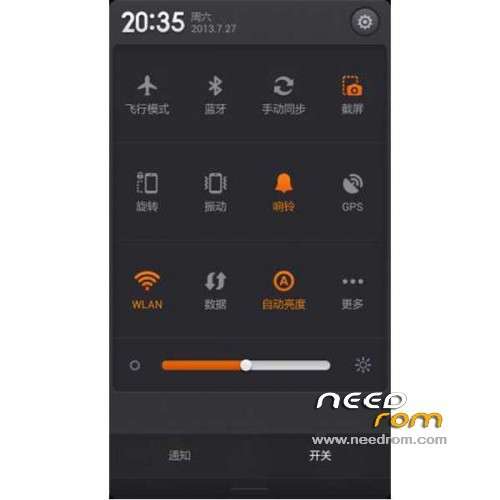
ROM Mobile AMOI N821 – ROM Android 4.2.2 MIUI
ROM features:
Update MIUI V5 4.8.22
| Changelog |
SelectShow |
[Gallery]
Fix – Sometimes, the red dot in Cloud albums showed incorrectly
[Security]
New – Support copying the content of blocked messages
Optimization – Enhanced stability of Saver function
[Clock/Calculator]
Fix – Clock volume could not go back to normal after setting phone to vibrate mode
[Explorer]
Fix – Some items were invalid when sending files
|
Gapps not include - Language support: EN/CN
—————————————————————————————————————————————————
Update MIUI V5 4.3.21
| Changelog |
SelectShow |
[Contacts]
Fix – Sometimes entering Settings would cause FC
Fix – When deleting an account, the number of unsynced contacts displayed in notification message was incorrect
[Messaging]
Fix – When creating a new message, selecting a recipient with a long name would cause the text box to display incorrectly
[Security Center]
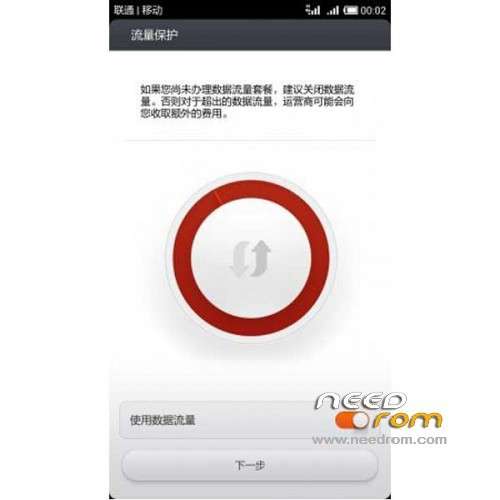
New – New version of Data usage monitor, redesigned UI, and new features
New – Permissions manager kernel upgraded to LBE V3
Optimization – Faster cache clearing and virus scan
[Weather]
Optimization – Air quality measuring station info added
Fix – Sometimes user couldn't disable auto-locate function
Fix – Sometimes tapping air quality details would cause FC
[Themes]
Optimization – Smoother scrolling for lists
Optimization – Descriptions in Theme Store now support multiple languages
Optimization – List view takes up less memory
Optimization – Notification when user's limit of authorized devices is exceeded
Fix – Sometimes themes had system permissions issues
Fix – Sometimes, when changing between Paid and Free themes lists in the Themes Store, content would display incorrectly
[Video]
Optimization – On the "Shared devices" list, devices you've connected to previously are marked
Fix – Sometimes favorites wouldn't sync automatically
|
Gapps not include - Language support: Multilang
—————————————————————————————————————————————————
Update MIUI V5 4.1.25
| Changelog |
SelectShow |
[Contacts]
New – Added English for importing contacts via Bluetooth
[Gallery]
Optimization – Uploaded video names will not display the file extension
[Weather]
Optimization – If a city name hasn't been translated into the current system language, it will be replaced by the local language automatically
Optimization – Sharing features are now the same as system sharing features
Optimization – Weather warnings are only displayed when system language is set to Simplified Chinese
Optimization – More ways to share Weather info
Fix – After switching system language, Weather widget would display incorrectly
[Lock screen, Status bar, and Notification shade]
Optimization – Custom notifications will now change along with system language
[Video]
New- Mi Link function notification
Optimization – For Mi Link, when there is only 1 device, it will be displayed directly onscreen
|
Gapps not include - Language support: Multilang
—————————————————————————————————————————————————
Update MIUI v5 – 4.1.3
| Changelog |
SelectShow |
[Messaging]
Fix – Marking all notification messages as read will not affect private messages anymore
[Gallery]
New – Move pictures to other albums
Fix – Some bmp pictures with the jpg. extension cannot be set as wallpaper
Fix – Sometimes there's no response when download original pictures or videos
[Music]
New – Support using MiCredits to buy higher quality online music
[Weather]
Fix – Weather widget cannot update timely after deleting locations in weather app
Fix – Some themes cannot get weather data
[Downloads]
New – Added Xunlei engine, increasing downloading speed by 70%
[Video]
Fix – When watching online videos, connect device with computer will cause the video to reload
Fix- Sometimes offline videos cannot pause
Fix – When downloading offline video, click on the video name on status bar will not lead to the correct video
|
Gapps not include - Language support: Multilang
—————————————————————————————————————————————————
MIUI v5 – 3.11.16
Gapps not include – No rooted
Language support: EN/CN
ROM Install :
CWM
Step 1: Download the custom ROM copied to an external SD card root directory
Step 2: the shutdown state. While holding down:
– Power button + volume button up, to enter the recovery mode.
– Wipe Data / Factory Reset -> delete all user data
– Wipe Cache Partition -> Wipe cache
– Advanced -> Wipe Dalvik Cache
Step 3: Return to recovery main interface Install zip from sdcard -> choose zip from sdcard -> Select your ROM
Step 4: Brush complete, restart the phone Patience required – first boot takes a while
※Please make a backup of your device before installing or updating ROM

 Member Info
hello, thanks for the rom, wonder if this rom works on mobile phone H9500 Feiteng. Greetings and thanks again …
MIUI Amoi N 821 v5 4.1.3 not should be loaded
please port rom for jiayu g3
This work or not guys?