
- Title: An411-S128v33m
- Listed: September, 2014
- Last modified: 10/07/2014 2:52 pm
- Version: v.08 multilang
You must be logged for ROM download.
20622 total views, 2 today
2 Total favorites

 Member Info
DESCRIPTION
Android 4.1.1. S128 v.3.3 mod
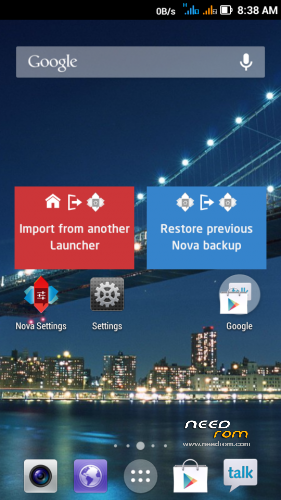
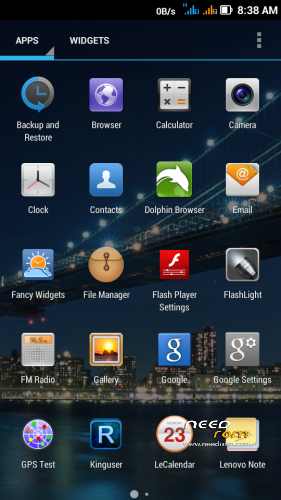
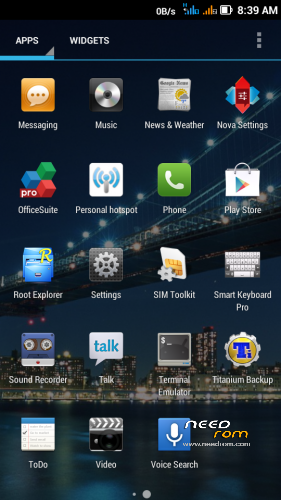
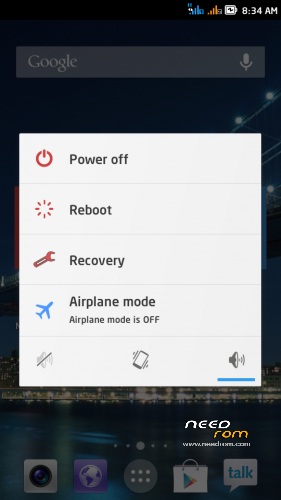
Surprisingly good version of the asian branch of ROM. Graphically and functionally took the good things from MIUI/Lewa ROM. I modified ROM, threw everything in Chinese and added translated texts (multilanguage), used my texts from ROM S113. Therefore, it is not translated everything (ROM S128 v3.3 has more texts than S113). ROM is ROOTed, GAPPS are installed from a separate file.
Languages support: Afrikaans, Arabic, Bahasa Indonesia, Bahasa Melayu, Bulgarian, Catalan, Croatian, Chinese (simplified, traditional), Czech, Danish (Dansk), Netherlands (Dutch), English,, French, German (Deutsch), Greek, IsiZulu, Italian, Japanese, Korean, Lithuanian, Latvian, Magyar, Norwegian, Polish, Portuguese, Romanian, Russian, Rumantsch, Serbian, Slovak, Slovene, Spanish, Swedish, Svenska, Turkish, Tagalog, Tieng Viet, Vietnamese, Ukrainian, Taiwan, … (some languages haven't translated all phrases, languages are from my S113 ROM, if you want help me with better translation.
Advantages / disadvantages:
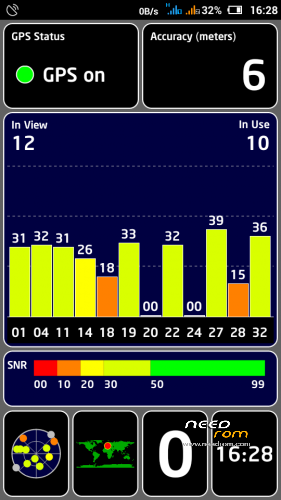
- quick GPS fix (AGPS uses)
- ROM runs smoothly
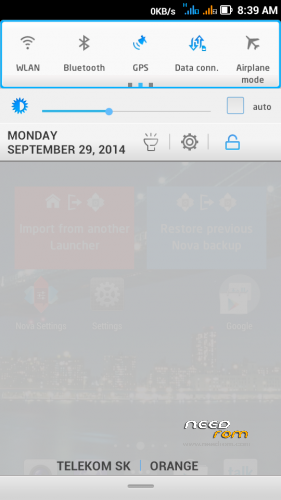
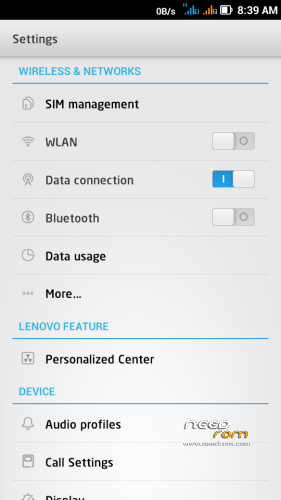
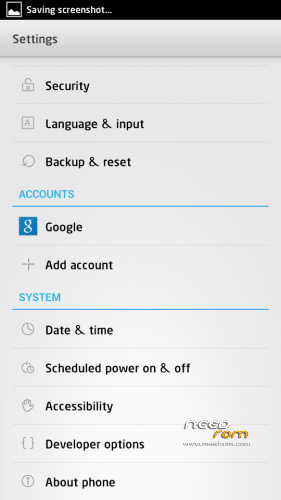
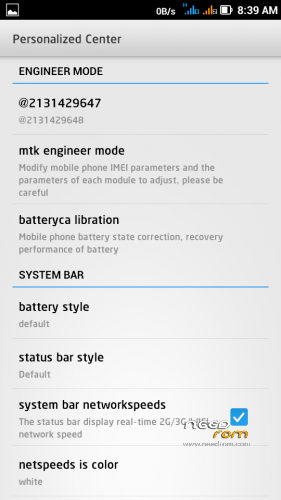
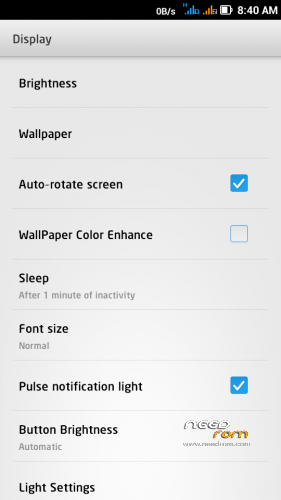
- detailed system settings (eg. data monitor data in a not. bar, …)
- LED notification works well for Email, Gmail, Facebook, Talk, Hangouts, etc..
- multilanguage support (quality depends on the language)
- separate ringtone for each SIM
- built-in automatic brightness control works well
- localization according to GSM cell triangulation doesn't work (but this does not matter, because the GPS works decently)
Installation instructions:
1. Format SD card and place ZIP ROM and GAPPS on SD card
2. If you haven't it, install TWRP recovery (download link bellow), go to TWRP
3. First Wipe (select all options except SD card), then install ZIP ROM
-in TWRP click on Install button and choose ZIP file ROM
-drag button "Swipe to Confirm Flash" to install it
-click on button "Clear cache/dalvik"
-clicik on button "Reboot System"
4. System will restart – patience required – first boot takes a while
5. Go to Settings/Storage/Default write disk, click here to "SD Storage" and then "OK"
6. Phone restarts and boots up
7. Go to TWRP recovery again
8. Install GAPPS file and restart to System (phone)
9. Go to Settings/Language & input/Languages and choose system language
10. Turn off EPO in Settings/Location services/GPS EPO assistance (because EPO server is premanently overloaded)
11. Switch off Chinese texts in the Call list:
- click on Call icon
- click on icon in the right corner (looks like 4 squares)
- click on CallerLoc
- click on left button below the screen, select Setting, uncheck "Display number's location"
12. Done, use the phone
TWRP/CWM is required for an installation.
TWRP 2500 here: http://yadi.sk/d/5e4SK60p5nrGU
CWM 5504 here: http://yadi.sk/d/awAUa-Ve2gMMK
※Please make a backup of your device before installing or updating ROM
smooth nice but it is always soft reboot
Rbar Please help, advice. I installed one of the rom on this page to the P770. Since that time I butovaní when the display flashes "oppo" I have a naughty g-sensor. camera icons are spinning same as they want. Please advise what should I do?
Not understand what you wrote…
Blbne mi G senzor. Ked zapnem automatické otáčanie tak sa obrazovka neotočí napr. pri prezeraní internetu alebo fotiek (niekedy sa otočí ale úplne opačne…). Pri zapnutí fotoaparátu mám tel. naležato a ikony ovládania sú bokom. Asi by pomohlo kalibrovanie ale neviem ako to mám urobiť.?
rbarat thanks, I really like this rom, but I want to ask what is the difference link rom 07 to 08 at the end of a text link, thanks in advance
Always soft reboot
it soft reboot when i install xposed framework
i totally agree this is the best asia version at all time.
and yes, the localization is one of the disadvantage i stop using it. Because that feature help alot.
hello rbarat…
r u working on the animation part which i duscussed with you???
thanx…
No, because I'm working on version 3.5, it will soon publish.
hello rbarat…
VIPER4Android fx is not workinng in this rom. Can u pleasee check it and suggest a solution.
thanx…
What version you tried? Try this special version http://uloz.to/xnTbfvZu/viper4.....dfx-2-3-1-3-apk
(This page can be switched to English in the upper right corner)
i m using the latest version of viper4android fx v2.3.3.0…..
hello rbarat…
viper4android fx which you hav suggested is also not workung. it works only once when i installed it after that it won't work…..