
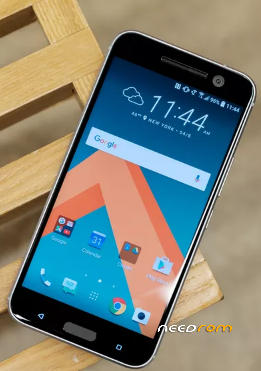
- Title: Android 8.0 Oreo Official Update on HTC 10
- Listed: January, 2018
- Last modified: 01/14/2018 2:16 pm
- Version: Android 8.0 Oreo
You must be logged for ROM download.
11270 total views, 2 today
1 Total favorites
OFFICIAL





 Member Info
DESCRIPTION
download the HTC 10 Android 8.0 Oreo OTA firmware file from the above link on the desktop of your computer.download section and transfer it to your phone’s internal storage.
Step No 2: Next, copy/move the downloaded firmware file to the root folder of your phone’s internal storage.
Step No 3: Turn OFF the HTC 10 to boot in Recovery mode.
Step No 4: Turn ON the phone while pressing and holding the Power + Volume down keys at the same time for a few seconds.
Step No 5: Use the volume keys to select option “Reboot to Bootloader,“ and press Power button to confirm.
Step No 6: Use the volume keys to select option “Boot to Recovery Mode“ on the next screen and press Power button to confirm.
Step No 7: While your device is in recovery mode, select “Apply updates from the Phone storage.” and locate the OTA Zip file. Select it.
Step No 8: The firmware flashing process will be initiated, wait until the installation is finished.
Step No 9: Reboot your HTC 10, once the installation is completed successfully.
※Please make a backup of your device before installing or updating ROM
No puedo descargarlo me redirige a otra pagina