
- Title: Android l mod S650
- Listed: December, 2014
- Last modified: 12/16/2014 2:32 pm
- Version: Android l mod S650 CN
You must be logged for ROM download.
50126 total views, 3 today
17 Total favorites
CUSTOM
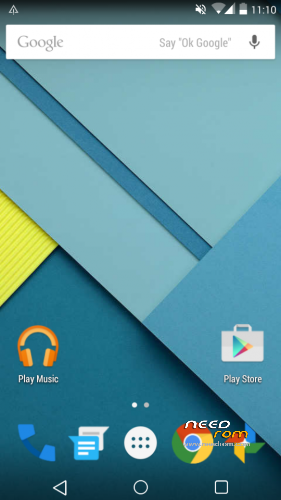
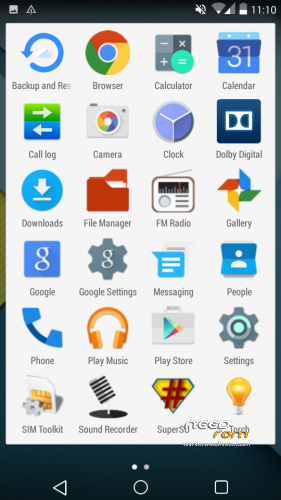
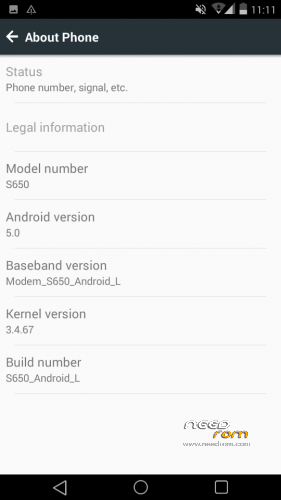
 Member Info
DESCRIPTION
Скачать файл в Android л mod_S650_CN SD карты
ПРИМЕЧАНИЕ Firmware предназначена для памяти разметки CN
Установите с помощью CWM или TWRP
1. Протрите данных / Factory Reset для завода
2. Протрите кэш разделов, mouns и хранение
3.Format / кэш
4.Format / данных
5.Format. Система, вернитесь к Расширенный
6. Протрите Cache Dalvik, возвращение
7. Установите архив Android л mod_S650_CN
8. Перезагрузите систему сейчас
Приз за моей работы, и увеличить стимулы для повышения цыган может Яндекс 410012687367766
※Please make a backup of your device before installing or updating ROM
Anyone can help me, please? after i flash this rom , it's say success, but after i reboot system, stuck on lenovo logo .
.
Please Help me :'(
been there bro. did you wipe cache partition, mouns and storage?
does this rom support USB OTG?
Lenovo s650 does not support
Is there a solution does not result in the status bar
Чет 3G сеть вообще не держит. В браузерах все тормозитм даже когда H+ кажет. Буду сносить, спасибо за труды.
Couldn't install Waze and work with it, ROM is not good
is this rom working proper ?
i recently installed this recovery. i had my system data backed up. my lenovo is row. and i downloaded a rom for cn base and tried to flash it through this recovery. it gets successfully installed but after i give reboot, it is in the lenovo, powered by android screen forever. i tried restoring system but same thing happens. what do i do? PLS HELPP.
Not Worked For Me, only the boot logo appears and the screen stucks there. Please how to solve this……
WORKS ???????
well i know how to hide this system bottom bar so called navigation keys….
first you need to root the device…
second open root explorer (if you dont have this just download it from google play store)
now, just go to system folder using root explorer
then , open buildprop and edit it…..
in the bottom of buildprop just add a line which iam giving below don't mess up its so simple !
qemu.hw.mainkeys=1
after this save buildprop and restart your device all done !