
- Title: Android L Style
- Listed: August, 2014
- Last modified: 08/05/2014 2:18 pm
- Version: 4.4.2
You must be logged for ROM download.
27847 total views, 2 today
 Member Info
DESCRIPTION
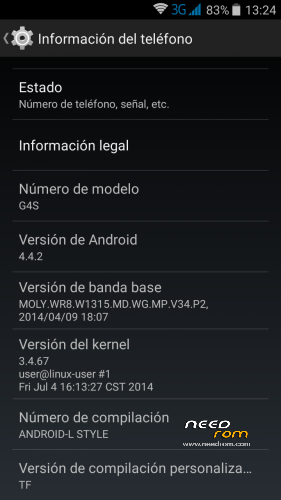
Name: Android L Style
Version: 4.4.2
Release date: 3-8-3014
Size: 399MB
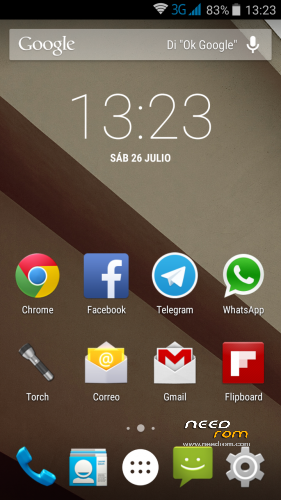
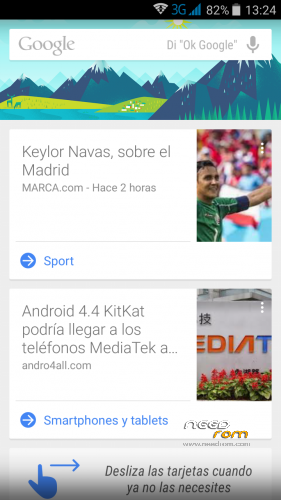
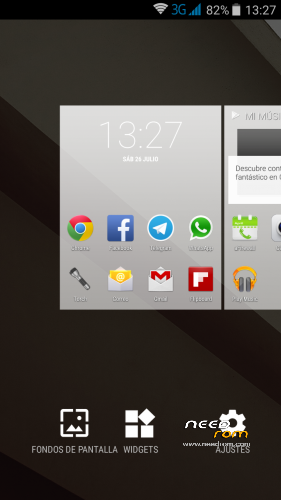
General information: From Team Force we present this rom based on Android L. This new interface of Android introduces the new schema called Material Design, adding multiple layers and shadows in the Android interface so that the user can experience a better transition (not by works of magic) in the different areas, as well as smoother animations that already able to run at 60 frames per second. In general, the new interface is much more minimalist from what we have seen in KitKat and in previous versions of Android.
In addition, the material design brings new colors to the interface that could be adapted to what the user is viewing to provide a greater focus on content.
Review: http://youtu.be/8GNOY9mN6BE
Changelog:
Cover of Canvas Knight TO350
Installer Aroma
Select model G4S/G5S
Added Recovery in Power Menu
ART default
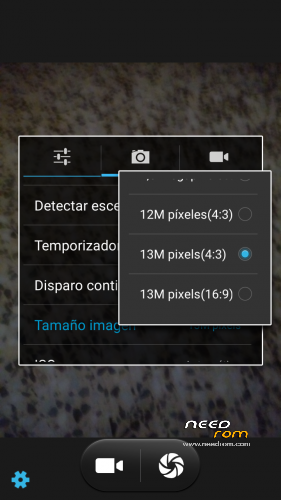
To 13mpx Camera
Sound
Recording HD video in HD
Bravia Engine 3
Deleted notice microSIM
SD as main memory
Access to write SD (not Titanium)
APN Spain
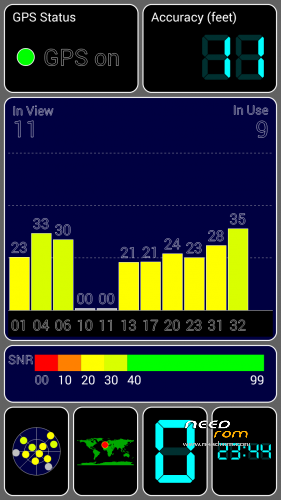
GPS Lock faster
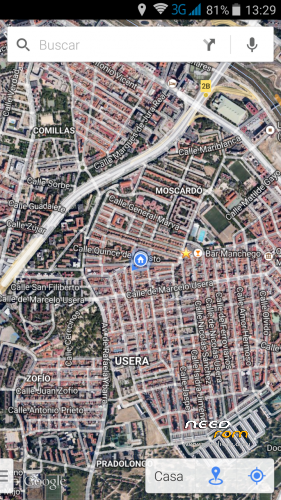
Improved GPS positioning
GPS Setup Spain
New Multilanguage video player
Keyboard Launcher Now Google Android L
Chrome Browser
Google Calendar
Play Music
Keep Notes
Etc …
Uninstallables APK:
BusyBox IS Explorer Pro
Mobileuncle Tools
Styled:
Internet styled
Improves performance of the touch-up Improves
Scrolling
Improves idle battery
Bravia Engine 3
Scripts:
Loopy Smoothness Tweak
Sqlite Optimize
Speedy Modified
Installation:
SD format (Highly Recommended)
Download Rom and copy it to the SD
Enter in CWM Recovery
Wipe data wipe Utility
Wipe Dalvik cache cache
Format system
Install Rom from SD
Select model G4S/G5S
Automatic restart
Configure wifi
Set Up Account google
Wait 5 min to stabilize the Rom
Upgrade apk Google
Opened the APK BusyBox
We hope that load to 100% and we activate
And Install autoupdater we chose smart install
Restarted and now you're ready …
Since we present the Team Force Android 4.4.2 ROM L Style.
Separate installation in the same file for G4S and Jiayu G5S models.
Note: For applications in memory you must hold down the option key (not the home).
Credits:
Development: Erfae-Newton
Design: Unrealmitch
Webmaster: Siulwon
Content: Borx
Review: Siulwon, Menkato
Betatesters group
IMPORTANT: Due to the large number of sites where it is published, the questions will be answered only on the website of Team Force and the official forum. There will gladly answer all your questions.
COMPATIBILITY PATCH TO INSTALL OLDER ROMS ON JIAYU G4S V.3:
https://www.needrom.com/download/compatibility-patch-for-v3-on-jiayu-g4s/
http://androidteamforce.es/
You can follow us on:
Facebook> https://www.facebook.com/TeamForceGroup
Twitter> https://twitter.com/TeamForceGroup
Google+> http://u2rl.com/1nng5rQ
Youtube Channel> https://www.youtube.com/user/TeamForceGroup
STATEMENT FROM TEAM FORCE:
Owing to Ejiayu’s sudden change of heart regarding its policy on keeping rom stock v3 up and running and being its graphics drivers fully incompatible with previous versions, we are forced to cease all of our activities until further notice.
All our ROMs are based on stock ROM v2, so if you have installed v3 via SP Flash Tools, YOU MUST NOT INSTALL ANY OF THE TEAM FORCE ROMS AVAILABLE or you will end up with a bad touch screen which will not work properly. That being the case, you will just have to re-install v3 via SP Flash Tools back again.
At first, Ejiayu released the afore-mentioned ROM officially, only to remove it in a short period of time, and then made it available to the public again, without taking into consideration the inconvenience this might be causing to mobile end-users.
Just so that we can avoid any kind of inconvenience this all may result in, completely alien to Team Force, we will cease all activity related to Jiayu until a solution is reached, thus we determine what to do next.
Giving support to the end user has always been our commitment and responsibility, so that they can enjoy the software on their mobiles to the full in the best Android environment ever. This is exactly the reason as to why we have made this decision, which we now share publicly.
Kind regards from all of the Team Force members.
NEW TEAM FORCE STATEMENT
From Team Force, we inform that, after some time deliberating, we have come to the conclusion that all our rooms for the Jiayu G4S model will be based on rom stock v1. Given fact that they are incompatible with those of v3, we will build a pack in each rom so as to make them compatible with the afore-mentioned v3.
From now on, this is how we are going to operate until further notice from Ejiayu on the right way to proceed. We are cooking a kernel so that those who already are on v3 will be able to downgrade without a problem.
We do apologise for all this but, as you may understand, we felt that we had to clarify such an awkward situation like this, completely alien to Team Force.
Best regards from all of the Team Force members.
※Please make a backup of your device before installing or updating ROM
First off, this is a great rom. After setting the APN I finally have data on my G4S. Thank you so much!
I am having one problem I can't figure out. Hebrew is not working on this rom. It is selectable as one of the installer languages but everything is blank when you switch the keyboard. Can you please help or give me some suggestions? Thanks again.
IMPORTANT: Due to the large number of sites where it is published, the questions will be answered only on the website of Team Force and the official forum. There will gladly answer all your questions.
Added OTA update installer in the first post. Flash it in recovery mode without wipes.
When im checking for updates i got "Error fetching update info: This ROM (ANDROID_L_STYLE) does not support this device (s8)!
Clear! Does not support this device.
That's because there is not updates. Please, write any questions on the official forum of our website. Here we spent a few times. Greetings.
Can you provide a link to your forum? I posted here http://androidteamforce.es/en/.....-tf-team-force/ and have received no response so far.
you have already been answered … sorry for the delay
With this ROM "text-to-speech" always fails to run.
This ROM is solely for the g4s and if Text-to-speech is not supported by this hardware it should not be included in the installer Further down, the app cannot be uninstalled and 3rd party apps does not resolve this issue.
Not much help here, anyone?
Hi Guys,
Just thought I should share this Rooot method with everyone. Since most KitKat ROMs available for the G4s dont seem to have full Root with SuperSU and you cant use apps like Titanium Backup or Viper4Android the only way is to root the device with KingUser which seems to give full proper root access. Simply download RootGenius from the link below and save the file to your computer and run it as an admin and make sure you have Debugging mode enabled on your phone. Once your phone is connected simply click the green button indicating "Root" or "Quick Root" and everything should happen automatically. It should uninstall SuperSU and install KingUser if you were already rooted.
RootGenius: http://www.shuame.com/en/root/
I have just rooted my G4S with RootGenius, then I could install viper4Android succesfully and now the Titanium Backup is running for the first backup. So thanks, chalimoja, for this hint. Do you know, if the full Root stays active, when I try to replace Kinguser by SuperSU now?
i have a question,at lock screen when you slide left and right doesnot change anything all is goes home screen. And GPS softwares is not working good. i am using sygic and navitel for my country(turkey). it is showing very late positioning and sometimes it shows side streets. Any solutions