
- Title: Android L Style
- Listed: August, 2014
- Last modified: 08/05/2014 2:14 pm
- Version: 4.4.2
You must be logged for ROM download.
24028 total views, 3 today
2 Total favorites
 Member Info
DESCRIPTION
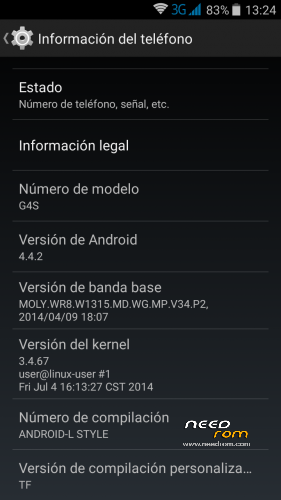
Name: Android L Style
Version: 4.4.2
Release date: 3-8-3014
Size: 399MB
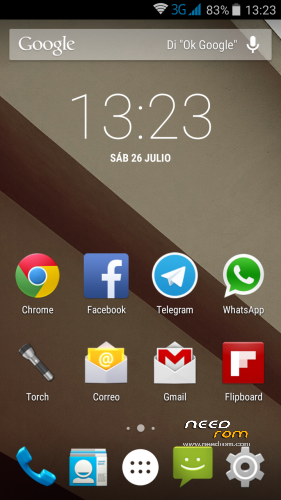
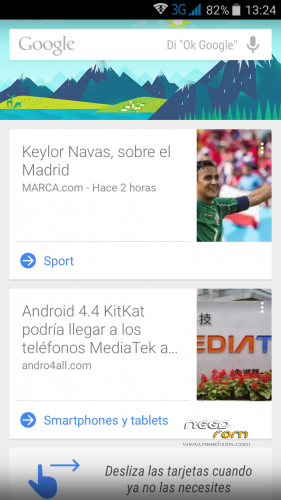
General information: From Team Force we present this rom based on Android L. This new interface of Android introduces the new schema called Material Design, adding multiple layers and shadows in the Android interface so that the user can experience a better transition (not by works of magic) in the different areas, as well as smoother animations that already able to run at 60 frames per second. In general, the new interface is much more minimalist from what we have seen in KitKat and in previous versions of Android.
In addition, the material design brings new colors to the interface that could be adapted to what the user is viewing to provide a greater focus on content.
Review: http://youtu.be/8GNOY9mN6BE
Changelog:
Cover of Canvas Knight TO350
Installer Aroma
Select model G4S/G5S
Added Recovery in Power Menu
ART default
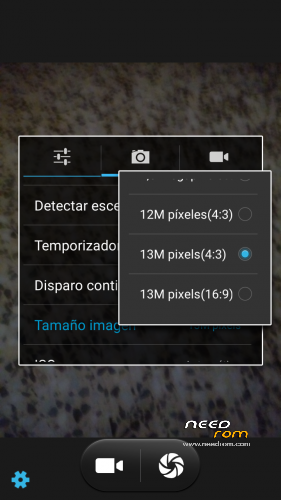
To 13mpx Camera
Sound
Recording HD video in HD
Bravia Engine 3
Deleted notice microSIM
SD as main memory
Access to write SD (not Titanium)
APN Spain
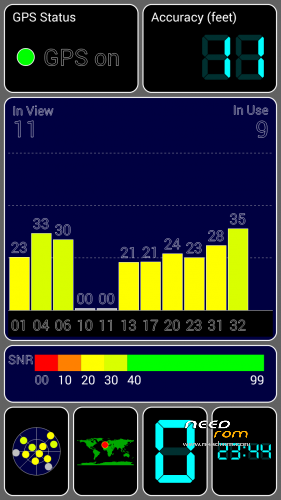
GPS Lock faster
Improved GPS positioning
GPS Setup Spain
New Multilanguage video player
Keyboard Launcher Now Google Android L
Chrome Browser
Google Calendar
Play Music
Keep Notes
Etc …
Uninstallables APK:
BusyBox IS Explorer Pro
Mobileuncle Tools
Styled:
Internet styled
Improves performance of the touch-up Improves
Scrolling
Improves idle battery
Bravia Engine 3
Scripts:
Loopy Smoothness Tweak
Sqlite Optimize
Speedy Modified
Installation:
SD format (Highly Recommended)
Download Rom and copy it to the SD
Enter in CWM Recovery
Wipe data wipe Utility
Wipe Dalvik cache cache
Format system
Install Rom from SD
Select model G4S/G5S
Automatic restart
Configure wifi
Set Up Account google
Wait 5 min to stabilize the Rom
Upgrade apk Google
Opened the APK BusyBox
We hope that load to 100% and we activate
And Install autoupdater we chose smart install
Restarted and now you're ready …
Since we present the Team Force Android 4.4.2 ROM L Style.
Separate installation in the same file for G4S and Jiayu G5S models.
Note: For applications in memory you must hold down the option key (not the home).
Credits:
Development: Erfae-Newton
Design: Unrealmitch
Webmaster: Siulwon
Content: Borx
Review: Siulwon, Menkato
Betatesters group
IMPORTANT: Due to the large number of sites where it is published, the questions will be answered only on the website of Team Force and the official forum. There will gladly answer all your questions.
http://androidteamforce.es/
You can follow us on:
Facebook> https://www.facebook.com/TeamForceGroup
Twitter> https://twitter.com/TeamForceGroup
Google+> http://u2rl.com/1nng5rQ
Youtube Channel> https://www.youtube.com/user/TeamForceGroup
※Please make a backup of your device before installing or updating ROM
**** Please note I installed ROM Manager 5.5.3.7, that is what I was refering too as ¨CWM¨. I used all options from the program. But when it reboots in recovery, … I have the situation as described above.
I succeeded installing the ROM.
Everything is here but for a noob I found it hard too understand the different steps. Eventually I found the Recovery img and put it on the micro-sd card. Than Mobileuncletools could find it and I loaded the CWM on the phone. With that I could succesfully install the ROM.
Looks all great at first sight!!!!
Thank you verry much!!!
doing some little problems.
it looks also that the hebrew language is not working on the device.
This rom works on version G5S 1gb ram and 4gb rom?
Yes, this rom works on version G5s 1gb ram – 4gb rom
the TWRP will enable rooting
Hi, this ROM works well with Jiayu G5S (2GB/16GB)? Thank u!