
- Title: Android L
- Listed: November, 2014
- Last modified: 11/30/2014 3:25 pm
- Version: MateriaLight 2.0
You must be logged for ROM download.
16788 total views, 1 today
 Member Info
DESCRIPTION
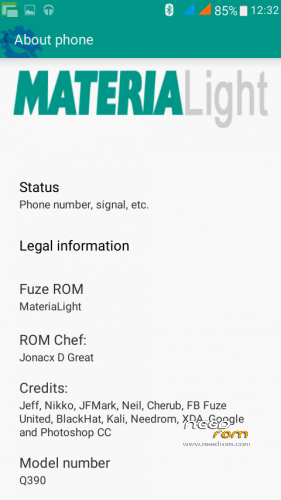
ROM Chef: Jonacx D Great
ROM Sources and Infos:
StockRom V6 – rooted, de-odexed and zipalligned
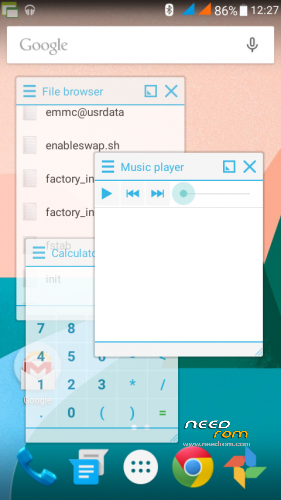
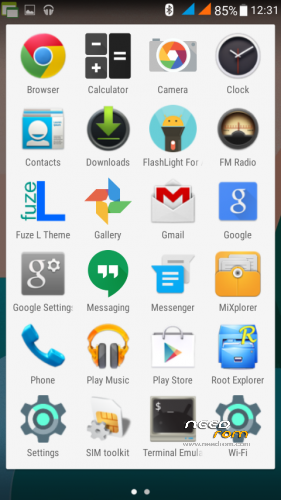
Material+ – some user interface and apps
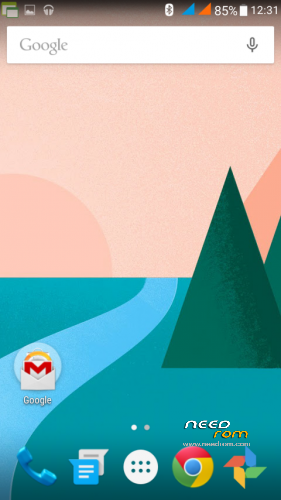
FuzeL (KK) – Lollipop theme
Boot.img – v6 by default, init.d support on boot, insecured
Tweaks – init.d scripts pre-loaded but can be change by user
Installation Scripts: – format system, wipe cache, wipe dalvik-cache, wipe boot-cache, wipe resource-cache and wipe battery stats
Installation guide:
Boot to custom recovery (TWRP, CWM etc.)
Wipe – factory reset
Install/Flash Rom
Reboot
Post Installation:
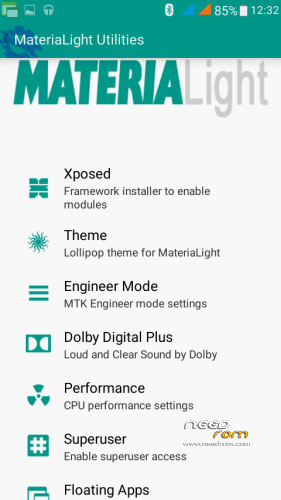
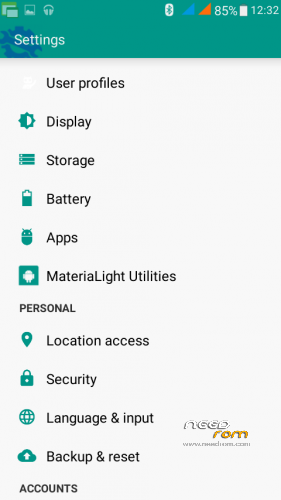
Open settings
Open Materialight Utilities
Open Xposed
Install framework
Reboot
Open settings
Open Materialight Utilities
Open xposed
Open modules – check all
Reboot
Open settings
Open Materialight Utilities
Open Theme
Check all – applyAuto Reboot
To enable material light on keyboard
Open Settings
Open language & Input
Choose Google Keyboard
Click settings icon
Appearance & layouts
Theme – material light
Optional: How to odex Apps and Framework
Open Terminal emulatorgrant access – root
type: "su" without quote
type: "dexo -h" without quote
Read and follow scripts on screen
Credits:
Nikko Kitamura and JFMark Umali of Material+
Jeff Rivera – FS/FS2
Neil Edward Diaz – the genius
Cherub Estalani – the future Reverse Engineer
Facebook – FB Fuze United Group
XDA Forum and Google – for answering my questions
Photoshop CC64 – for my editing tool
Virtuous Ten Studio – apk compile/decompile
※Please make a backup of your device before installing or updating ROM
pakyou
pakyou
how to fix camera??