
- Title: Android One Nougat
- Listed: October, 2017
- Last modified: 10/11/2017 2:00 pm
- Version: 7.0
You must be logged for ROM download.
9145 total views, 1 today
2 Total favorites
 Member Info
DESCRIPTION
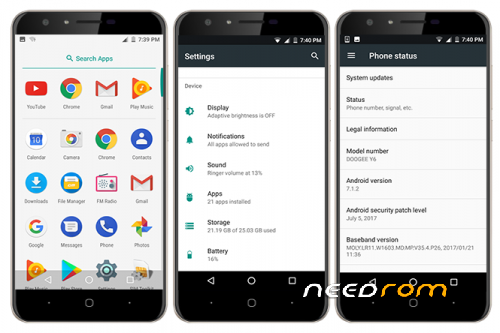
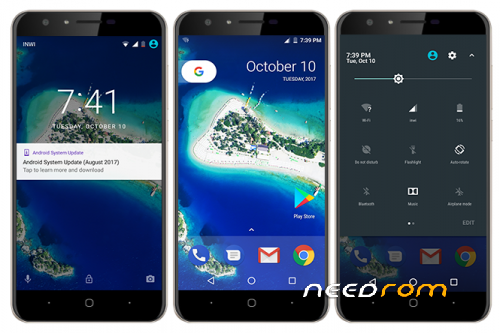
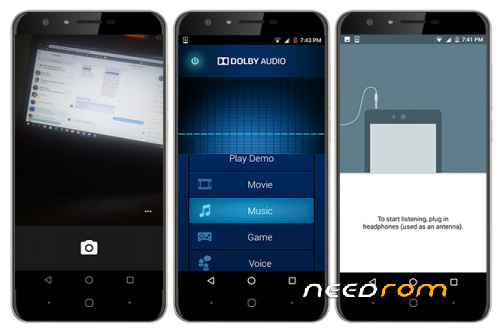
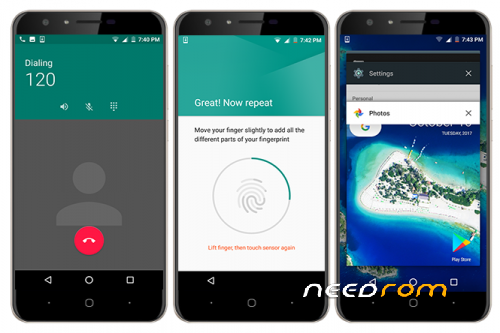
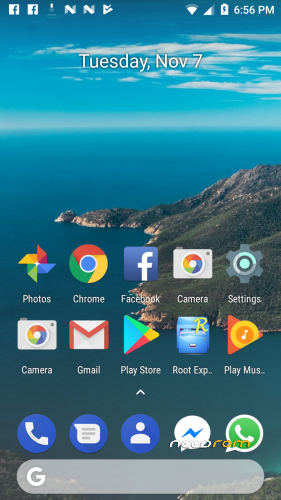
Android One directly from Google's servers for DOOGEE Y6. Last ROM from me for now. Computer needs new hardwares.
You can donate to me at:
nontacoulibaly1993@gmail.com
or
Known bugs
None
Installation
If you are currently running first release of the ROM, just boot to TWRP and flash the V2.0 and Update 3 without any wipe. In case of error, you'll have to wipe data and cache then. Else, follow these steps below.
1. Download and install official Nougat for DOOGEE Y6. It's available on here
2. Download and install this TWRP: https://www.needrom.com/download/twrp_302_doogee_y6/
3. Boot from that TWRP.
4. Backup NVRAM and NVDATA partitions (this step is important)
5. Wipe data. Click "Advanced". Check "Data", "Dalvik/Art Cache", "System" and wipe.
6. Install the ROM zip file
7. Restore the NVRAM and NVDATA backup
8. Reboot. First boot shouldn't exceed 10 minutes!
9. Done
Notices
-
If you do not like the onscreen navigation buttons, open your build.prop, find this line:
qemu.hw.mainkeys=0 change the 0 to 1. Reboot. You’ll need to use an app like Buttons Remapper to remap “MENU” key so that it can launch “Recents” instead of “Menu”. - The real Android version is actually 7.0 (SDK 24). I made it 7.1.2 for the aesthetic!
- You cannot install OTA in this ROM. So, it’s worthless to download it.
※Please make a backup of your device before installing or updating ROM
I would have liked to try but the bug data connection
it's a big problem for me
Anyway thanks for your work
I got an update, should i update it with stock recovery ?
I installed it and it booted in stock recovery and said intalling security update, it rebooted and i got a notification saying that it failed to update. The update was about August security.
My apologies.
I forgot to add to Notes that you cannot install OTA updates.
It’s ok but the notification is here all the time.
Can you test your Doogee’s brightness at maximum and see if it decreased a bit. Mine seems as if it’s not set to the max. It’s a bit hard to see outdoors compared to when I was using the 6.0 Roms. The 7 official too was good but now as if my screen got affected. Btw I have screen burn in problems. I run an app a few times at night to fix it maybe this is what damaged my screen. Check it for me please.
What is the kernel of the ROM?
3.18.35
how to port pack ?