
- Title: Androium 5 OTA 5.1.0 PROPER
- Listed: November, 2015
- Last modified: 11/12/2015 6:15 pm
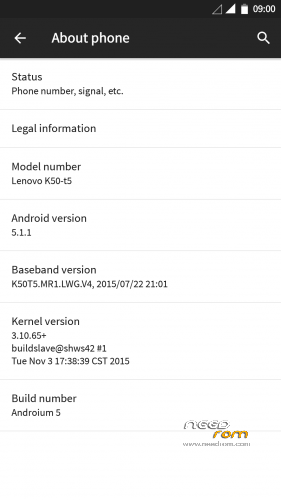
- Version: 5.1.1 OTA ONLY
You must be logged for ROM download.
23457 total views, 3 today
11 Total favorites


 Member Info
DESCRIPTION
Full credits to Matx!
https://www.needrom.com/author/matx/
Тhe best ROM for K3 Note is returning!
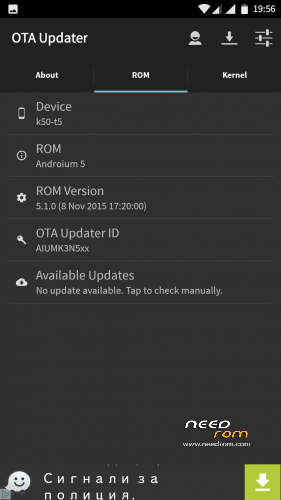
This is the 1.1 OTA ONLY which will make the ROM version to 5.1.0.
You must have 5.0.6 installed to use it.
You can found 5.0.6 here:
https://www.needrom.com/download/androium-5-k3n/
Original thread:
http://forum.frandroid.com/topic/225338-rom-511-androium-506/
Changes I made to the original OTA 5.1.0:
Proper Release with Fixed network.
Using the modem from 5.0.6
No longer the "R" icon above signal bars.
Original changelog:
1.1 OTA :
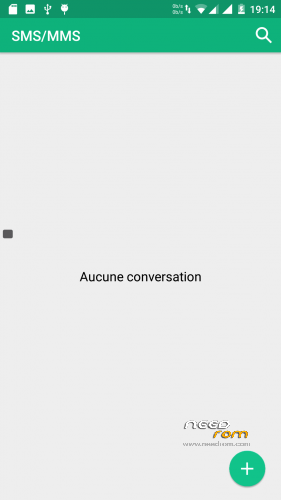
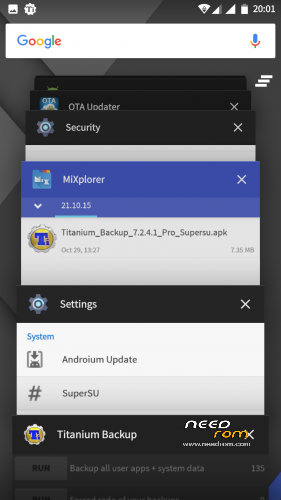
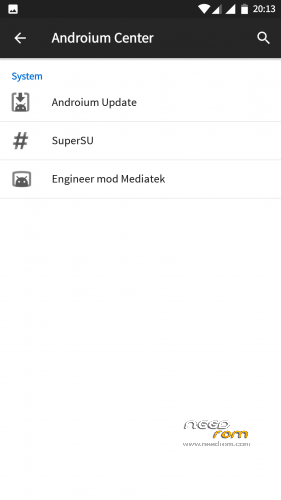
Traductions : correction SMS/MMS, Redémarrer (menu power) Remplacement App Photo/Galerie MTK par ceux de Lenovo Remplacement Boussole par celle de Lenovo Interface : SMS/MMS (modification bouton "New" avec le style Material Design en bas a droite) ; modification icônes Settings; bootscreen Androium Ergonomie : Ajout bouton "Tout fermer" dans le multitâche ; jout raccourci Dolby Sound et Androium Center
Flash it in recovery without wiping anything.
Happy using the best AOSP ROM available for K3 Note.
※Please make a backup of your device before installing or updating ROM
Why put a PayPal link?
Removed, sorry.
Any chance to fix this problem with GREEK letters?Its really good rom and i wanna use the new update file.
If it is also solvable just by flashing modem, isn't it possible to update it just over 5.1.0 why do we have to wipe data and revert to 5.0.6 first?
The OTA contains more files than just the modem and as Maxt suggested we must flash it over 5.0.6 without wiping anything. If any issues after that than clean install is recommended.
Hi. I use official rom(vibeui 2.8 build 1544) on my phone.
How can i flash this rom to my phone.
Flash custon recovery, I recommend TWRP 2.8.7.0. Then perform a factory reset and flash it. The best way I can suggest to just try the rom, but keep your current setup is to install the Dual Boot app from here https://snapshots.noobdev.io/ but you must know what exactly you’re doing. I’m currently using 3 different roms: Vibe 1546 dev, Androium and MIUI 5.11.6 with this app and you can just swith between ROMs in one click. Great app, giving a real new experience as it’s you can try new roms without overwriting your existing setup.
How's the sound (especially when it rings)? It's rare to find AOSP ROM with good sound quality.
To me it’s really good. Also Dolby Atmos available out of the box, and you always can flash Maxx Audio too.
Wth does mean “Proper Release with Fixed network.” ???
Means there is no longer the “R” icon above your signal bars.
Do you have the fix for 5.1.0 user?
I just downloaded and (twrp) flashed it over 5.1.0 from Maxt. Everything is fine. I'll report again tomorrow.
great rom but, anyone has problem with asynchronous camera-flash?
the font. oh my, how to change it back to default? no, i dont want to use xposed.
Delete the fonts folder inside the ota zip and flash it again. If it doesn’t revert you must flash 5.0.6 again.
@niklabs thank you for the tips
Anyone flashed xposed after this had an issue with the settings. The settings are completely blank just white screen after flashing xposed (i've tried v74,v75 v78)
Actually I didn't yet tried Xposed after the ota. I can suggest to uninstall xposed in recovery, delete dalvik+cache and flash v78 again.
Was my mistake, i had flashed the wrong file to start with, can confirm have it now working all good with xposed.