
- Title: Anonymous Droid 4.3 – Basic version
- Listed: December, 2014
- Last modified: 12/21/2014 2:32 pm
- Version: Android 4.3 - Multi LANG - Final
You must be logged for ROM download.
23354 total views, 2 today
3 Total favorites
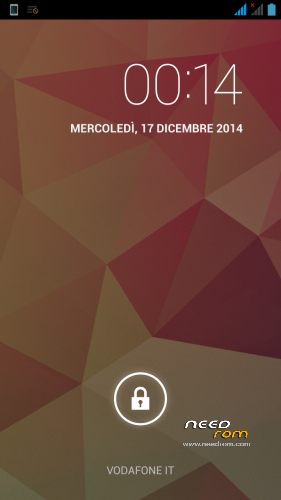
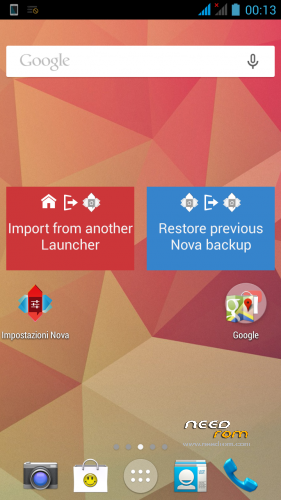
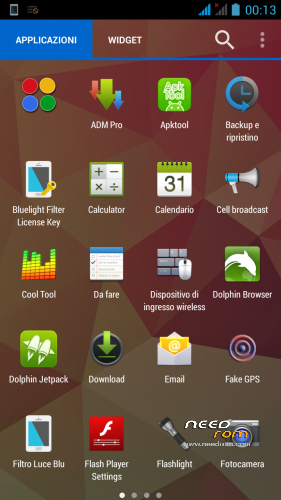
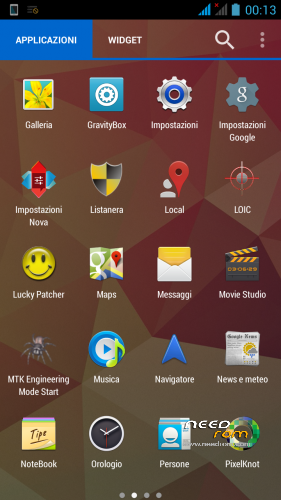
 Member Info
DESCRIPTION
Anonymous Droid – by Atrax Robustus
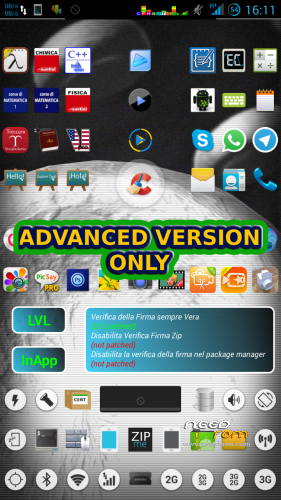
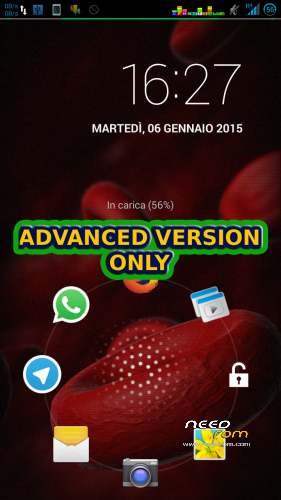
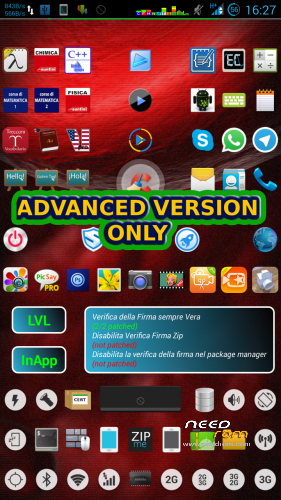
ADVANCED VERSION IS NOT FREEWARE, COMES WITH 3 DVDs
Video preview
C
AD
Multi LANG ROM based on Android 4.3 - for MTK6589T No1 S6 Devices
This is my custom port of Android 4.3 for the No1 S6 device.
I made two versions of it, one is Basic the other one is Advanced, it includes more features, to get the Advanced Version, contact me in PM. This rom is made using a ZTE port of Android 4.3 I fixed a lot of things, here is the Change log
- custom ringtones
- custom notifications
- custom ui sounds
- wifi thethering fix
- usb tethering fix
- boot fix
- recovery custom
- changed the boot logo
- changed the recovery logo
- changed the animation splash boot logo
- custom init.d script to automount ext4 partition
- disabled blue led
- custom modem.img and 3g radios
- custom aroma file manager
- custom host file
- fixed systemui crashes
- fixed camera not working
- fixed flip cover support
- fixed radio fm
- custom radio fm app
- custom mtk enginering menu shortcut
- custom build.prop
- deodexed frameworks
- deodexed apps
- fixed proximity sensor
- fixed audio in/out
- fixed wifi/nvram errors
- fixed screen orientation
- fixed touch screen responses
UPDATE 12/21/2014
- Changed default locale in NULL
* now the phone will ask you the Language you want to setup
- Added some xposed modules
- Changed some build.prop lines
* now you'll be able to switch on/off the wifi using the toggle
* i deleted some lines for the ipv4/ipv6 calling settings, now you are able to call
and send SMS/MMS etc.
- Added a /system/bin/recovery script, you can call it from a terminal session
- Added ffmpeg to /system/bin, needed for the Advanced version
- Fixed the GPS binary and library file
- Fixed the USB Tethering mode
- Added the Vitaminio codec
- Added Viper
Deleted: stock browser, stock launcher, stock ringtones, stock sounds, stock notifications, stock host, play store and more…
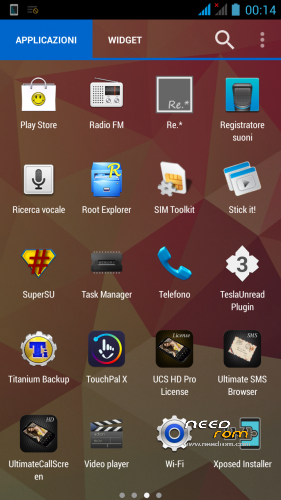
Added: super su, root explorer, stick it player, you tube downloader, adm downloader, nova launcher, nova notifications plugins, dolphin browser, dolphin plugins, lucky patcher, touchpal keyboard, spanish language – german language – english language – italian language for the touchpal keyboard, touchpal themes, tethering app permissions, gms core, youtube, and more…
UPDATE 28/12/2014
CHANGE LOG
Changes and Fix
* BOOT: changed. Now it supports init.d
* LK alias UBOOT: original uboot file. Overwrited.
* Recovery: Carliv touch recovery
* Factory mode: fixed, now it's in English
* WIFI: fixed, now it works and finds WIFI networks
* Tethering USB: fixed
* Tethering WIFI: fixed
* GPS: fixed
Internal Fixes
* changed the /system/bin/toolbox binary file
* changed the DNSMASQ binary file
* changed the GPS binary file
* changed the Notice.html.gz on /etc folder
* changed the /etc/hosts file
* changed some lines from the build.prop according to the Anonymous Meths build.prop file
* removed crossbreeder
* removed torch
* removed Dolphin and plugins
* edited the AtraxRobustus script on init.d
* added more xposed modules
* added a working custom stock Browser
* added Firefox Browser
* added Firefox Plugins Restore Folder
* added file manager
* added chromecast file manager plugin
* symlinked the ads_block/hosts to the /etc/hosts file
* symlinked cp to /system/bin/toolbox (fixed the cp command)
* symlinked to extra fonts folder on the external sd ext4 drive (advanced version only)
* symlinked to apktool folder on the external sd ext4 drive (advanced version only)
* fixed the autorestore of the Aroma Custom File Manager
* boosted the 3G data network speed
* updated Lucky Patcher
* included a patched Titanium Backup Apk
* added whatsapp
* added telegram
* added openoffice + fonts + more…
UPDATE 12/31/2014
FIXED WIFI NETWORK IP ACQUIRING – NETWORK SCANNING – WIFI SHORTCUT BUTTONS
FIXED CONTACT SYNC FROM ACCOUNTS
Common Issues
SPFLASH TOOL ERROR "Layout has been changed"
it means that your phone is parted using a different scatter file. You can
- format the device using my scatter, deserving the boot (jus flag the "Except bootloader" check box and select the Validation check box to), and then, after all of this, press the Firmware Upgrade button instead of the Download one.
- if it doesn't work, you can overwrite my scatter file, with a working scatter file you have, then perform a Firmware Upgrade
- if it doesn't work, load your working rom with its scatter file. But change, using mine the following files
* Uboot = mine lk.bin file
* Boot = mine boot.img file
* Recovery = mine recovery.img file
* Logo = mine logo.bin file
and perform a Firmware Upgrade.
Don't unplug the cable during the format/upgrade process. When you've done, you have to do a Data factory wipe.
Recovery: To load the touch Recovery, you have to press Volume + and Power together, you will see the loading Recovery Menu.
From there, you can backup, restore, wipe and mount everything you want.
HOW TO:
Unpack core.7z and flash it to your device using SPFLASH TOOL and loading my scatter file.
Unpack rom.7z in your / SD Card and boot in to the recovery… Restore The AnonymousDroid Backup, wipe JUST THE CACHE, reboot the phone and njoy my rom!
after, FLASH THIS UPDATE from the recovery, wipe the cache and reboot the device
Enjoy people
Cheers and Happy Holidays
Cristian
DEDICATED TO MY BEST FRIEND MARIA CATERINA
※Please make a backup of your device before installing or updating ROM
Hi Atrax, after install rom, i installed Gmail app : The Gmail app doesn’t work and appear “Google play Service unknown error” Is it solvible? Thank you.
Yes you can solve it, i will write here how after i will try to put gmail app on mine to…
Ok I will wait your reply. Thank you.
buenas alguien me puede decir que hacer con esto Please! Deactivate Adblock For this Site!
This website is living on advertisement.
You need to disable Adblock for Downloaded
After you have disable Adblock Refresh 2 times this page
Thank You.
Hi Atrax,
brilliant work here! Thank you so much!
Installed on Efox E4, very fluid and stable, some app I changed to my preference.
One BIG problem I can't seem to fix is: device appears connected (both via wifi and data, status icons showing ok), but it doesn't actually access the internet with either. Strange, no? Any suggestions on how to solve this?
Ok, SOLVED!
Internet works! Actually, a simple reboot did the trick, so I don't even know what the problem was. I can say that most probably it was not rom's problem, so basically rom is great!
Also, no blue led always on (as in other roms I tried). Today I will test gps (which is by itself something to take care of in these kind of mtk devices, so I'll do my best, gotta good feeling ;.))
Thanks again for the great work and effort, Atrax.
Well,
actually no, it still had problems with both wifi and 3g (most I was able to fix is having a hiccupy connection).
Also, rom seems to drain battery very fast, may be something to do with one of the several pre-installed apps?
Anyway, I went and pick another one ([ROM] HDC Legend AOSP 4.2.2). All worked immediately on my Efox E4.
Thank you anyway, keep the good work coming!
I follow your instructions exactly, but the last restart after wipe the cache only, the process does't end in: "Upgrade di Android… Avvio Applicazioni". What can I do? THX!
Thank you all guys, i'm very proud of this hard work. I switched to a Meizu Mx4 ubuntu Edition (yet modded, unlocked bootloader etc, i'm developing for this device now.) I Will Probably release the Anonymous Droid Advanced System.img so you can fix all the wifi/internet issues. Anyway, Thank YOU for all your effort, see you soon… Check the updates guys…
Фейк 4.3 андроид. Харе херню нести. Настоящий же андроид тут либо 4.2.1 или 4.2.2… у 4.3 SDK 18, а тут SDK17 – что значит 4.2.1-4.2.2, нечего обманывать пользователей.
ro.build.version.sdk=17 – 4.2.1 4.2.2 – был бы 4.3 настоящий,то было бы так: ro.build.version.sdk=18
Какой дурачек это изменил???
Так еще и затер системный язык:
ro.product.locale.language=
ro.product.locale.region=
Дурило, если кривые руки, не берись за прошивки,
Должно быть так для примера Русского языка:
ro.product.locale.language=ru
ro.product.locale.region=RU