
- Title: AOSP K3 Note 7.1.2 Stable 3
- Listed: October, 2016
- Last modified: 05/11/2017 1:50 pm
- Version: 7.1.2
You must be logged for ROM download.
192720 total views, 5 today
239 Total favorites

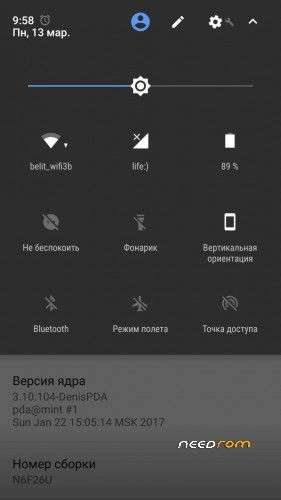
 Member Info
DESCRIPTION
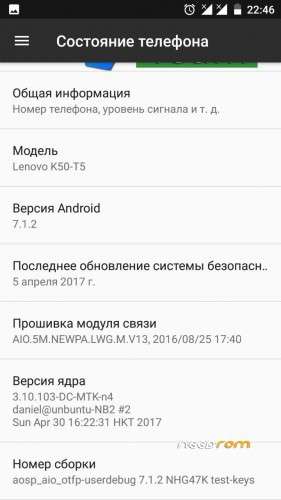
Port with Jiayu S3 Firmware AOSP Android 7.1.2 for Lenovo K3 Note
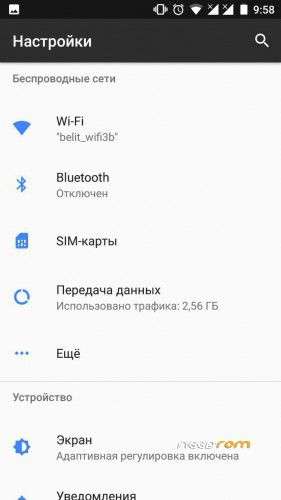
Dear Ladies and Gentlemen!Fixed translation in settings
The basis of 6.0 (Stable 2 was 5.1)
Fixed light sensor when calling
Fixed translation in settings
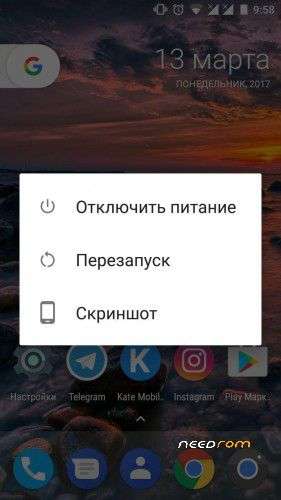
Fixed translation in the reboot menu
Updated apps: contacts and sms
Added t9 and caller's name in 2 lines
Launcher replaced with Pixel (the lower bar is set up manually)
Wrapped gapps
New kernel version
Fixed radio
Fixed the YouTube
Cut SmartWake out of MAD settings
Root was not sewn up, we put ourselves
Install TWRP 3.0.2-7 custom through recovery – http://4pda.ru/forum/index.php?s=&showtopic=659110&view=findpost&p=46303465
We collected the best who will work on the firmware
Xakep1993 , adeveloper79 , mugik04 , ishkornik , sa_vas, WyTHuK
※Please make a backup of your device before installing or updating ROM
Only one sim is working , what to do??
Procedure
Boot In to twrp
Go Wipe>Advance wipe
Select Dalvik,cache,data,system
Then wipe
Now Install rom file
Then do A dalvik Wipe
Reboot phone
When Phone Boot In To System
Again Go To Recovery
Now Install update
But Dont do dalvik Wipe
And Then Reboot
Its Done
100% working method
1.wipe every thing system,data,dalvic then nstall rom
2.install gapps and clear dalvic chache
3.restart your phone
4.wait until you phone start
5.after your phone boot properly press power buttom then reboot recovery
6.now final step install update then reboot 100% it will work
Can you give link or tell me what gapps exactly to download? Thank you!
That's odd! After getting a boot-hang by installing the update I tried it with just the 7.1 zip – no update – and it works well. I have Bluetooth audio, etc. It also installed a minimal Gapps and root as part of the 7.1 install.
Note. After installing update plz dont clear data ,dalvik cache,cache
Did that bt still 2nd sim is not working
Second sim isn’t working what to do
Bro, use 1st SIM.
no netwrok on my phone, but others wroking fine, plz help>>>>>>>>>>>>>>
Dial *#*#4636#*#* phone info
Network selection use lte if u r using jio
Check ur imei is it ok or not *#06#
Every thing is working only jio4g voice creating problem in calling
dtw is not workin.. any suggestion?