
- Title: AOSP iNew V3 Plus
- Listed: April, 2015
- Last modified: 12/30/2015 3:01 pm
- Version: 4.4.2 KK
You must be logged for ROM download.
38926 total views, 7 today
19 Total favorites
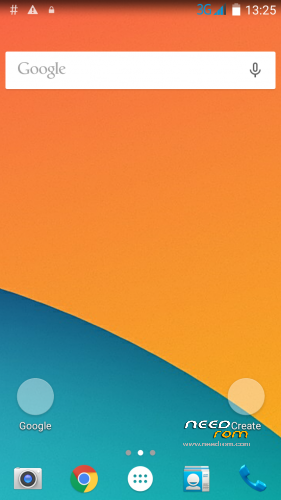
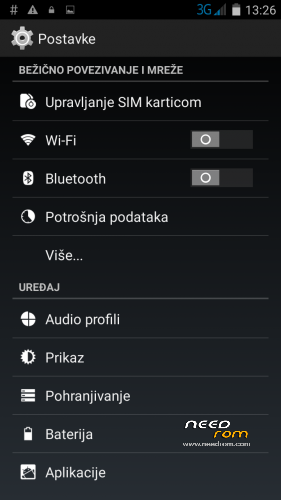
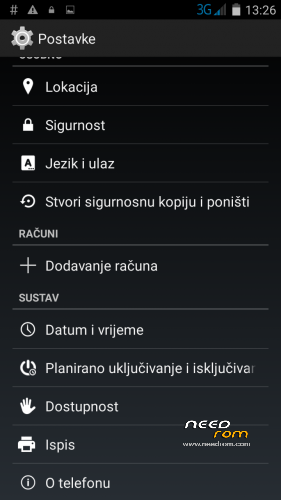
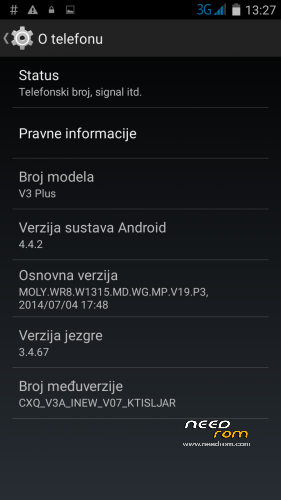
 Member Info
DESCRIPTION
AOSP iNew V3 plus ROM based on following:
8297W-V3plus-3.24 by LIUTAO, AOSP_KitKat_4.4.2 and C8297W-iNewV3plus by MAUCAT (Thank you all).
Multilanguage…
v.1.30 Changelog: Better battery backup, added global APN's, fully reworked stock launcher for minimal memory load (only 906KB), "DaZen" first boot screen, face unlock works, voice unlock works. (This is my final version, I have no plan to work on this ROM any more. Thank you all for your feedbacks and good ratings).
v.1.15 Changelog: Better LightBulb app, added Coolpad stock ringtones, notification tones and UI tones, updated LightManager app, added stock AOSP E-mail app.
v.1.11 Changelog: Fixed FC after exiting “language & text imput”, can’t select “silence” in notification media picker and stock GoogleTTS not recognized. Thank you forsaken75. Uploaded forsaken75 patch for existing users with version 1.10 and lower.
v.1.10 Changelog: Improved GPS lock speed, added Coolpad drivers in virtual CD ROM, fixed USB tethering.
v.1.05 Changelog: Back to AOSP stock launcher, added Gapps, added Wi-Fi tweaks, added 3G tweaks, drastically improved battery life.
v.1.02 Changelog: Updated Nova Launcher, fixed crash when set new wallpaper with Nova Launcher
v.1.01 Changelog: Fixed: camera problem with 8mpx only in 4:3 mode + better .jpg quality
All bloatwate is removed, All ringtones, notification sounds and alarm sounds equalized to same volume level, Added: Wi-Fi tweaks, 3G tweaks, 7 color led notification patch and some usefull apps… ROM is very fast, battery life is excellent, RAM load about 340MB-410MB. Perfect ROM for everyday usage.
Installation…(CWM 6.0.5.0)
1.Copy ROM zip to external SD card
2. Turn off the phone, pres and hold "vol+" and "power" buttons to enter recovery…
3. Wipe Dalvik cache.
4. Format data and /data/media, Format boot, Format data, Format cache, Format system.
5. Wipe cache partition.
6. Wipe data/factory reset.
7. Reboot to recovery again.
8. Repeat steps 3, 4, 5, 6
9. Flash ROM
10. Reboot system
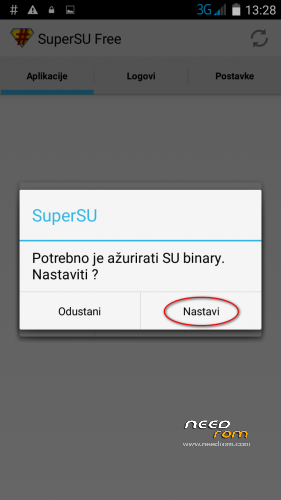
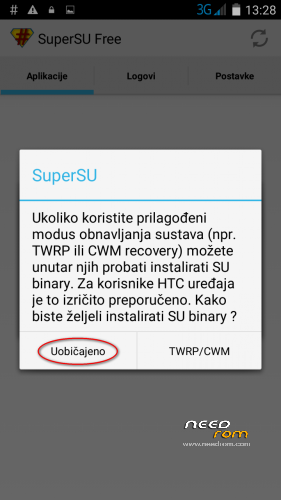
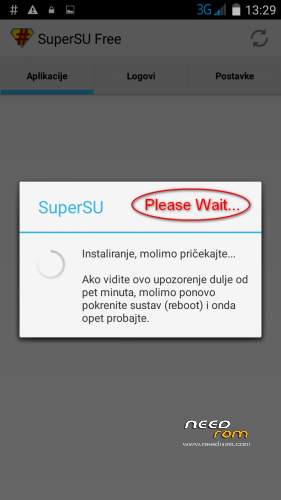
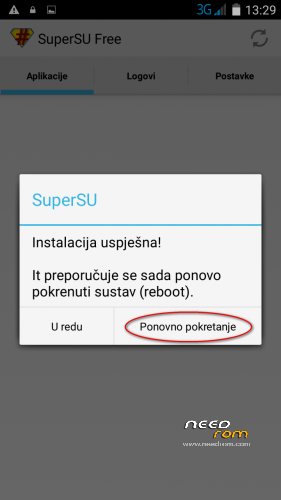
First boot takes about 1 minute. After first boot wait 1 minute then reboot phone. After reboot sign into your Google account with startup wizard. Update SuperSU binary from notification bar (#) and reboot (see screenshoots). If you want to patch hosts file to make your phone free of adds, do this with AddFree app.
Bugs: Post if you find any… Based on my testing this repack is perfect for everyday usage.
Enjoy !
※Please make a backup of your device before installing or updating ROM
excellent rom. Thanks for sharing
good
Please reupload . I can not download version 1.30 . Downloading stops after 172MB
Dowwnload link works normal, and all versions are fine. Please check quality of your internet connection.
when i connect usb to transfer data, the movil shut down and therre are a error in my pc.
The pc recognice the mobil as cd unit
Great ROM, fast and stable – all works great but the speaker doesn't work during call. Makes a glitch sound and nothnig comes out. Speaker works great in music or youtube video. Please FIX!
I tried to reinstall the ROM and did factory reset, also tried SoundAbout and other apps but same problem with the speaker during call, nothing comes out. I'm suspecting BesLoudness is the problem, but i'm unable to deactivate it in sound settings – it stays always ON.
just tested on version 1.15 and speakerphone is not working during call as well.BuG is reported on 1.30 and 1.15 has the same problem.