
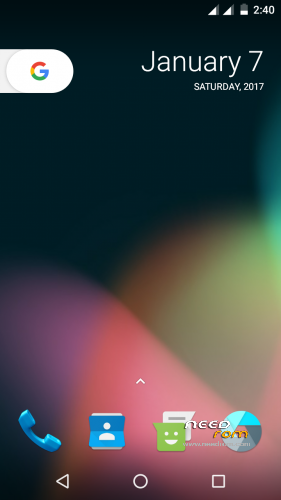
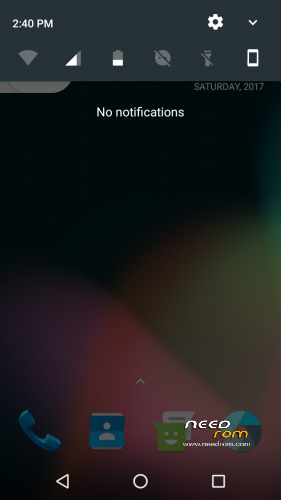
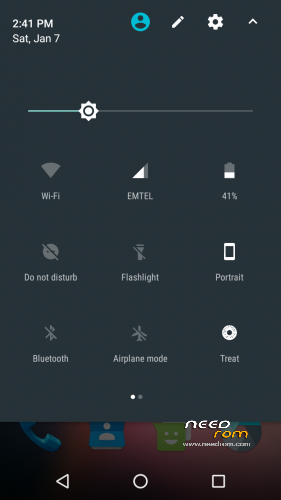
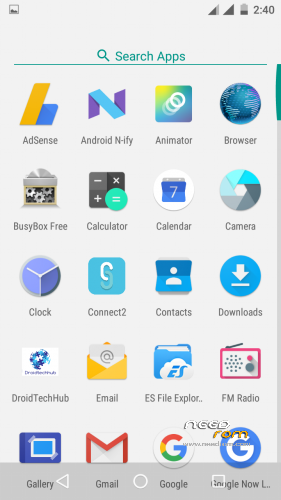
- Title: AOSP Rom for HTC Desire 620G
- Listed: January, 2017
- Last modified: 01/07/2017 4:19 pm
- Version: 6.0.1
You must be logged for ROM download.
10151 total views, 1 today
 Member Info
DESCRIPTION
What's AOSP ?
> AOSP is Android as Google publish without other modifications. More or less AOSP is the Nexus devices stock rom without gapps.
I add no features and i am not going to add something other.
> Hotspot Fixed
> BT Fixed
> GPS fixed
> Data working
> 1080p playback in gallery fixed
> youtube 720p fixed
> youtube live playback fixed
> No Sim fixed
> No Network drop found
> USSD Fixed
> Autorotation Fixed
> All sensors working
> After Reboot QuickSetiings Too
> Rest Are As CM13
> Too many features
> Added Headset Icon
> Added Whole FFMPEG support for SW decoding
> Camera fc after few clicks fixed
> Inverted video recording issues fixed
> New FM app added and working
> playback issues in gallery fixed
> fixed ril and USSD directly from source
> google sync due to old stagefright is fixed
> Offine Charging Animation fixed
> Fixed Carrier Name instead of Number
> Improved Performance
> Added Stock Power Profiles
> Improved Battery Backup
> Added Ambient Display by Default
> Fixed all UI lags
> Added MultiUser UI
> Fixed Hardware key Lights
> Layers Working
> Added Messeging app
> Added new Gallery app
VPN (Check Workaround)
To Get VPN Working :-
Use VPN for wifi
1. Download psiphon from playstore and open it, choose Browser-Only mode don't tunnel whole device.
2. Go to its logs tab and check the port of http proxy.
3. Now open WiFi setting and long press to your WiFi network (from which u are connected) go to modify tab and from check the advanced options.
4. Chosen manual proxy option and put host name as 127.0.0.1 and port as the no. which you noted in step 2 (eg. 8080) and click save .
For Cellular Data-
1. Download psiphon from playstore and open it, choose Browser-Only mode don't tunnel whole device.
2. Go to its logs tab and check the port of http proxy.
3. Now open Setting>Sim cards>Sim 1/Sim 2 settings/Access Points Names and click on Connected APN
4.In Proxy put 127.0.0.1 and port as the no. which you noted in step 2 (eg. 8080) and click save .
Enjoy you have set up a VPN connection successfully.
You can open your browser and check your IP
Note: You have to undo this after you don't need VPN by changing manual proxy to none .
※Please make a backup of your device before installing or updating ROM
IS THERE A HTC DESIRE 530 ROM ANY WAY PLZ
je la cherche aussi impossible de la trouver