
- Title: ASOP ROM
- Listed: January, 2016
- Last modified: 01/01/2016 8:32 am
- Version: 4.4.2
You must be logged for ROM download.
15305 total views, 1 today
4 Total favorites
CUSTOM




 Member Info
DESCRIPTION
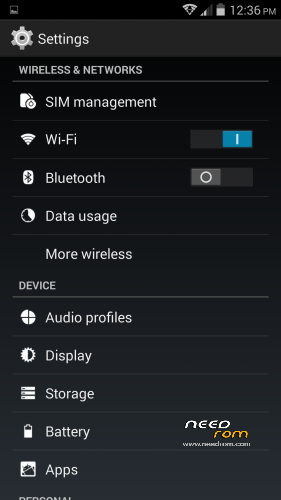
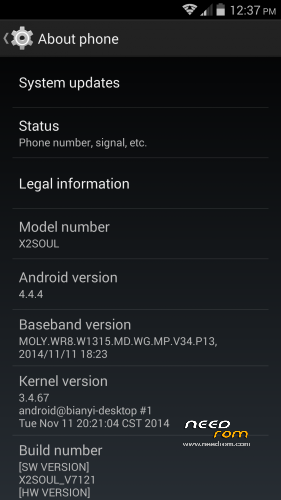
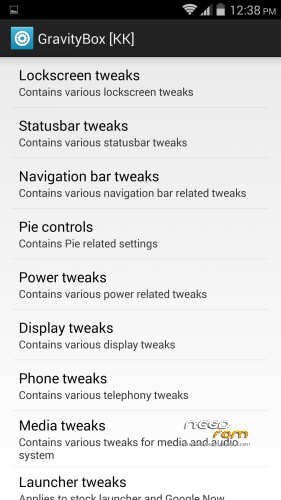
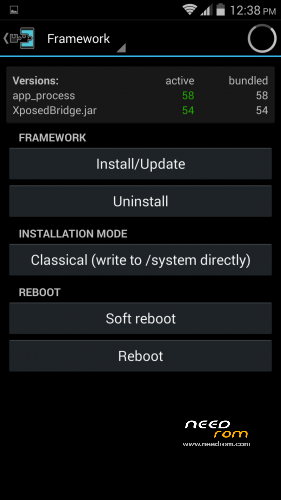
ASOP ROM
Android 4.4.2
※Please make a backup of your device before installing or updating ROM
Very nice! Amazing ROM! Works smooth! ;D
Indeed!
download link not working…
I ported this ROM for gionee p6 but it stuck at boot logo
I ported this ROM for gionee p6 but it stuck at boot logo …….pls solution to fix this I love the rom
allview x2 soul\gione elife s5.5 have mtk cpu . p6 have cortex a7 . also this is just a deodexed rom .i"m not a dev but i know that the problem you are facing is beacause de differnce between cpu"s but also…. there are various reasons why it is not working …..and again …i"m not a dev. maybe i am wrong :-p
external storage sending not supporter is their any alter???
how to install in my gionee s5.5 please help me and gide me please . now running stock rom 4.4.2.
Download Twrp=(https://drive.google.com/file/.....iew?usp=sharing) recovery along with Asop Rom(https://mega.nz/#F!OxNSUQDa!tA.....gu_kPbxZmyz22xQ) to your phone memory, Turn off the phone, hold volume up and power button together while starting it again, it will get you into recovery mode. Go to Install and locate the Twrp recovery file you placed in your phone memory earlier, install the recovery. Now that you have custom recovery installed reboot your phone again into recovery mode while holding power and volume up buttons together.
Create a backup of your current stock rom with Twrp backup option in order to avoid any mishaps.
After you are done with creating a backup, select install and locate the Asop Rom file you placed in your phone memory earlier, flash your phone with Asop Rom and let the process happen for a while.If you followed the steps correctly you now have asop rom installed, In case something wrong happens restore your phone with the backup you made with Twrp Recovery. Send me a private message if you still need help.
OTA updater error : unable to get download status
Türkçe dil varmı