
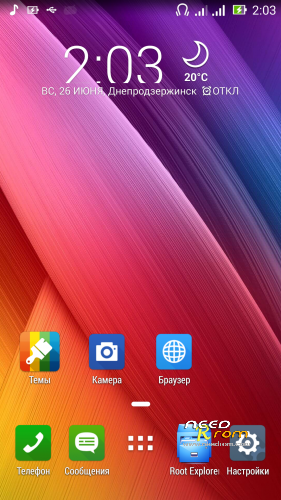
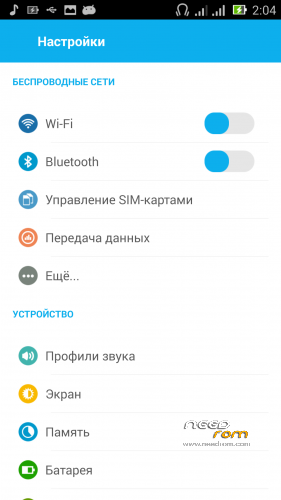
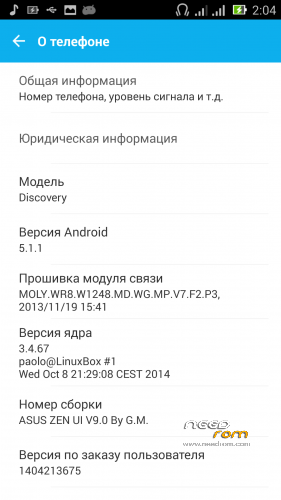
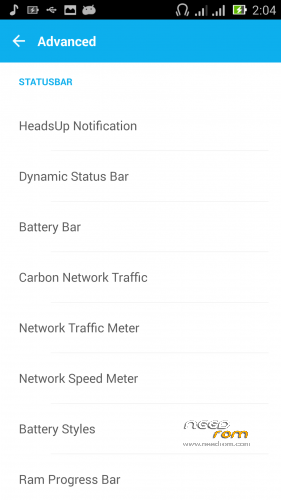
- Title: Asus Zen UI V9 BETA 2 ZP C2 980
- Listed: June, 2016
- Last modified: 11/17/2016 1:54 pm
- Version: 4.4.2
You must be logged for ROM download.
43538 total views, 4 today
33 Total favorites
 Member Info
DESCRIPTION
TWRP 2.8.0
Step 1: Download the custom ROM copied to an INternal SD card
Step 2:Reboot recovery,Wipe All,
Step 3: Return to recovery,Install zip
Step 4:Autoreboot– first boot takes a while
Step 5:Instal Superuser (for v 3.0)
Update v.4.0
-Ahiz Audio and speaker volume has been upgraded
-Search Not read error has been corrected text ekranındak
-Wifi was increased shooting power
-Start Voice was added (intel)
-Short changed completely themed application was thus unable to record the conversation and video inability problem was resolved
-Some ugly looking places were changed themed (hh also appears)
-Failure to read the -Notices problem was resolved
-Mms Application was themed taken from the legend so much simulation ASUS has been corrected and stopped error message comes
V.5.0
At the request updated Browse and AsusLauncher …
V6.0
Small changes and updates.ART works.ROOT
V7.0
Update V8.1 Set as a new ROM.fix dialer
Patch for v 8.1-fix *advanced*.Dialogues…
V8.2 NEW ROM -NOT UPDATE!!!!
V9.0 BETA 2!!! NEW ROM-NOT UPDATE!!!
※Please make a backup of your device before installing or updating ROM
одна из лучших прошивок для C2!
из минусов только одно не сохраняет предпочтение при выборе звонка. изкакого приложения открывать.
Hello genama,
My question is about installation:
How is the exact procedure to install: superuser and Patch for v 8.1. I've seen that this patchs are .zip files. Should I install them from the recovery? Or should I unzip and then install the .apk files?
Thanks a lot,
Install them from the recovery.
Hey there, i'm having an issue with the 8.1 version.
I wipe everything from TWRP, then reboot to recovery, install the rom, but it freezes at the black zopo screen.
Sistem >1gb https://www.needrom.com/downlo.....2-c2980-by-g-m/
Hi Genama,
Thanks for the great rom. I was able to install the rom after getting the system to >1GB. However, when I install the patch 8.1, the pull down notification area becomes unusually large and the buttons are pixelated which looks like for some reason the supposed small notification areas are unintentionally enlarged. Is there a way to fix it?
Thanks, epc
reload.The kernel is not changed on HD?
Thanks Genama. When you say reload, do you mean reinstall? I reboot but same. I reinstall the patch and it is the same. I did not change any kernel at all. There is also a blue line on top of the edge of the screen. Can you help and also clarify? Thanks.
Hi genama,
I have just installed the v8.2 ROM. There are some of troubles:
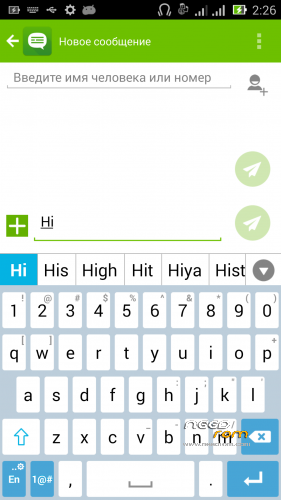
- ASUS Keyboard cannot be updated with message about incompatible device.
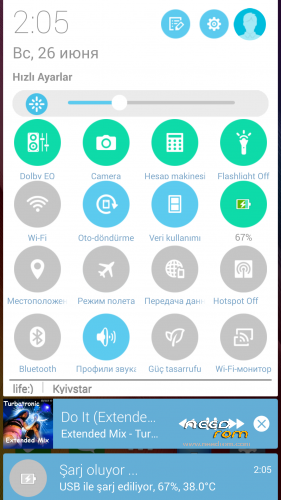
- Button "Clear" of notification panel does not work.
- Avast Mobile Security alert about mailware ELF:KingRoot-D [PUB].
Could you check it, please!
Thanks and regards.
HELLO THANKS FOR YOUR WORK BUT BROWSER DOESN T WORK. IMPOSSIBLE TO GO ON WEB… IS THERE A SOLUTION?
- Button "Clear" of notification panel does not work.
Yep, same for me. But browser is working.
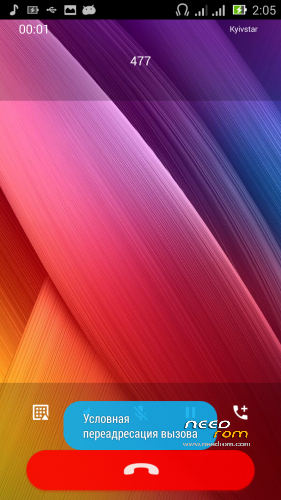
I also see that dialer is very different from what on a screenshot, how can I get the same as shown?
Download file Dialer как на скрине
Just installed 8.2. For some reason, there are no option to move app to SD in settings. Everything is installing to internal storage. None of 'Move2SD' apps works. Any solution? Thanks in advance.
Hi Crimean,
Have you tried AppMgr Pro III?
Hi genama,
Dialer has been always crashed after install your "Dialer.zip" patch.