
- Title: ASUS Zenfone UI custom rom For Symphony w128
- Listed: September, 2015
- Last modified: 09/05/2015 4:25 am
- Version: 4.2.2 (5.0)
You must be logged for ROM download.
12793 total views, 2 today

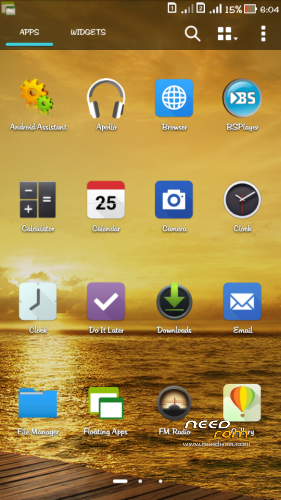

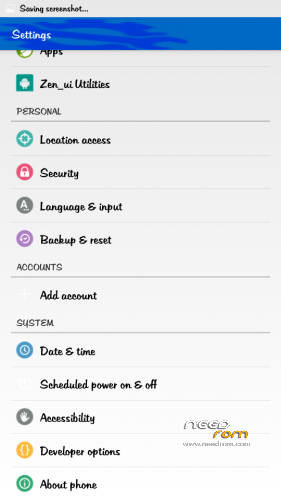
 Member Info
DESCRIPTION
How to root and cwm symphony w128
Rooting Process……
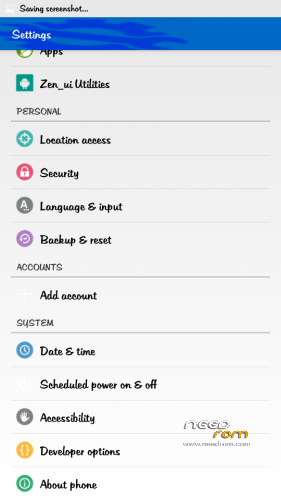
1. go to settings-> Security-> enable Unknown sources.
2. go to about phone in in settings -> About phone -> tap on the build number several times to enable developer options
3. in settings-> Developer options -> enable Usb Debugging
4. Now download framaroot apk
5. install it
6. open and click Boromir exploit
7. voila ur phone is rooted.
8. now reboot to see super su in app drawer
7. check it using root checker app from play store.
Click here to download framaroot apk
http://www25.zippyshare.com/v/Lxm17djd/file.html
Cwm Process…..
Installing Clockworkmod Recovery on your symphony w128 means that you will be able to flash new custom ROMs on it. Without custom recovery you cannot flash new ROMs. Also, it should be installed on rooted devices. Clockworkmod Recovery can also be used to backup your entire ROM.
You need:
1. CWM recovery For w128 Download
http://www.mediafire.com/download/6tbuv9u4yf1jt8d/W128+Cwm+recovery+By+Ryhan.img
2. MobileUncle tools Download
http://www.mediafire.com/download/230584qn4q9527y/Mobile_uncle_toolbox_By_Ryhan.apk
3. Rooted Phone
Step 1: Put downloaded recovery in root of external SD card. Don’t keep in any folder.
Step 2: Install Mobileuncle tools.
Step 3: Open Mobileuncle tools.
Step 4: If asked tap grant root permission.
Step 5: Open Recovery Update.
Step 6: Select the recovery which you want to flash.
Step 7: Tap OK to confirm flashing recovery.
Step 8: Tap OK to reboot to newly flashed recovery.
More W128 Custom Rom Site
http://symphonynewcustomrom.blogspot.com/
http://symphonyallcustomrom.blogspot.com/
Any Problem Contact: www.facebook.com/ryhan.ahamedakash
※Please make a backup of your device before installing or updating ROM
pasword winrar please????
can i use it for w85(kitkat upgraded)
password ?