
0
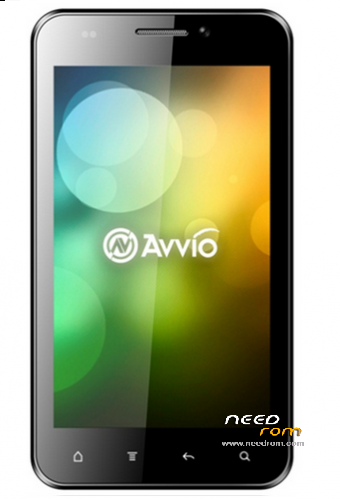
- Title: Avvio 790
- Listed: March, 2014
- Last modified: 03/05/2014 7:06 pm
- Version: ROM Android 4.0.4 Modified with permissions
You must be logged for ROM download.
17468 total views, 1 today
2 Total favorites
CUSTOM
 Member Info
DESCRIPTION
- We get in to Clock Work mode recovery with the On Bottom + Volume up bottom
- Wipe data/factory reset
- Wipe cache partition
- We go to Advanced and after that wipe dalvik cache
- Then we get in to mounts and storage
- Format cache
- Format data
- Format system
I suggest do the steps exactly in the order I'm listing above, after done those steps install the ROM
install ZIP from SD card, we choose search in SD card and then we search where we saved the ROM. Press install, and after that YES and the installation begins.
I hope it works for all of you.
Any comments or suggestions please write to my email: samirmospa@gmail.com
※Please make a backup of your device before installing or updating ROM