
- Title: Battery Percentage Fix
- Listed: January, 2017
- Last modified: 01/24/2017 8:33 pm
- Version: Android 5.1
You must be logged for ROM download.
10723 total views, N/A today
1 Total favorites
CUSTOM
 Member Info
DESCRIPTION
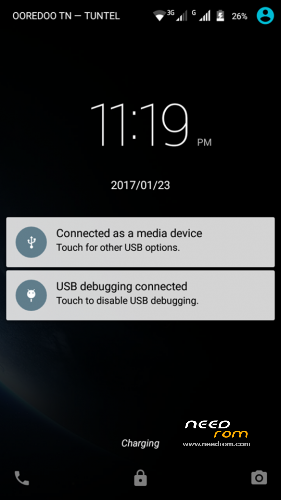
This is for Showing Battery Percentage in Status Bar ..
• Installation using TWRP :
1- Turn off the phone
2- Boot into recovery TWRP
3- Install " Percent_patch_Doogee_X5.zip "
4- Reboot (without Wipe Cache and Dalvik Cache)
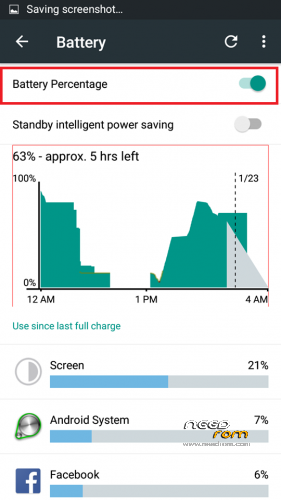
5- After Rebooting, go to Settings >> Battery >> Turn On "Battery Percentage"
That's All .. 
( This is not a calibration .. this is just for showing the battery percentage !!! )
works for doogee X5 ; x5s;X5 pro
Thanks
※Please make a backup of your device before installing or updating ROM
Hey.. Can u enable battery present on my phone??
After Rebooting, go to Settings >> Battery >> Turn On "Battery Percentage
now link ?