
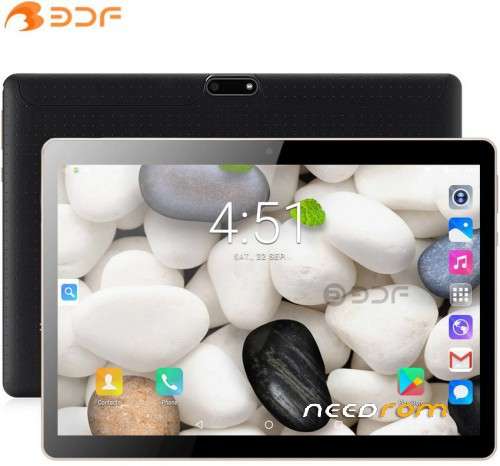
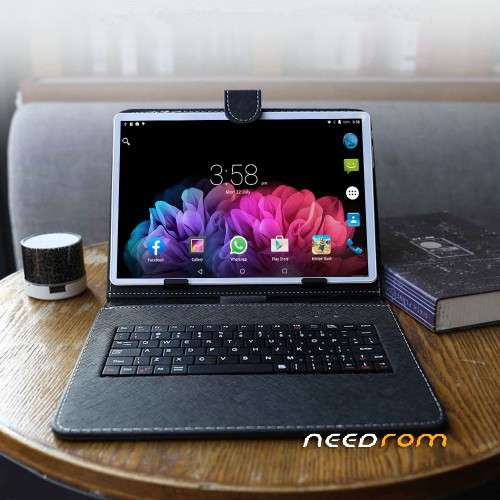
- Title: BDF “Fake” 10.1 China Tablet firmware, KCA40000 MT6580
- Listed: June, 2022
- Last modified: 06/29/2022 1:04 pm
- Version: Android 9.0 (SDK28)
You must be logged for ROM download.
6842 total views, 1 today
1 Total favorites
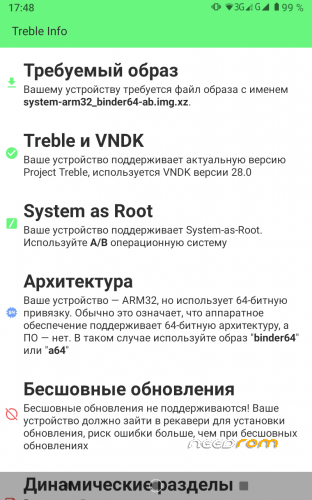
 Member Info
DESCRIPTION
kernel Linux version 4.9.117+ (buildserver@buildserver8) (gcc version 4.9.x 20150123 Tue Mar 8 12:11:27 CST 2022
Display Res : 800 x 1280
RAM : 2GB ROM : 32GB
ro.product.first_api_level=28
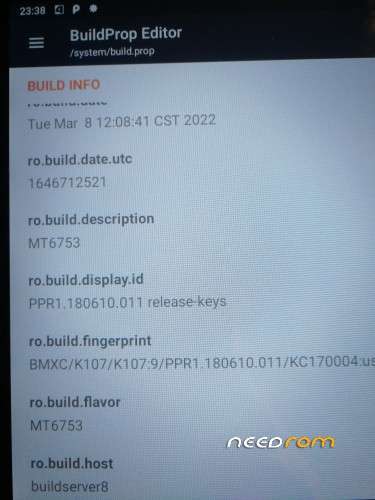
ro.vendor.build.date=Tue Mar 8 12:08:41 CST 2022
ro.vendor.build.date.utc=1646712521
ro.build.description=full_k960_mt6580_32_p-user 9 PPR1.180610.011 KCA40000
ro.build.fingerprintt=BMXC/K107/K107:9/PPR1.180610.011/KC170004
ro.product.board=k960_mt6580_32_p
ro.board.platform=mt6580
ro.product.vendor.manufacturer=BDF
USERDATA : encrypted
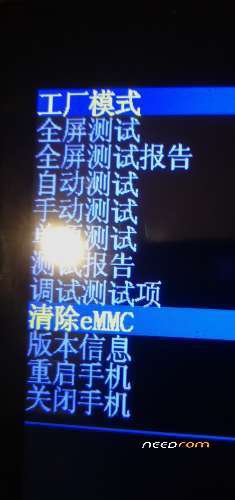
Factory mode(hold power and volume – ) in Chinese….wipe EMMC , next item is Version info, the next one is Reboot
HardWare
https://specdevice.com/showspec.php?id=f9a6-4b8c-3234-abaa0033c587&lang=en
http://deviceinfohw.ru/devices/item.php?item=75394
How to flash TWRP on the tablet with Android 9.0 (SDK28)
unlock your bootloader first and download adb fastboot
https://www.getdroidtips.com/unlock-bootloader-mediatek-device/
https://developer.android.com/studio/releases/platform-tools
fastboot flashing unlock
fastboot getvar unlocked
(true OR false???) (yes OR no???) should be true OR yes
fastboot reboot
download DisableForceEncryption_Treble.zip, Magisk , rename to Magisk-v24.3.zip and put to sdcard
https://github.com/topjohnwu/Magisk/releases/tag/v24.3
adb devices
adb reboot-bootloader
fastboot devices
fastboot –disable-verity –disable-verification flash vbmeta vbmeta.img
fastboot flash recovery TWRP-recovery.img
fastboot reboot-recovery
- In TWRP recovery click on CANCEL for password and Format DATA
- Reboot to recovery
- In TWRP Install DisableForceEncryption_Treble.zip
- Reboot to recovery
- In TWRP Install Magisk-v24.3.zip
- Reboot to system
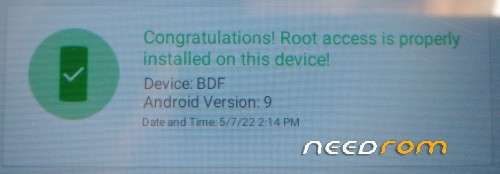
Install Magisk-v24.3.apk …..You have root and TWRP and you can try to install GSI
LineageOS 18.1 Android 11 R lir-v316-220325-a64-bvZ-lite.img
https://spflashtool.com/download/
—————————————
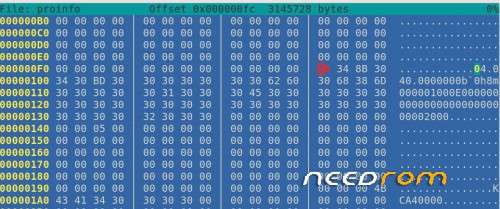
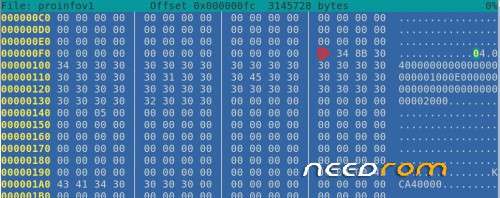
Who like the SP Flash Tool, you can try flash proinfov1 partition and partially correct Chinese fakes(AntiFake) , mode Download only….coment this lines in build.prop
# ro.jlink.data.expandNum=2.3 # ro.jlink.data.custom_total=64
There is the patched boot.img file inside the archive, if you flash patched boot.img with SP Flash Tool, ( mode Download only) , you install root without TWRP
※Please make a backup of your device before installing or updating ROM