
- Title: BLEND ROM
- Listed: July, 2016
- Last modified: 07/02/2016 6:03 pm
- Version: 6.0.1
You must be logged for ROM download.
73997 total views, 27 today
106 Total favorites
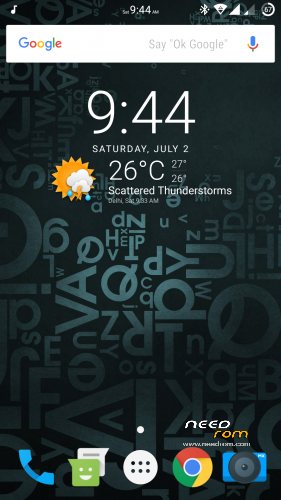
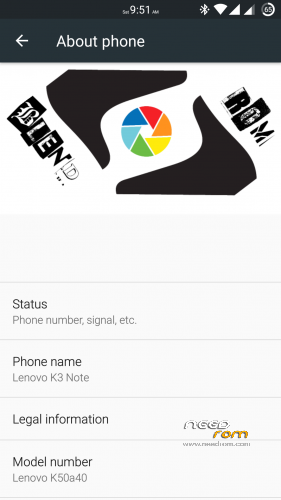
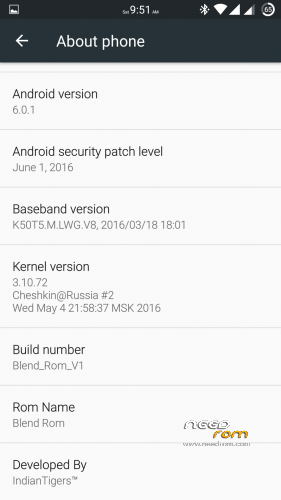
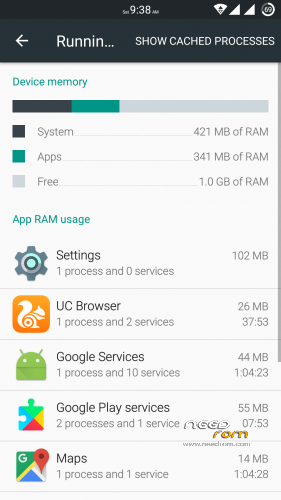
 Member Info

DESCRIPTION
UPDATE: Thanks for your patience and support. Now all links are working. Cheers !!!
I shall answer all the messages and comments received within 24 hours.
Introduction:
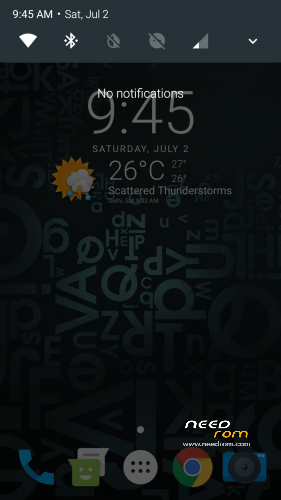
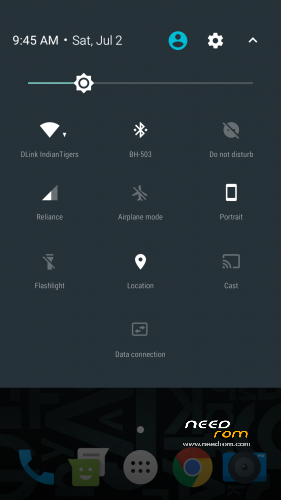
Blend ROM is a blend of various apps and features that makes it a perfect ROM to use. It is based on AOSP 6.0.1 with latest security patch. I have done lot of hardwork to improve the performance of it. Further Ninad Patil bro helped me with setting app and I sincerely thank him for his kind support.
Features:
— Pre-rooted.
— Gapps pre-installed (July, 2016).
— FM Radio working.
— No bloatware.
— Supports Xposed framework (pre-installed).
— Dolby Atmos (Sound Enhancement of beginners).
— ViPER4Android (Sound Enhancement for advanced users).
— Can move apps to SD card (Supported through XInternalSD pre-installed).
— Supports almost all major languages.
— No chinese apps included.
— Fast, no lagging and no bugs.
— Led notification working.
— Double tap to wake working.
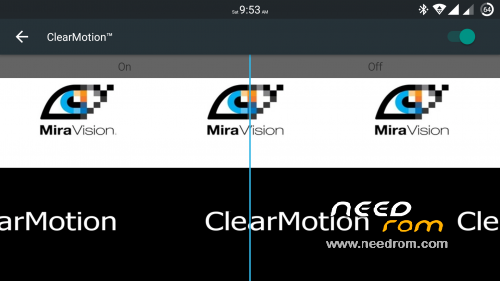
— Clearmotion Technology integrated.
— Tweaked some libs and changed camera app for better clarity.
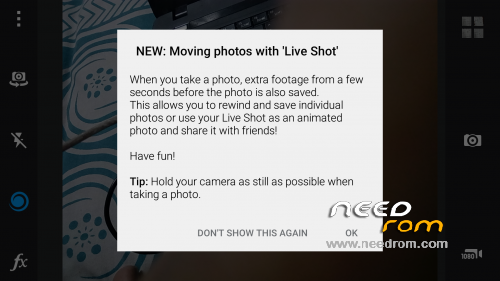
— Can capture live shots.
— Layers theme support (pre-installed).
— Replaced almost every system with best apps available in the market (explore the ROM).
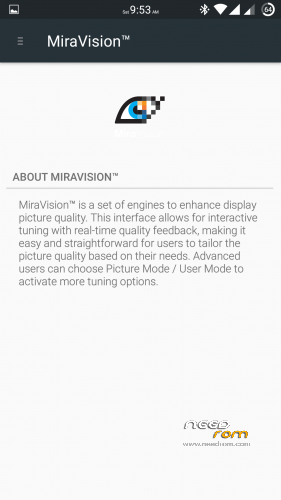
— Miravision.
— 5 most important modules of Xposed are pre-installed.
— L Speed and Kernel Adiutor for making ROM even more smooth and give you a better experience as a user.
— Thermal throttling disabled for better gaming.
— Multiwindow.
— SOT of more than 5 hours.
— Now it's your turn to explore this ROM and give me some better feedback
What's working??
— Everything.
What's not working??
— Nothing. Come on it's a stable release. 
Some important suggestions:
— Give SU permission to L Speed during first boot.
— Messaging app may give Force Close warning, don't worry just go to app info and give storage permission to the messaging app.
— Open Xposed installer and active Android N-ify & Lock Screen Visualiser module for better experience.
How to flash??
— Firstly, I'd recommend you to restore this ROM through TWRP recovery.
— Secondly, it is strictly recommended to clean flash this custom ROM to avoid any problem.
— Extract TWRP backup and place it in your sd card.
— After that go to recovery mode, and then tap on WIPE button.
— Then under WIPE section select ADVANCED WIPE and wipe DALVIK CACHE(Mandatory), CACHE(Mandatory), DATA(Mandatory), SYSTEM(Mandatory) & INTERNAL STORAGE(Optional).
— After that go back and tap RESTORE button.
— After that select everything i.e. boot, logo & system and swipe to RESTORE.
— Lenovo A7000Plus users have to flash the modem of A7000 Plus after restoring the ROM.
— It will take about 3-4 minutes to restore.
— Then press REBOOT SYSTEM button and slide to reboot.
— That's it now your phone may take 10-15 minutes to restart, so don't get panic during that period.
Please don't give poor ratings to my thread, if you have any problem regarding this ROM then you can PM me. I will reply all your queries and try to solve them. Last but not the least, kindly consider some donation to rewards the developer of this ROM who spent his valuable time for enabling us to enjoy the beauty of our beloved K3 Note.
You can donate me if you like my work.
Cheers!!!
※Please make a backup of your device before installing or updating ROM
Hello, does Snapchat have a black bar in the bottom of the screen and/or bad camera quality?
Other than that reviews seem amazing. Gotta try this later on
Excellent rom! Love the System UI now! Loads of Customizability! Just one thing that bothers me is that WiFi Main Switch is not stable at all. Keeps turning on and off on its own. Would like to see a patch to it please! Also, Snapchat is not working. Please guide me to how to make it work on this rom! Thanks!
I've tried about 20 ROMs on here. This is FANTASTIC!
Hello,
I can't see any folder when I click "RESTORE" in TWRP so I can't restore.
Can somebody help me ?
Thanks
In next version add manual take screenshot(no take screenshot and crop photo)
I can't see any folder me too for twrp
ok work for twrp 2.8.7.0
@Prwl007 thx 4 ur suggestion. GravityBox worked
Got a problem , Google Search App and Web Browsers doesn't on on Mobile Data ( Other Apps such as Facebook , WhatsApp and even Google Play Store works) , only works on WiFi ? I've tried everything. Checked Network Restrictions section and they are not restricted either. Please Help :/