
- Title: BLEND ROM
- Listed: July, 2016
- Last modified: 07/02/2016 6:03 pm
- Version: 6.0.1
You must be logged for ROM download.
74016 total views, 3 today
106 Total favorites
 Member Info

DESCRIPTION
UPDATE: Thanks for your patience and support. Now all links are working. Cheers !!!
I shall answer all the messages and comments received within 24 hours.
Introduction:
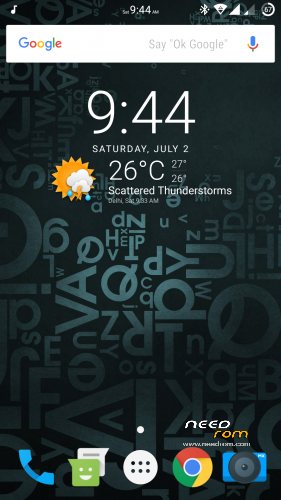
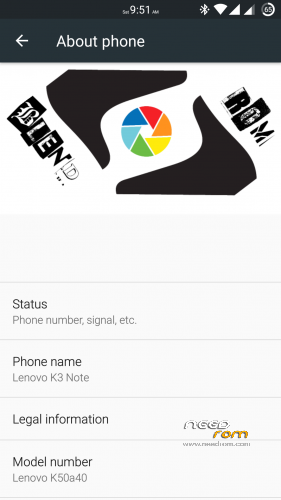
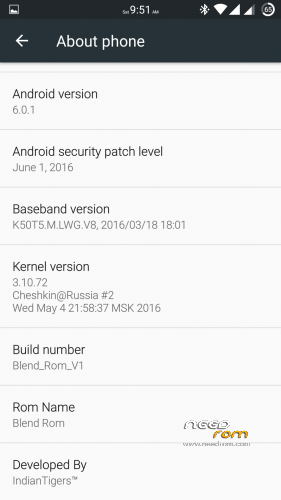
Blend ROM is a blend of various apps and features that makes it a perfect ROM to use. It is based on AOSP 6.0.1 with latest security patch. I have done lot of hardwork to improve the performance of it. Further Ninad Patil bro helped me with setting app and I sincerely thank him for his kind support.
Features:
— Pre-rooted.
— Gapps pre-installed (July, 2016).
— FM Radio working.
— No bloatware.
— Supports Xposed framework (pre-installed).
— Dolby Atmos (Sound Enhancement of beginners).
— ViPER4Android (Sound Enhancement for advanced users).
— Can move apps to SD card (Supported through XInternalSD pre-installed).
— Supports almost all major languages.
— No chinese apps included.
— Fast, no lagging and no bugs.
— Led notification working.
— Double tap to wake working.
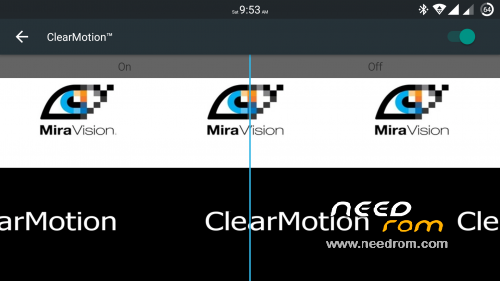
— Clearmotion Technology integrated.
— Tweaked some libs and changed camera app for better clarity.
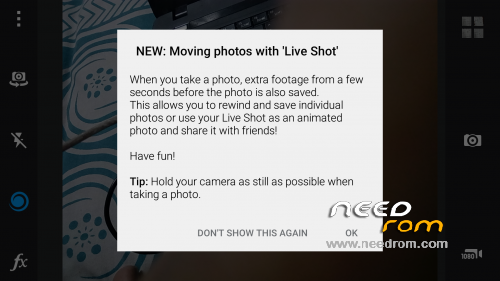
— Can capture live shots.
— Layers theme support (pre-installed).
— Replaced almost every system with best apps available in the market (explore the ROM).
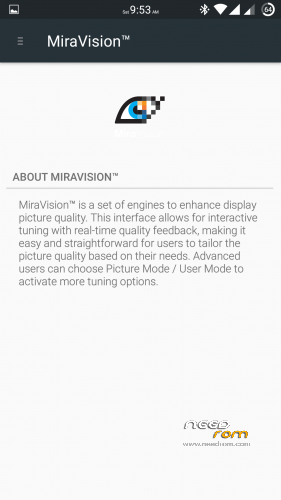
— Miravision.
— 5 most important modules of Xposed are pre-installed.
— L Speed and Kernel Adiutor for making ROM even more smooth and give you a better experience as a user.
— Thermal throttling disabled for better gaming.
— Multiwindow.
— SOT of more than 5 hours.
— Now it's your turn to explore this ROM and give me some better feedback
What's working??
— Everything.
What's not working??
— Nothing. Come on it's a stable release. 
Some important suggestions:
— Give SU permission to L Speed during first boot.
— Messaging app may give Force Close warning, don't worry just go to app info and give storage permission to the messaging app.
— Open Xposed installer and active Android N-ify & Lock Screen Visualiser module for better experience.
How to flash??
— Firstly, I'd recommend you to restore this ROM through TWRP recovery.
— Secondly, it is strictly recommended to clean flash this custom ROM to avoid any problem.
— Extract TWRP backup and place it in your sd card.
— After that go to recovery mode, and then tap on WIPE button.
— Then under WIPE section select ADVANCED WIPE and wipe DALVIK CACHE(Mandatory), CACHE(Mandatory), DATA(Mandatory), SYSTEM(Mandatory) & INTERNAL STORAGE(Optional).
— After that go back and tap RESTORE button.
— After that select everything i.e. boot, logo & system and swipe to RESTORE.
— Lenovo A7000Plus users have to flash the modem of A7000 Plus after restoring the ROM.
— It will take about 3-4 minutes to restore.
— Then press REBOOT SYSTEM button and slide to reboot.
— That's it now your phone may take 10-15 minutes to restart, so don't get panic during that period.
Please don't give poor ratings to my thread, if you have any problem regarding this ROM then you can PM me. I will reply all your queries and try to solve them. Last but not the least, kindly consider some donation to rewards the developer of this ROM who spent his valuable time for enabling us to enjoy the beauty of our beloved K3 Note.
You can donate me if you like my work.
Cheers!!!
※Please make a backup of your device before installing or updating ROM
Every thing works…
But exfat SD cards are not supported
Please fix this
The best custom rom for Lenovo K3 Note I have tried so far…..fast-bug free-good battery life-great performance..
Hats off to developers and porters who are credited with this lovely work.
I would like to share my overall experience and suggestions.
To start with the ROM offers a lot of customization for advanced users.
1. Wifi – Connection to wifi network is quick. Shareit app works flawlessly. To display network speed in the status bar install internet speed lite app.
2. Network – type & signal strength icons on status bar are displayed correctly, dual sim – data connection works accurately. Use network app (or type *#*#4636#*#* in dialer) for advanced network settings like WCDMA(3G) only mode instead of 3G preferred mode.
3. Install SuperSU app and grant root permissions to all apps for better performance.
4. Install Greenify app from playstore to prolong battery life (change the working mode to root in app settings).
5. Use system app remover app to safely uninstall system apps (like l speed, viper4android, xposed framework, gravitybox, layers theme, kernel auditor, chronus etc. except google app and google now app) if you aren’t an advanced user.
6. I got a >50000 benchmark score in antutu app.
7. External Micro SD card (class 10) and USB OTG (use dafault ES File Explorer app) work.
8. Double tap to wake works.
9. Use buildprop editor app to edit build.prop file in system folder of device to change LCD density (from dafault 480 to 400-520, lesser =more view area, greater=crispier deatails)
10. Use boot animation app to change default boot animation to your liking from huge collection available for download.
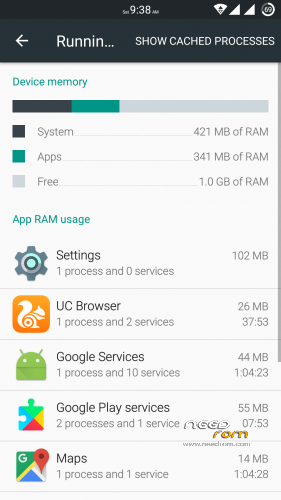
11. Only 25% or 300 mb ram is free but OS is smooth & fast.
12. GPS locking is fast when tested with google maps app.
13. In security settings of settings enable installation of unknown sources to install apk (app downloded unofficially from internet rather than official playstore).
14. Install flesky+gif keyboard than dafault google keyboard for smoother interface.
15. Flash TWRP 3.0.2.5 recovery to factory reset ROM, wipe cache/ dalvik cache, backup-restore data/whole rom, flash zip-img files.
16. Settings>About phone>build number…tap build number 7 times to enable developer options in settings to enable usb debugging, multi window mode, reduce animation scale-duration (better performance-battery life)
17.Use advance battery calibrator app to calibrate your battery if it is stuck at 99℅ while charging and doesn’t charge to 100℅.
18. In the default ES File Explorer app enable root explorer to access system(OS) files to modify files like build.prop etc using ES text editor.
19. Install ICS flash player to view flash content in the internet.
20. Hike Messenger app works.
21. Install quickpic app if you want to substitute the dafault gallery app.
Suggestions for betterment -
Make the core deabloated ROM available for download as ZIP installation from recovery.
Its small size would save a lot of data for those on limted data plan.
Gapps and apps like l speed, viper4android, xposed framework, gravitybox, layers theme, kernel auditor, chronus etc. should be installed by user based on his personal preference and shouldn’t be enforced.
Wholehearted thanks Indian Tigers for this awesome work ..
do you have any idea to change blue tooth mac adres?
I would love to test the ROM, it is not a .zip file, I’m not able to excuse my inexperience.
Jooo Awesome ROM
Only one small problem. My wife and I both use same kind of device.
I found out that our car kit gets confused when both phones are in the neighbourhood. Then I searched and found out that both devices have the same MAC adres for Bluetooth. 00.00.46.67.52.01
I tried several things to edit on one phone but did not succeed. If I put for example a directory Bluetooth under persist it is gone after reboot.
Can you help me?
Thanks
Sir, I cant find anything when I enter into restore(my phone cant detect any vackup file in TWRP)
Please give me the right directory path to place the files correctly .
@Christus Amala Deepan
Create the following folder directory in your external sd card or USB OTG device.
TWRP>BACKUPS>Lenovo_K50-T5>[backup folder of the rom]
Now power off your device and boot to recovery (TWRP 3.0.2.5 preferred) by pressing and holding the following keys together: volume down, volume up and power buttons till TWRP recovery opens. In TWRP recovery, select the Restore option and select the storage device from where you want to restore (sd card or USB OTG device where you have saved the backup folder). Now select the backup you need to restore. You are now good to go!
Layer themes not working
If layers them applyed after reboot it’s showing logo only nt going forward I m waited 1hr:2hr,nt come ing plz help me
This theme is awesome BT layer theme
5star.. thanks for the rom.. sorry accidently click 3 star when i actually wanted to rate 5
Whatsapp is forcely stopped
