
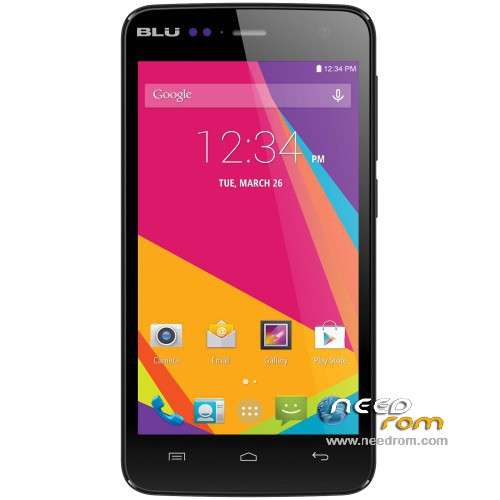
- Title: Blu Studio C Mini D660L
- Listed: May, 2016
- Last modified: 05/18/2016 9:50 pm
- Version: Android 4.4.2
You must be logged for ROM download.
14477 total views, 1 today
2 Total favorites
 Member Info
DESCRIPTION
Official ROM Blu Studio C Mini Version:
ROM 1 – S4700AP_KK_MP_B245_BLU_US_06_08 – BLU_D660l_V07_GENERIC
Install ROM :
- Unpack FlashTools, and Click on Flash_tool.exe
- Select a the MT6582_Android_scatter.txt in ROM
- Wait file to be added into Flash Tool
- choose Option->USB Model,click USB Model
–> Choose Option->DA DownLoad All->Speed->High Speed, click High Speed
- Turn off your phone, remove the battery and replace it after some seconds (and don't turn on the phone).
- "Press F9 (hit Download button)" OR " if upgrade ROM Firmware->Upgrade "
- and connect your phone into the computer via USB data cable.
- The process will start and a red progress bar will appear after color purple, yellow.
- And green circles display
- Finish !
※Please make a backup of your device before installing or updating ROM
cual es el password
contraseña hago todos los pasos para llegara a la pass y no sale nada.
password help
Alguien sabe el password para descomprimir? por favor
Caul Es El Password Para Descomprimir Por Favor
What is the Password To Unzip Please
porq fuken le ponen pass y no lo dan
what' s the DAM password