
- Title: BOS For Spice Mi-550
- Listed: November, 2014
- Last modified: 11/01/2014 1:56 pm
- Version: 4.2.1
You must be logged for ROM download.
14415 total views, 1 today
1 Total favorites

 Member Info
DESCRIPTION
BOS For Spice Stylus Mi-550 ( MTK6589 )
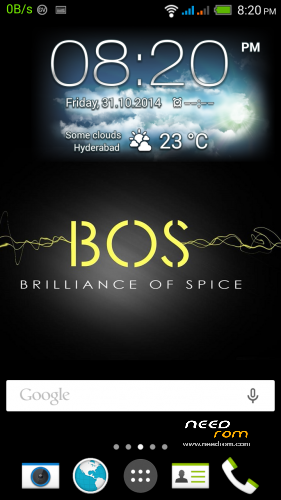
This Beautiful Bos Rom is only for Spice Stylus Mi-550 is based on HTC Sense.
The credits goes to Gurpreet Singh for the developing this rom to its ultimate performance.
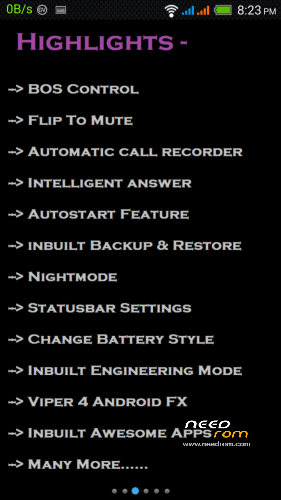
## Highlights of the ROM ##
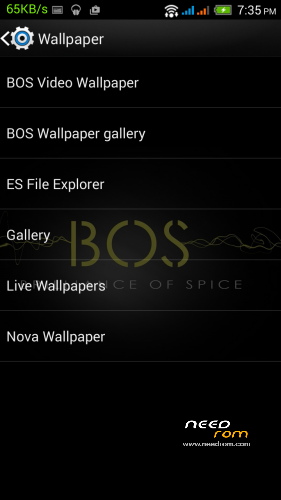
.- Brilliant UI and and Very clear display
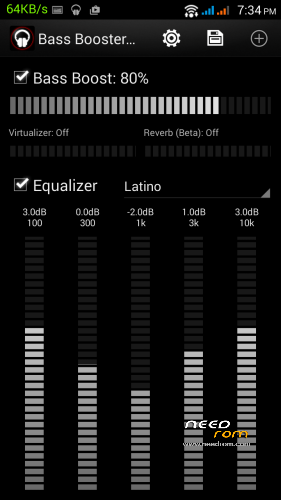
- Brilliant Sound (loud and clear)
- Brilliant 13 MP camera
- Optimized RAM
- Optimized Battery
- Integrated Statusbar Themer
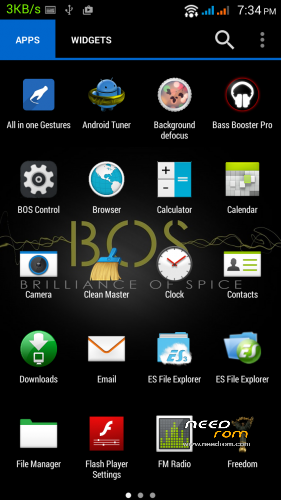
- BOS Control ( Contains Many Apps )
- Flip To Mute , Intelligent Answer
- Automatic Call Recorder
- Init.d support added
- Inbuilt Nightmode
- Inbuilt Android L Themed Keyboard
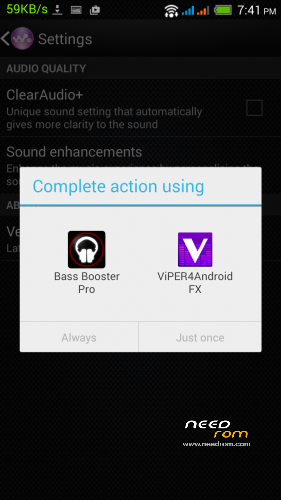
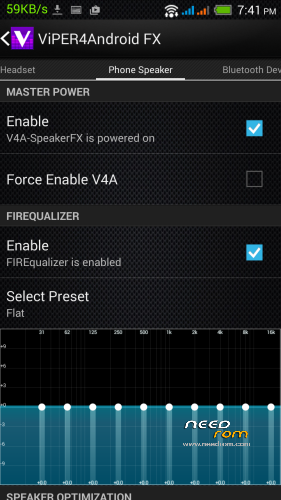
- Viper integrated for additional sound options
- Brilliant Music Player
- Inbuilt Backup & Restore Option
- Many Awesome Apps Included
- And lots lots more…..
.
=====================================
.
## FAQ ##
.
# First I will Recommend you to read "BOS User Guide" in BOS Control. #
————————-
Q- How to use Greenify ?
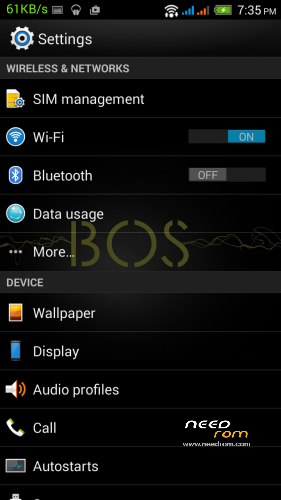
A- Go to Settings>Greenify>Then Select Greenify>Then Select " + " icon>Select the apps you want to hibernate.
————————–
Q – How to enable Android L theme in Keyboard ?
A- Go to Settings>Language & input>Google Keyboard Settings>Advanced settings>Color scheme>Material.
————————–
Q – Images & Songs are not showing ?
A- Go to Settings>Apps>All>Media storage>Wipe cache , Wipe Data , Force stop>Reboot>Then after Rebooting wait for 5 mins. The Images and songs will load.
.
=====================================
ROM MD5 — 7470533e033eeb5f156c6bef2b4739cb
=====================================
.
## How To Install the ROM ##
.
# For TWRP Recovery Users #
– Download the Rom (zip file) and Place it in your SdCard.
– Now Goto Recovery Mode by pressing Power + Volume up button simultaneously.
– Wipe Data/Factory Reset , Cache, Dalvik Cache , Format System.
– Then , Install the Zip and READ EVERYTHING carefully and Follow Instructions.
– Reboot your Phone after the installation of the ROM.
– 1st Boot Might take some time… Enjoy… !!!
.
—————————
.
# For CWM Recovery Users #
– Download the Rom (zip file) and Place it in your SdCard.
– Now Goto Recovery Mode by pressing Power + Volume up button simultaneously.
– Wipe Data/Factory Reset , Wipe Cache , Wipe Dalvik Cache , Format System.
– Then , Install the Zip and READ EVERYTHING carefully and Follow Instructions.
– Reboot your Phone after the installation of the ROM.
– 1st Boot Might take may take some time… Enjoy… !!!
.
For Donation :
You can transfer/deposit money in the following Account Number of State Bamk Of India.(SBI)
Name: Mahmood Ali Khan
State Bank of India.
Bank Account No : 20159760904
Mehdipatnam Branch
9-4-84/6, Nanal Nagar, Mehdipatnam, Hyderabad, AP – 500060.
IFSC Code: SBIN0011744
MICR Code: 500002123
Branch Code is the last 6 digits of IFSC Code. (011744 is branch code)
Thank You.
※Please make a backup of your device before installing or updating ROM
The default Camera app showing upto 6 MP only not 8 or 13 MP.
Awesome work. Thank You