
0
- Title: BQ Aquaris A4.5
- Listed: January, 2020
- Last modified: 01/22/2020 11:28 pm
- Version: LineageOS 16
You must be logged for ROM download.
8029 total views, 1 today
1 Total favorites
CUSTOM


 Member Info
DESCRIPTION
1. Flash all Files with SP Flash Tool with Option "Firmware Update"
2. Reboot and boot into Recovery. It is NOT TWRP, but the old Stock recovery. Select "Wipe Data / Factory Reset" and reboot
3. Wait for about 3 Minutes. Your Phone won't boot up, you have to manually reboot it by pressing the power button for about 7 – 8 seconds.
4. Your phone will boot up and might reboot one last time automticially.
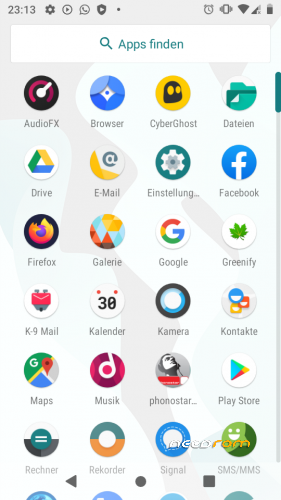
TIP: Set up Greenify App for a better system speed
Bugs:
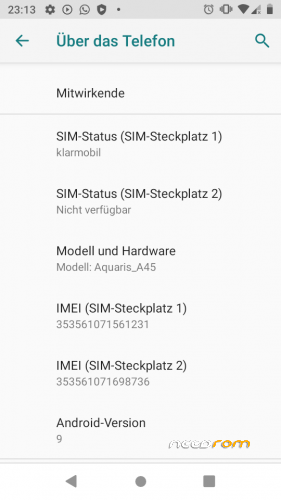
- no magnetometer | sim 2 not working for me
※Please make a backup of your device before installing or updating ROM