
- Title: C2/ZP980 Based on stock android
- Listed: December, 2013
- Last modified: 05/21/2014 4:11 pm
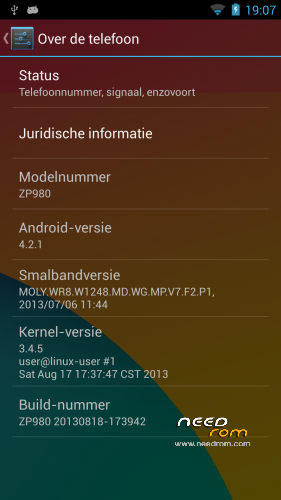
- Version: ROM Android 4.2.1 v2.0
You must be logged for ROM download.
146659 total views, 1 today
2 Total favorites
 Member Info

DESCRIPTION
This rom should work on all ZP980 and C2. I think it will work on C3 as well, but had no confirmation of that.
V2.2
Added sony walkman (There was no music app before)
Added nova launcher instead of the stock one
Added build.prop tweaks
Improved overall speed
V2.1
Fixed many bugs that were present in v2.
V2.0
Back to basics  Felt like my previous versions weren't as good as it could be. So I decided to start over and went back to basics.
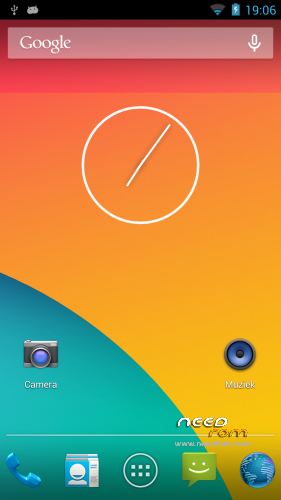
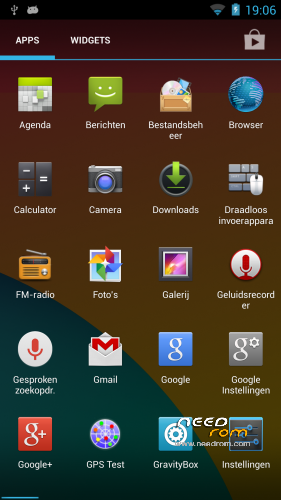
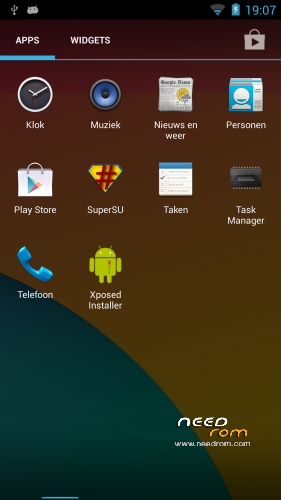
Hopefully everyone will enjoy it, I have uploaded new screenshots with this version as well.
It's just optimized, if you want something changed, use the included gravitybox/xposed installer app.
Other then those 2 apps, it's completely stock.
Features:
1. Sony display technology software
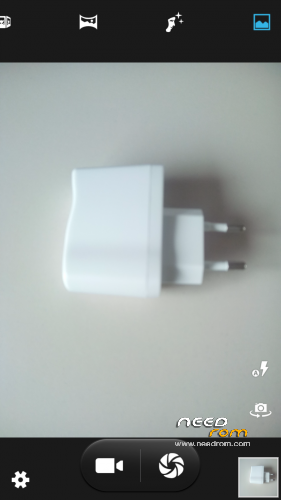
2. Build is optimized, Camera has been improved and videos + photos are better looking.
3. Ghost touches (If caused by software) are now less frequent.
4. Sony bravia engine for better looking videos and photos.
5. English supersu root
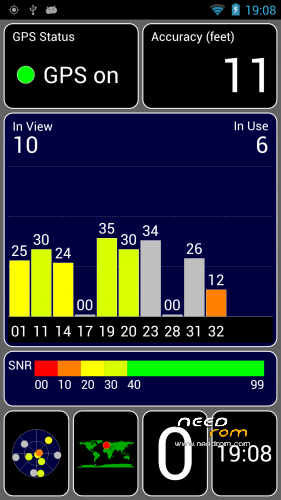
6.. Improved GPS, first fix might take awhile, but after that it should be quick as lightning with good accuracy.
7. Has all the google apps including gmail, play store, maps etc
I'm not someone thats really good with roms, so dont hold me responsible if something goes wrong, i'm just trying to help and making this rom avaible for wider public
Basic instructions:
If you want to flash custom roms, you'll have to root first, then install a recovery.
To root you can use the following tool: http://forum.zopomobileshop.com/forum.php?mod=viewthread&tid=877&extra=
After you've rooted:
1. Install the app Mobileuncle Tools from the google play store.
2. Download this recovery: https://www.needrom.com/mobile/zopo-c2-twrp-v1/ You'll get 1 file called recovery.img. Put this on your phones sdcard.
3. Go into the app Mobileuncle Tools and select Recovery update. Select the recovery.img you put on your phone earlier and press ok.
4. You've now flashed a custom recovery on your phone. Restart your phone.
5. Now you can enter recovery using Mobileuncle Tools app as well, just tap Into recovery mode.
6. If you're asked to give supersu/superuser rights in any of the above steps, allow it.
You can now install roms.
Alright here are the instructions to install this rom
1. Download any rom for your device that's .zip file extension
2. Put it on your phone's sd card
3. Use mobileuncle tools app to boot into recovery.
4. When you're in recovery, wipe cache, wipe dalvik-cache and do a factory reset.
5. Press install in recovery and select the .zip file you downloaded.
6. Let it install, it will say when it's finished. first boot can take a few minutes.
If you want to backup data etc you can use an app like titanium backup.
※Please make a backup of your device before installing or updating ROM
i switched back to gizchina rom v16 because whenever i take out my sim card and reboot the phone gets stuck at first splash screen and i have to use twrp to restore the phone….did you or anyone notice this? i like this rom for camera and such but that issue is very annoying. Please reply
Testing 2.1, so far no problems and it works well. MMS works, which is a big plus compared to other roms.
did U a factory reset? … I have not a problem… so you could try to flash again…
Ugh… v2.1 has stock bootup sound. Here i am on work.. Toeoeadadadad tadaaaa! blasting through the workplace. Just trying to keep a straight face ;0
And it completly wipes ;(
I am testing v2.1. So far no problems at all. Seems perfect! Btw, I´m not an expert at all with all these… do you know if it´s possible to get different alarm sounds? Those on this version are very annoying !
Thank you very much.
Why so much heat the top of the phone?
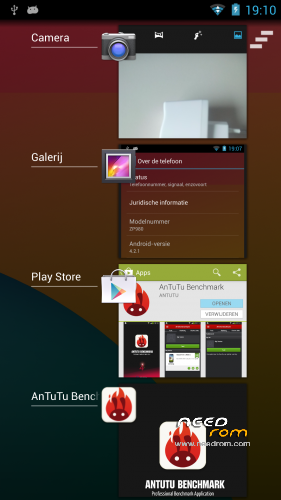
Your version has AnTuTu 14200. The original version B is 15300. I checked both versions now
Antutu score means nothing, it's horrific benchmarking app.
ok, but why heat the top of the phone?
I have no clue why your phone is heating up, i don't have that issue, are you running any apps? Have you tried to reboot?
I turn 3G and heats.The original version does not heat up so much.