
- Title: Carliv Touch Recovery v.2.2 UMI/Lentenn X1 Pro
- Listed: May, 2014
- Last modified: 05/02/2014 10:48 pm
- Version: CTR v.2.2 For Doogee DG350 + UMI/Lentee X1 Pro
You must be logged for ROM download.
17538 total views, 1 today
CUSTOM





 Member Info
DESCRIPTION
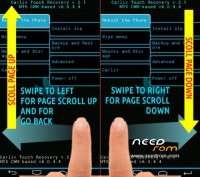
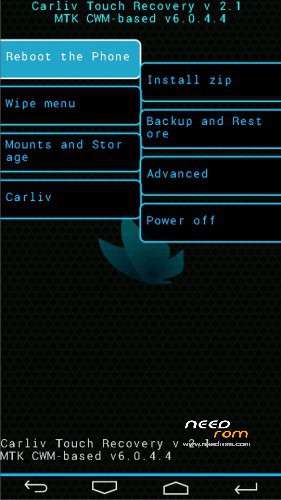
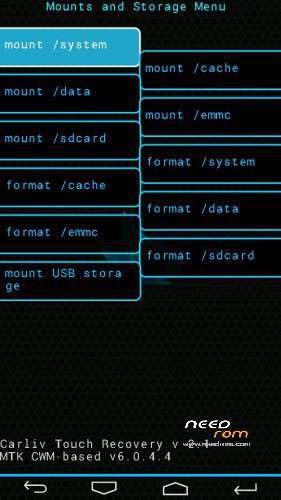
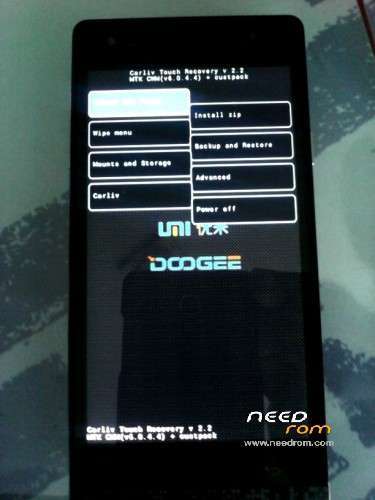
Based on CWM (6.0.4.4) with full touch support and touch buttons menu.
It has all functionality of CWM Recovery plus Aroma File Manager support.
Advantages of CTR v.2.2:
- Touch Recovery
- Corrected for 720×1280 resolution
- Aroma file manager support
- Confirmed working on UMI/Lenteen X1 Pro and Doogee Pixels DG350, must work on all LTJ-A25 based phones.
Install:
- Download Carliv Touch 2.2_X1Pro_DG350.
- Put recovery.img in the root of your SD card.
- Flash it with ROM Manager or install with Mobileuncletools.
- Reboot to recovery mode.
- Enjoy!
※Please make a backup of your device before installing or updating ROM
What the difference is between a mod and a standard?
Hi @grojan,
The main differences are cosmetic, and some small code changes.
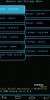
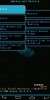
If you look at the pictures you will see that the latter is different, that's the modded one.
Thanks.
I installed this on Doogee DG350 using Mobile Uncle. It installed ok and I was able to boot into recovery, however I can't get into recovery when using Vol+ and Power on booting to get to receovery. It just seems to ignore the key sequence and boots normally.
Anyone know how to make recovery appear for Vol+ and Power key press?