
- Title: Carliv Touch Recovery V2 for Vowney V5
- Listed: January, 2014
- Last modified: 01/06/2014 3:59 pm
- Version: CWM-based v6.0.4.4
You must be logged for ROM download.
16757 total views, 2 today
 Member Info
DESCRIPTION
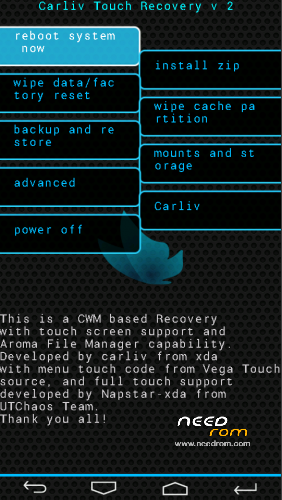
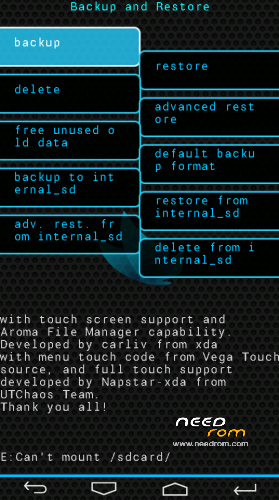
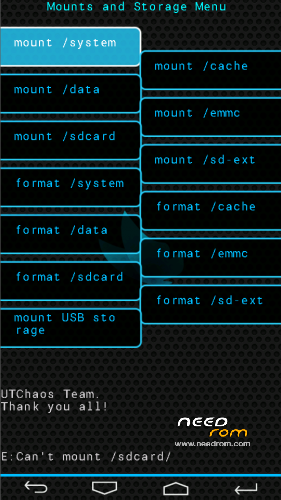
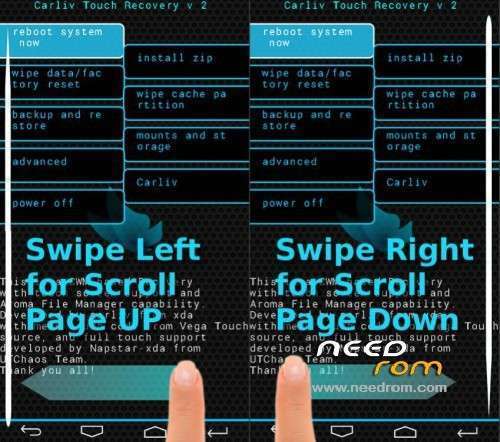
Carliv Touch Recovery V2 for Vowney V5
Install:
Root your device (if not rooted) and install Mobileuncle Tools -> http://play.google.com/store/apps/details?id=com.mobileuncle.toolbox
Download 'Carliv Recovery.zip' and extract sdcard.
Open Mobileuncle Tools and select 'Recovery Update'
Chose 'recovery_carliv.img' on SDCard and flash it.
When finish click OK and reboot into recovery mode.
Original Carliv Recovery source on XDA -> http://forum.xda-developers.com/showthread.php?t=2471479
News
Easy way: if you have CWM recovery you can flash this with CWM.
Download CWM Flashable Carliv Recovery 'reco_carliv.zip' and put the SDcard.
Reboot into CWM recovery
Choose 'install zip from sdcard' then 'choose zip from sdcard'
Select reco_carliv.zip and 'Yes – Install reco_carliv.zip'
Then go back the main menu and select 'reboot system now'
※Please make a backup of your device before installing or updating ROM
Nice! Exactly what I wanted. I got used to CWM recovery and have a few backups made in it that are incompatible with TWRP.
And this is the same CWM recovery, only with touch capability. Thanks!