
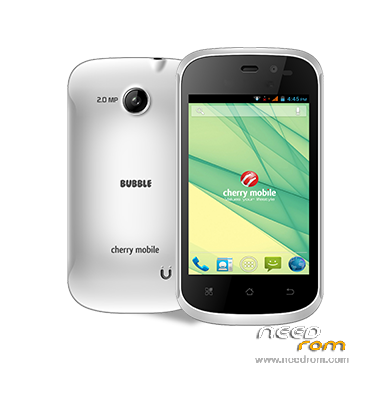
- Title: Cherry Bubble
- Listed: December, 2015
- Last modified: 12/26/2015 2:58 pm
- Version: 2.3
You must be logged for ROM download.
12030 total views, 1 today
OFFICIAL
 Member Info
DESCRIPTION
Password:CC24
Here's How to flash using Research Download
1.Open Research Download

2.Load Firmware (Follow on image)

3.Go to download setting->Backup->UNCHECK all in Backup NVitem-> press OK
4. Press the play button

5. Insert battery then hold Vol +..then insert usb
6. Wait until it shows Reset..DONE
That's It
※Please make a backup of your device before installing or updating ROM
good day sir password pls.