
- Title: Chuwi V10HD3G
- Listed: December, 2014
- Last modified: 12/26/2014 3:00 am
- Version: ROM Windows 8.1
You must be logged for ROM download.
14323 total views, 3 today
2 Total favorites
OFFICIAL
 Member Info
DESCRIPTION
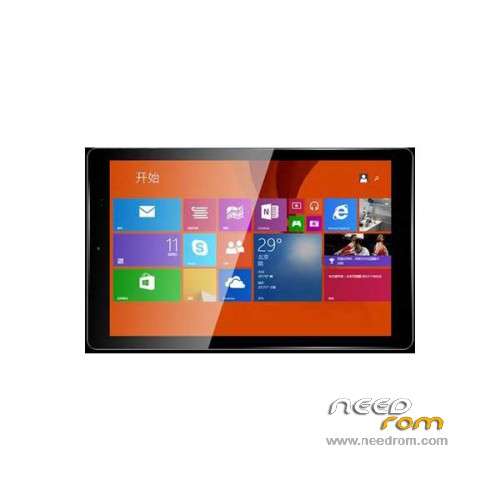
ROM Tablet Chuwi V10HD3G – ROM Windows 8.1
ROM Official Chuwi V10HD3G version: S105_F_3_CHUWI_EN&ZH&HK_NO_WW41_V2.1.T
Language support: EN/CN
Install ROM :
1. disk formatted as FAT32 format, if disk is already in this mode, skip this step
2. This folder can copy all the files to the disk
3. be upgraded bios renamed bios.bin replace the same file
4. If the machine is currently Android, enter A.nsh
If the machine is currently for Windows, enter W.nsh
※Please make a backup of your device before installing or updating ROM
Thanks it works great.
Hello I can help you tell me how to rename the bios I do not understand what to write when you say rename the bios need to upgrade as " bios.bin " and replace the same file name you can write me how to doHi.
I am a beginner.Why should you update the bios? Without the system can not be loaded?
please have you installtion video help me please ! (sorry english)
excuse that name should I put the bios if you rename bios.bin . I have a 3g chuvi v10hd help pleasei forget to back up my drever, can help me to sent back up driver to my email or link download whit doble drive… pleas help me
Download link is broken, please give me another link
Link die
fixed
Thank SoCr@Te
thank you for helping me, my tablet works but can not get into the android OS. I also want to reset android but can not enter DNXFASTBOOT MOOE mode you can help me not