
- Title: Cinafoniaci.rom 1.0.31 Updated 08/09/15 !
- Listed: August, 2015
- Last modified: 09/08/2015 2:25 pm
- Version: 5.1.1--1.0.31
You must be logged for ROM download.
46705 total views, 2 today
14 Total favorites
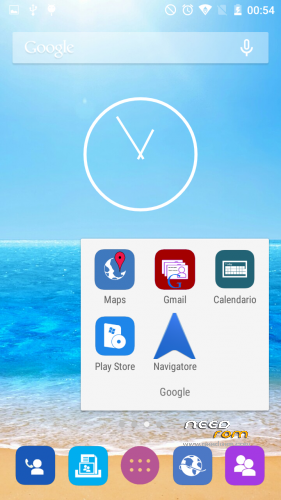
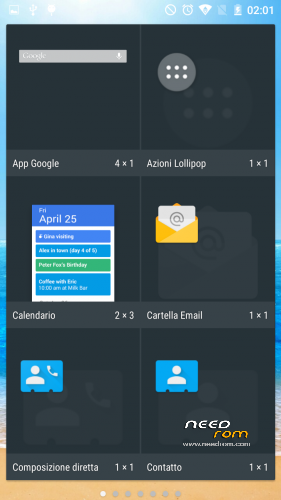
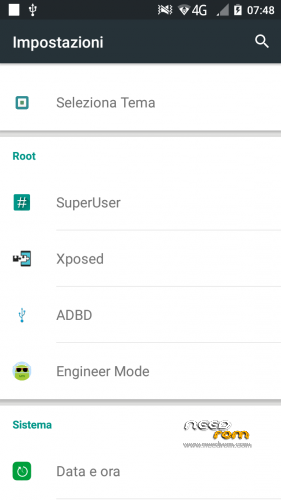
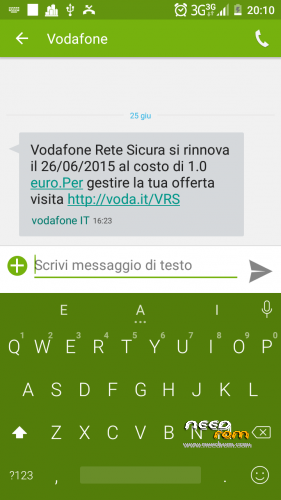
 Member Info
DESCRIPTION
Hi Guys i'm SpaceX from cinafoniaci.com
here is a new modded rom for hammer with
NEW VERSION!!!!
OTA UPDATE
GALLERY AND PHOTO FIX
Many more!!
Enjoy!
Current version
1.0.31(4 ota update avaible)
many features included….alla changelog there!
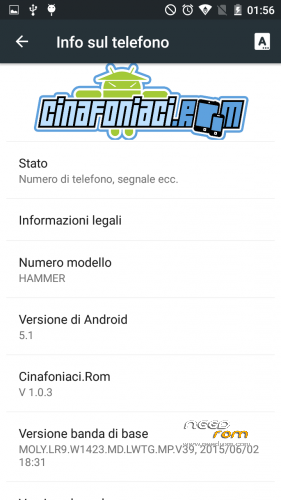
Android version 5.1
Kernel based on 3.10.65+
Root
TWRP
Xposed
Viper4android
adbd insecure for powerfull working with adb
Busybox installed
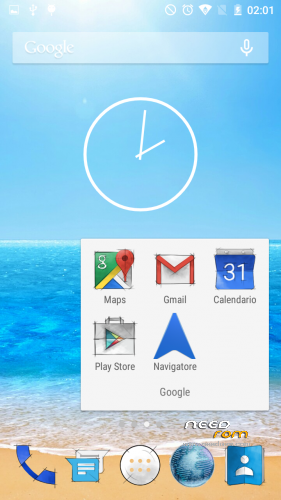
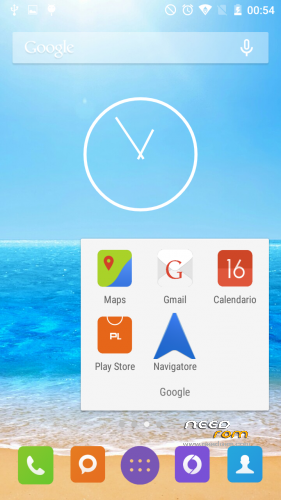
Some personaliation (theme and keyboard)
Battery bost
and many other
There a link to a sample video of the rom
See the post on the link for instructions with link to download and image to help you with flash!
※Please make a backup of your device before installing or updating ROM
Thanks for your work!
I still have fc on settings, when I enter on accounts/google/ to modify what I want to sync
Do you know any solution?
Thanks
I simone
I can't find the link to the zip file of the last version .. where is it?
The link in Needrom directs to Cinafoniaci.com where you only find Rom 1.0.24
Hey guys,
I bought my mum a UMI Hammer, and her GPS is a totally fuck up….
I read in some forum that this ROM helped them with this problem.
Now MY problem is – WHERE can i DL the actual version of this rom and how do i flash this correct? (First time MTK phone – Got a Xiaomi mi2s for myself with different Custom roms, so basically i know how to flash a Snapdragon phone )
)
Thanks
And is german as language implemented in this rom ?
I Guys
For bug on FC it's a problem related to xposed (maybe) i'm working on it
For Download
Download the latest one on the post 1.0.24 and do all the updates
for German yes is implemented on rom (is Multi)
For everybody with problems @ OTA update try this:
Open OTA updater->Download newest OTA Update->Dont flash after download, go into recovery menu->Install via Zip->Select ur OTA Update->Install this Zip->Wipe Datas and Cache (i didnt tryed without because i made a clean install)->restart->done
Hello Simone and others
Maybe I didn’t understand how to use the Theme Manager.
I don’t have the Theme Manager in Settings. I have it as app from where I can download the various themes.
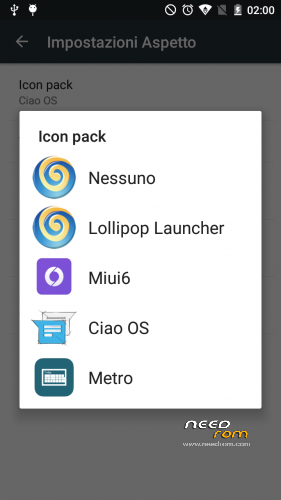
Once downloaded the theme can be applied from the Launcher appearance setting.
But then I apply a simple icon pack, not a Theme.
Is that how it works or am I mission g anything?
Thanks again for the great work
Yeah that’s it but the themes have virus’s
ok. Then it's not a theme, it is an icon pack.
themes are changing icons everywhere (such as in recents for instance) and not only in the launcher and in the drawer.
Themes are also changing layout to other parts of the Interface (can be Settings, can be Notification Drawer etc).