
- Title: Classic EDITION
- Listed: December, 2014
- Last modified: 12/12/2014 2:11 pm
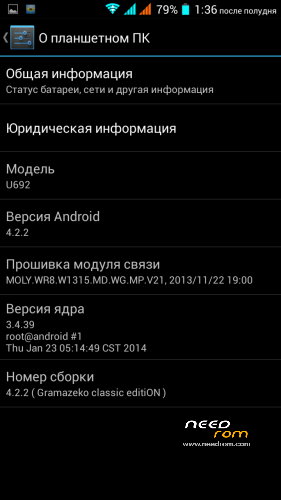
- Version: 4.2.2
You must be logged for ROM download.
14335 total views, 1 today
1 Total favorites
 Member Info
DESCRIPTION
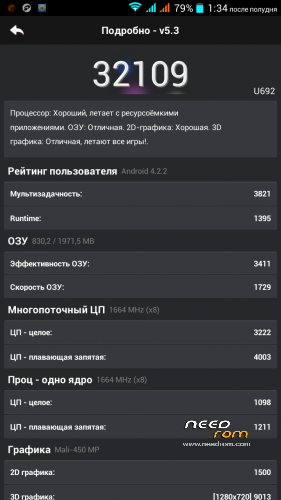
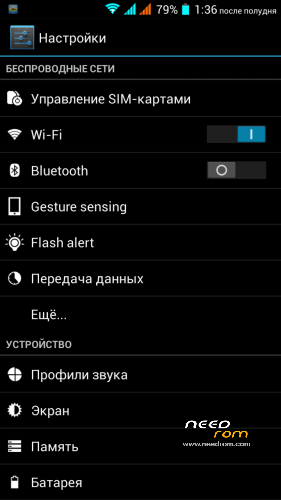
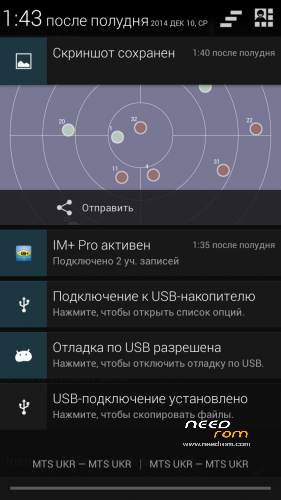
The firmware is based on the classic 4.2.2 (dark curtain and the setup menu in the usual location). for flashing from under TWRP. 32000 points in the last antutu.Repackaged application SuspendWindow and displays correctly
Multilang
Gapps include
Rooted
English and Russian Recognition offline
modem_v34P2__17.06.2014
beautiful boot animation from Droid
built my recovery for those who sewed from a CWM
a lot of useful things…
Install ROM :
CWM
Step 1: Download the custom ROM copied to an external SD card root directory
Step 2: the shutdown state. While holding down:
– Power button + volume button up, to enter the recovery mode.
– Wipe Data / Factory Reset -> delete all user data
– Wipe Cache Partition -> Wipe cache
– Advanced -> Wipe Dalvik Cache
Step 3: Return to recovery main interface Install zip from sdcard -> choose zip from sdcard -> Select my ROM
Step 4: Brush complete, wipe Dalvik cache,restart the phone Patience required – first boot takes a while
I would be grateful for any feedback and course donate.
Gramazeko
※Please make a backup of your device before installing or updating ROM