
- Title: Excite Prime Mod Rom
- Listed: September, 2017
- Last modified: 08/22/2017 1:44 pm
- Version: v08 5.1 mod
You must be logged for ROM download.
11580 total views, 2 today
CUSTOM



 Member Info
DESCRIPTION
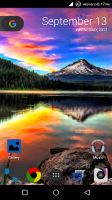
EXCITE PRIME MODDED ROM
Requirements:
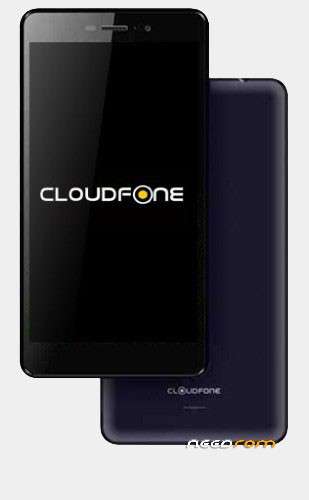
- Cloudfone Excite Prime
- TWRP recovery
Features:
* Base cm2backupv08, Android LP 5.1
* Black cloudfone splashscreen
* Android L bootanimation and shutanimation, boot and shut audio
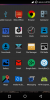
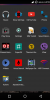
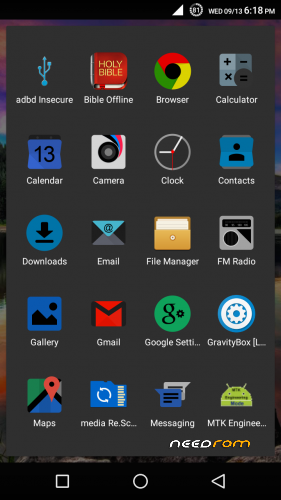
* Removed bloatware apps
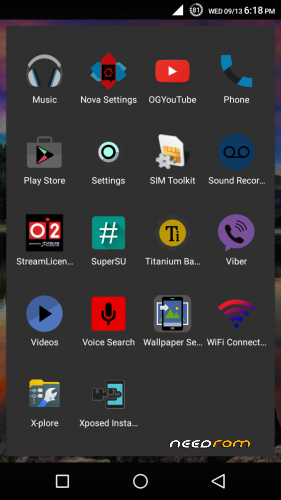
* Add useful Apps & Mods
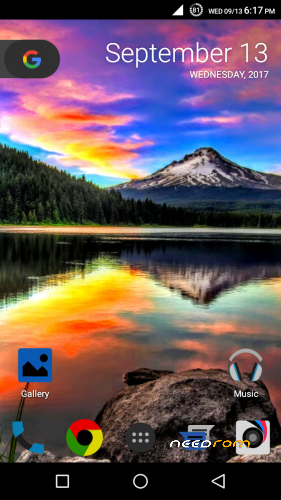
* Removed cloudfone white wallpapers added new ones
* permission fix for internal storage and sdcard
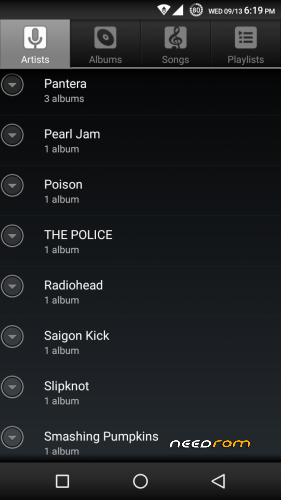
* Replaced music player with AOSP Music+
* Replaced youtube with OGYoutube
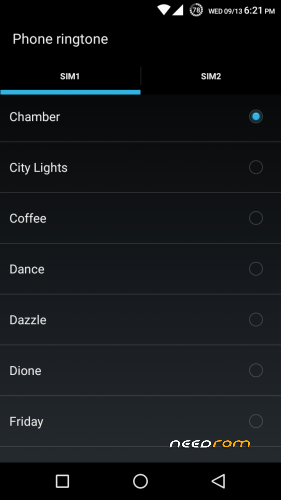
* Add alarm, notification, ringtones from Nexus and S8
* SuperSU(root) and busybox
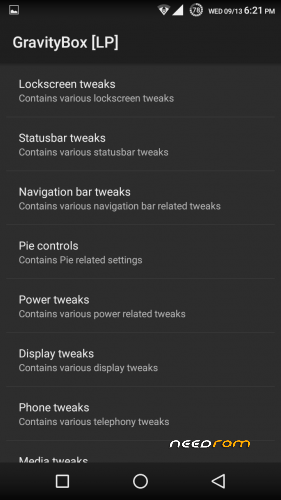
* Xposed framework and Gravitybox
* Tinted navbar and statusbar
* NOVA Launcher
Installation:
1. Before anything else Remove all Google Accounts from Settings-Accounts so that when you flash ROM
you will not be greeted with recent email account and password on first boot.
2. Copy downloaded rom to Internal sdcard. Flash TWRP using SP Flash tool, to use SP Flash tool you need to
install MTK preloader usb VCOM driver search in google how.
3. Open SP Flash Tool Click button "Scatter loading" open file MT6592_Android_scatter.txt from TWRP recovery
folder, recovery is checked click download button. Turn off phone connect USB cable, if red progress bar appears
it's flashing twrp recovery wait for big CHECK Mark remove USB Cable.
4. Press power button for 3 sec, release then hold volume UP key until recovery shows. In TWRP, wipe data,dalvik
cache,cache, then install rom zip file, then reboot,
First Boot Takes 5-10 mins.
When phone is booted do this:
1. On home screen restore Nova Launcher settings
from backup named NewBackUp.
from backup named NewBackUp.
2. Open Titanium backup Grant Super user access
in dialog boxes press OK 3 times, press MENU>
Batch actions>RUN Restore all apps with data
press CHECK button, then reboot phone after
step 3.
in dialog boxes press OK 3 times, press MENU>
Batch actions>RUN Restore all apps with data
press CHECK button, then reboot phone after
step 3.
3. Open Xposed Installer press 3 lines Menu choose
modules uncheck and recheck all modules. Then
reboot.
- No need to set anything in Settings,Gravitybox,
Xposed modules and apps after this.
Important Notes:
Usb doesn't recognize phone for flashing with SP Flash tool - just remove and reconnect usb until
progress bar with red color starts progressing, do this until it detects phone for flashing mode of course
phone should be off and MTK preloader usb VCOM driver installed.
Stock recovery is showing after successful flashing TWRP - reflash twrp recovery.img again.
STOCK FIRMWARE
Open SP Flash Tool Click button "Scatter loading" open file MT6592_Android_scatter.txt from firmware
folder, choose Download only from the drop down box. Uncheck PRELOADER or if needed check it then click
Download with arrow, turn off phone. Connect phone to usb cable wait until progress indicator finishes flashing
with check image. Disconnect USB then turn on phone.
※Please make a backup of your device before installing or updating ROM
recommended clock widget "black solid clock" or 3D Clock Current Weather Free
Salamat PAPS
walng bug
thank you sir
tanx bossing..
Bugless bato?