
- Title: CM13 XPERIA EDITION
- Listed: June, 2016
- Last modified: 06/07/2016 6:46 pm
- Version: 6.0.1
You must be logged for ROM download.
14742 total views, 2 today
4 Total favorites

 Member Info
DESCRIPTION
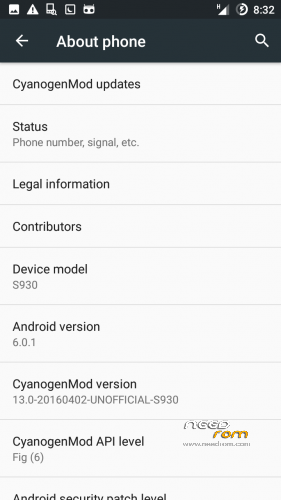
MADTeam present CM13 Xperia Edition!
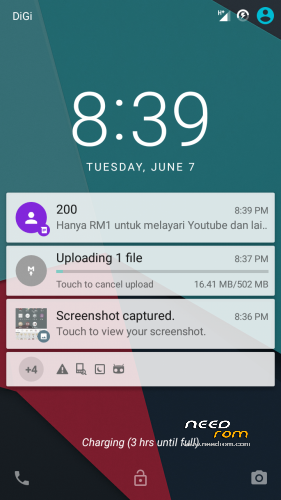
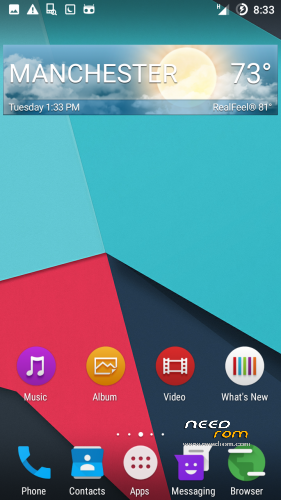
Experience a beautiful ROM on your device especially made for Lenovo S930 users…
Get ready guys and feel the power of CM13 packed with Xperia now!

CN Based
CM13 based
All Cyanogen Functionality
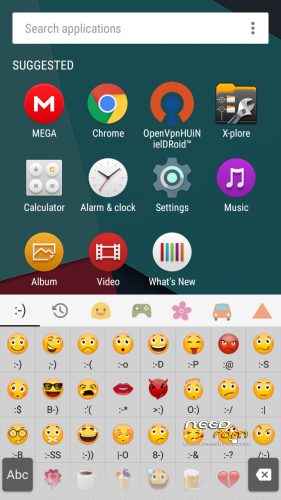
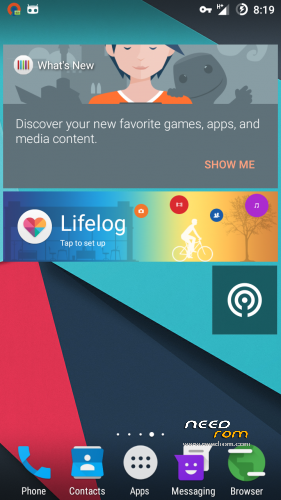
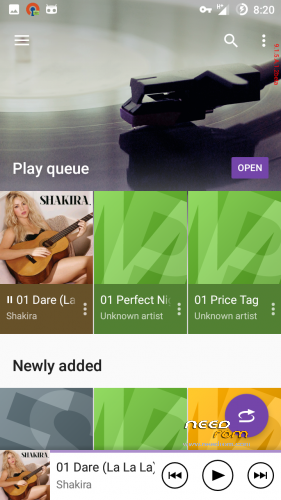
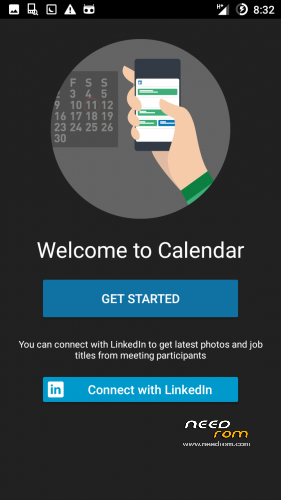
Xperia Apps
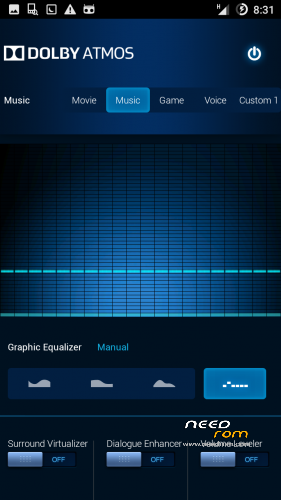
Dolby Atmos
Dual SIM
WORKING
USSD
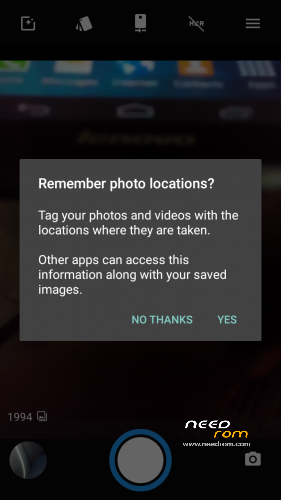
Camera
Sound Recording
Video Recording
ScreenCast(Get the flashable patch)
Gapps(You need to flash Gapps!)
GPS
Bluetooth(Tested Working)
Wifi and Wifi Thethering
Fast Data and 3G Connection
Internal and SD Mounted(Both on the PC too after you select file transfers bro)
Superb Battery Performance
BUGS
YOU TELL ME
ADVANCE WIPE DALVIK CACHE DATA AND SYSTEM
CHEERS!
FOR UPDATE1 AND UPDATE2 LINK PLEASE GET IT HERE
http://mymadteam.blogspot.my/2016/06/rom60cns930cm13-xperia-edition.html?m=1
-THANKS TO-
ALLAH S.W.T
ADMIN AND USERS FB GROUP LENOVO ROM MADTeam Malaysia
MY FAMILY
LIKE MY WORK? CLICK BUTTON DONATE…
DONATION ARE MOST WELCOMED 
※Please make a backup of your device before installing or updating ROM
can't install gapps gapps for android 6
says it is incompatible and I need gappes for 5.1
Also can't install this gapps
http://forum.xda-developers.co.....inimal-t3276606
says not enouph space even after full wipe
How to transfer apps to sdcard?
this is the problem that i had.. first, the camera, the camera have some kind of red filter on it. its not clear, next, the music player is stopped working, then how to make sdcard as internal storage,( corrupted ), and lastly when i want to change font through themes, its stopped working.. thank u, i am looking forward for those updated.. by the way,, thank u for the rom, and goodjob..
after flash update 1 it says that thank you your phone is bricked. then its automatically reboot into xperia and stuck at there
google play sever no have@@ i can't use google playT_T
Get the new Xperia v2 guys… Cheers!
Hi zuell, the new Xperia v2 is only for ROW, right?
For CN, what is the best ROM available?
Ok I've done some research and I think this is the most updated ROM you can use on a Lenovo S930 CN (whereas there's still a lot of development ongoing for the ROW version).
Here's my verdict vs. the Vibe UI 2.0 stock ROM that I had been using until last week:
UI: CM13 is great, Android 6 runs very smoothly (stock has 4.4).
Spyware: Stock has a system app that connects to a server in China, CM13 is clean.
Bluetooth: CM13 works better than stock, now I can connect to my car's hands-free set whereas stock would not.
Dual SIM: Both work like in the stock ROM, but I think that I can enable 3G on the second SIM via software (with the stock ROM I had to physically swap the two SIM cards).
Signal: Stock is very stable, with CM13 sometimes I drop the 3G connection and the only way to get it back is through a full reboot.
Stability: Stock is very stable (except for the Roaming option which crashes all the time), CM13 initially was behaving very poorly and was losing the personalization (widgets on the home screen, various settings) but after several reboots seem to have become very stable.
SD Card: This is now the main issue with CM13: it's not possible to move the apps to the SD, even Link2SD does not work. This means that very soon you will fill up the 3GB available with apps, and at some point the Play Store will refuse to download any app updates.
Overall I think I will keep using it, albeit with a very limited number of apps installed.
Thanks zuell! Thanks MADTeam!
Welcome fafa!
How to fix switch 3g guys..?
this rom is the best…maybe im late to use this rom but still its the best….thanks
Welcome rokok