
- Title: Color Os 1.2.2i Update 17-11-14
- Listed: November, 2014
- Last modified: 11/18/2014 3:09 am
- Version: 4.2.2
You must be logged for ROM download.
17743 total views, N/A today
4 Total favorites
 Member Info
DESCRIPTION
Changlog *
+ Support C version
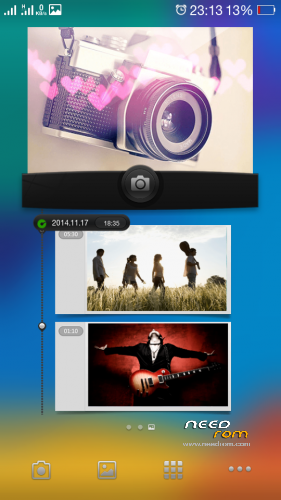
+ Improved camera takes sharper
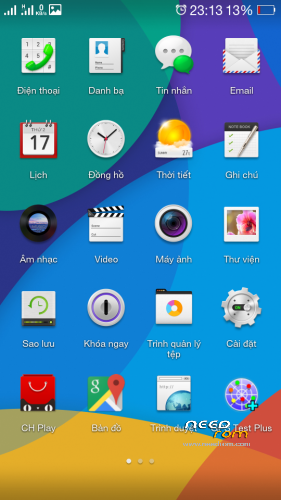
+ Update 2.0 standard interface for all system apps (the app security, backup)
+ Refresh bold opp installation directory default display option Developers
+ Menu and install the new backup with Titanium backup and backup lenovo
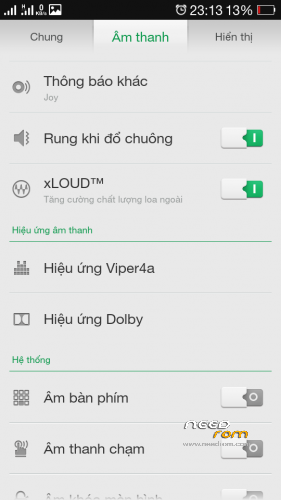
+ Move to the next menu Viper Dolby and audio settings
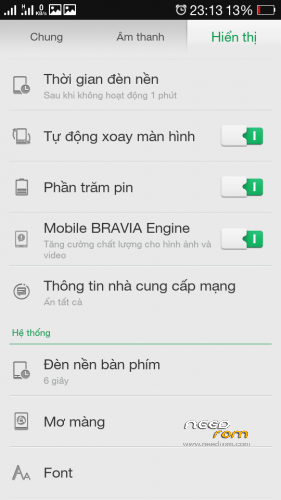
+ Improved Bravia and xLOUD ™ performs better
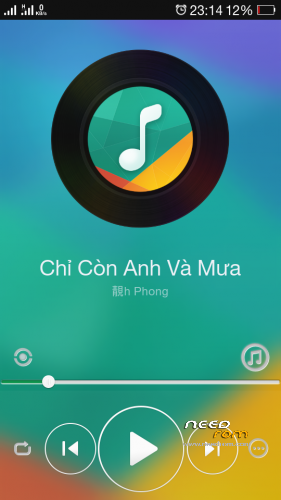
+ Music supports music online
+ Fix display name of the song in the music player widget in addition to the main screen
+ Remove menu screen gestures off (surplus) in the installation
+ Update to latest GAPP
+ Laban key interface mods (will update later mod themes)
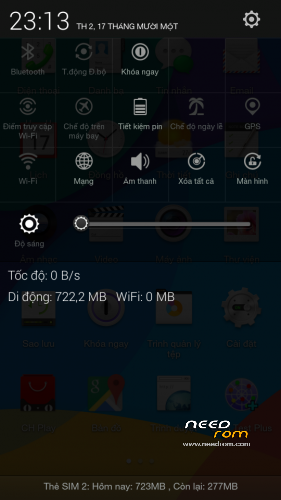
Removing the SIM 1.2 + symbol next to the waves, refreshed interface standard notice 2.0
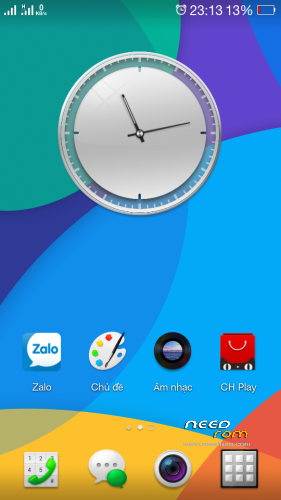
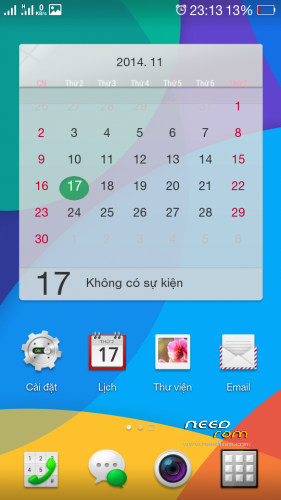
+ Refresh launcher with a wallpaper from the N3 beautiful oppo
+ Optimize the system reduces the amount of heavy APK file
Made by devteam.vn
Install ROM :
CWM
Step 1: Download the custom ROM copied to an external SD card root directory
Step 2: the shutdown state. While holding down:
– Power button + volume button up, to enter the recovery mode.
– Wipe Data / Factory Reset -> delete all user data
– Wipe Cache Partition -> Wipe cache
– Advanced -> Wipe Dalvik Cache
Step 3: Return to recovery main interface Install zip from sdcard -> choose zip from sdcard -> Select your ROM
Step 4: Brush complete, restart the phone Patience required – first boot takes a while
※Please make a backup of your device before installing or updating ROM
dead link.