
- Title: Color Os 2.0 Kitkat By Mạnh Chiến Update 17-3-2015
- Listed: March, 2015
- Last modified: 03/17/2015 2:31 pm
- Version: 4.4.2
You must be logged for ROM download.
21837 total views, 3 today
5 Total favorites
 Member Info
DESCRIPTION
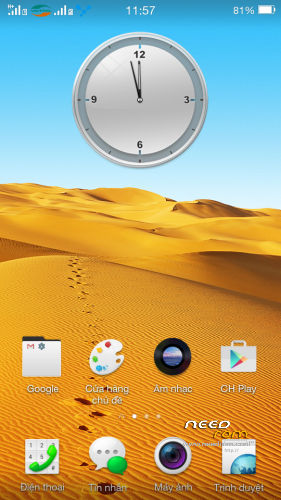
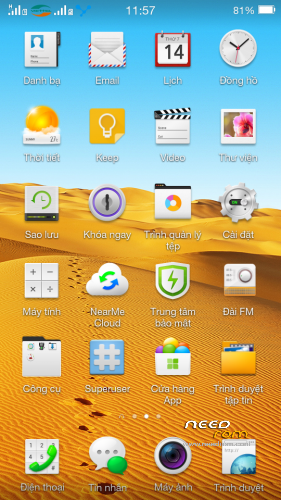
-Update 17/3/2015 fix all bug
-Support C vesion
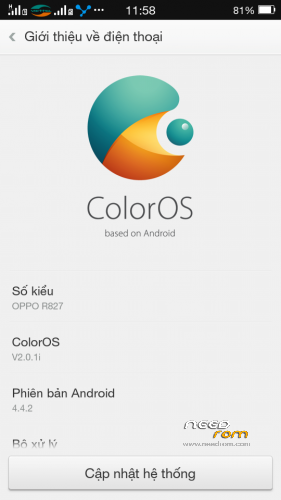
-Android 4.4.2
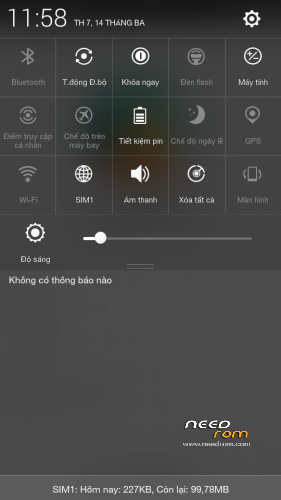
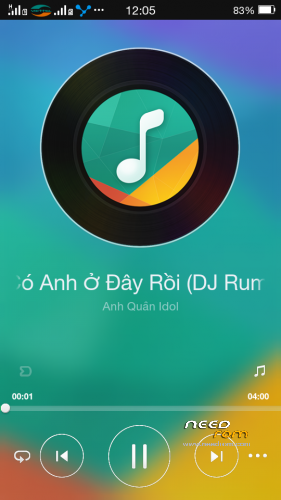
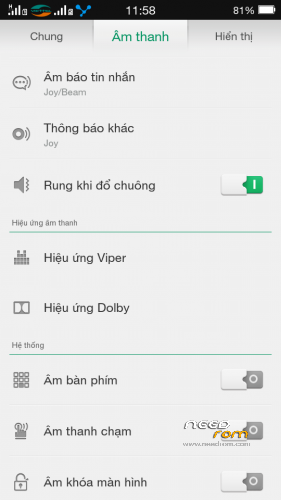
-Color Os 2.0
-Multilang
Install ROM :
CWM
Step 1: Download the custom ROM copied to an external SD card root directory
Step 2: the shutdown state. While holding down:
– Power button + volume button up, to enter the recovery mode.
– Wipe Data / Factory Reset -> delete all user data
– Wipe Cache Partition -> Wipe cache
– Advanced -> Wipe Dalvik Cache
Step 3: Return to recovery main interface Install zip from sdcard -> choose zip from sdcard -> Select your ROM
Step 4: Brush complete, restart the phone Patience required – first boot takes a while
※Please make a backup of your device before installing or updating ROM
plz sir give another link without mega..
finally! the only version that works for my phone. thanks a lot pal.
have continues boot and volume+ and on botton doesn't work to enter recovery!!!!!help
Hello….i already have installed the 4.4.2 officially released by zopo on my cuppy with spflash tools. Im also root. I downloaded this zip and saved it on my sd card… However some problems occured. Firstly i cannot boot into recovery mode by holding down volume up + power buttons. However i did boot into recovery using an app. Secondly, when in recovery i get the dead android and "no command". I pressed the power button and a menu appeared which contains some of the things you mentioned but not all. In particular i can wipe all and wipe cache but the advanced menu is not there. So no dalvic cache wipe. So i wiped data and cache (but not dalvic) and chose "update with sdcard"…I chose the .zip file and i get an error so it stops installing and gets me back to home screen.
please any help?
try plug in usb cable to phone while holding VOL + button. other side of cable is conected to PC. that is only way for me to enter cwm.
preloader must be instaled too
thanks
i tried to install via twrp recovery but got an error and it aborted the installation procedure all times.. what i did is i downloaded the main setup zip and i updated the zip with the fix zip files…but i would not work…. i went back to dark which seems to be working better.. .am i doing something wrong?
Здравствуйте. Существует проблема. Прошивка не видит SD карту
Hello. There is a problem. Firmware sees no SD Card
I can't pick up the file by bluetooth (problem with mass storage). The firmware sees no SD card.