
- Title: Color OS v1.3 Stable
- Listed: February, 2014
- Last modified: 02/06/2014 3:10 am
- Version: 4.2.2
You must be logged for ROM download.
22243 total views, N/A today
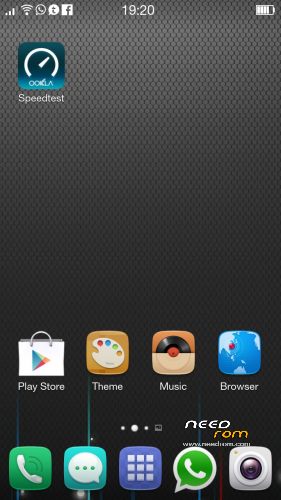
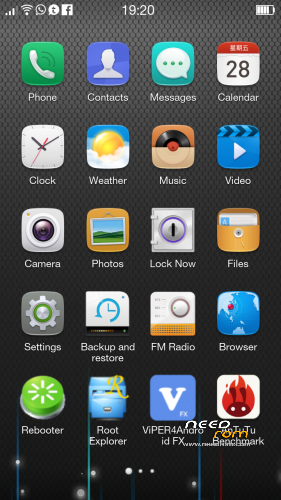
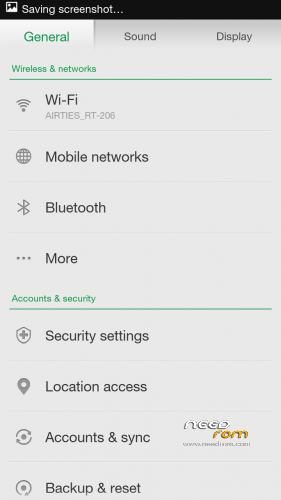
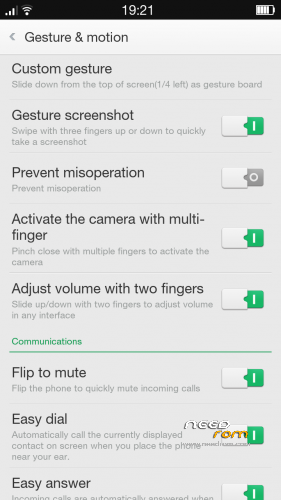
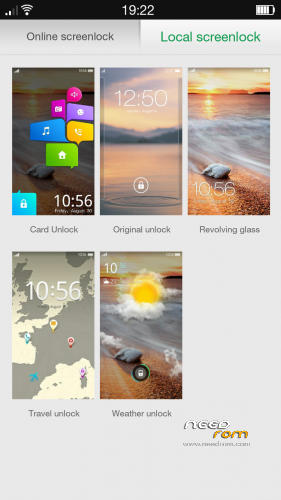
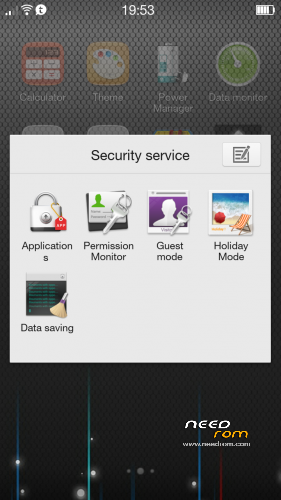
 Member Info
DESCRIPTION
I will not be responsible if you Brick your device or any problems whatsoever.Flash At Your Own Risk.
Use stock kernel General Mobile Discovery(Gionee Elife E3)
Multilanguage
Update V1.3 Change Log:
Uptade lib,bin,firmware,vendor,etc.(Based on General Mobile Discovery stock rom v6718)
Revision boot.img
Revision Logo.bin
Added Swype Oppo keyboard (Settings>Language & input> untick after tick activate keybord and selected default keyboard.)
- Enabled A-GPS by defaut. —- tomaten
- Add "Auto record calls" function in call settings, you can assign contacts to auto start call recording with them. —- chazy
- Fixed the issue that when trying to view details of a call log the contacts app crash with the message "CONTACT HAS BEEN DISCONTINUED" under Portuguese language. —- Not Fixed
- Add the function to turn off data network automatically when the screen is off. —- Invalid
- Added the function to double tap the home button to lock the screen, now you need to long press on the Menu button to enable task manager. —- TRespecT
- Updated the system strings, including English and all other languages. —- Murakh
- Fixed the issue that power on sound cannot be turned off. —- charlie2alpha
- Fixed the issue that when using Bluetooth headset the phone may lost service. —- Marcio Santos
- Fxied the issue when logging in email under Japanese language the email app may crash.
- Fixed the issue when creating a new message if you are trying to add recipient from call log the contact app stop working.
- Other bug fixes and improved the system stability
İnit.d Support and revision tweaks
Fm Radio Fixed
Full Gapps(/Data/app)
Added Dirac EQ
Ringtone Select Fixed
More avaible RAM
etc.
Sory, I have a bad english.
Feedback and donate pls..
Flashing Instructions:-
1) Download the zip file
2) Put into external/internal sd card
3) Go to CWM recovery
4) Wipe data/factory reset
5) From advance menu do dalvik cache clear
6) Go in mount and storage select format system
7) Select install from sd card and select file GMD_ColorOSv1.3_Stabil.zip
※Please make a backup of your device before installing or updating ROM
Kitkat please
Kitkat imposible.s
very nice look thanks
Please give information abt what are the steps of installation method you use.
very nice. Perfect.
Installed this,installed flashed my back up boot but it remains stuck on bootloop
Installed this,installed flashed my back up boot but it remains stuck on bootloop.What can I do ?
Camera not working
Camera driver different your’s mobile. You can change camera driver stock rom.
Thanks i fixed camera , it’s working now
hey jerry can you please help how did you solve the camera issue
is there any bugs in this rom?any one find any bugs?