
- Title: Color Os Final Rom
- Listed: January, 2017
- Last modified: 01/29/2017 2:14 pm
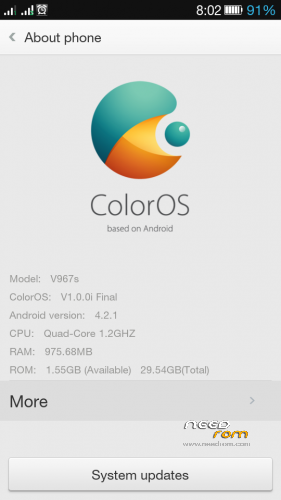
- Version: 4.2.1
You must be logged for ROM download.
11571 total views, 1 today
3 Total favorites
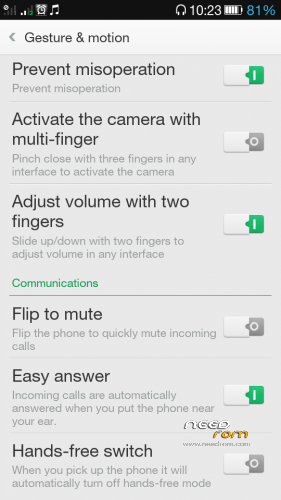
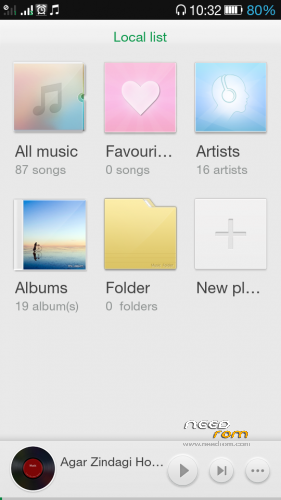
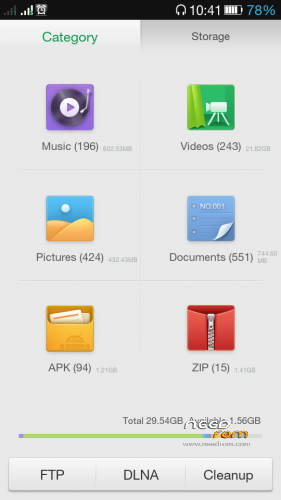
 Member Info
DESCRIPTION
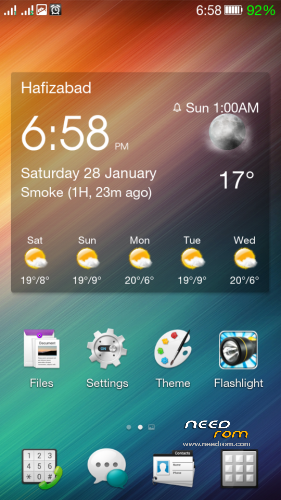
i have tried many color os roms for v967s but no one is bugless
so i decided to port a pure stock color os for this old but nice device.
i hope u will like it.
Basic Features.
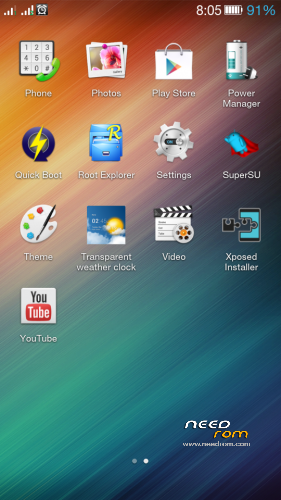
1- pre rooted
2- bloatware removed
3- 100% stable rom
4- good battery life
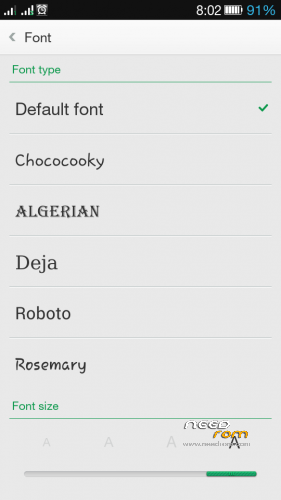
5- 2 new fonts added
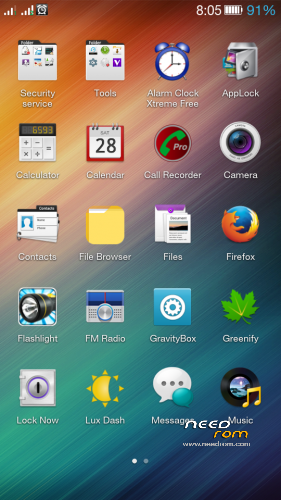
6- many useful apps added
7- some stock apps repalaced with the better ones
8- smooth rom , no lagging , no heavy ram usage
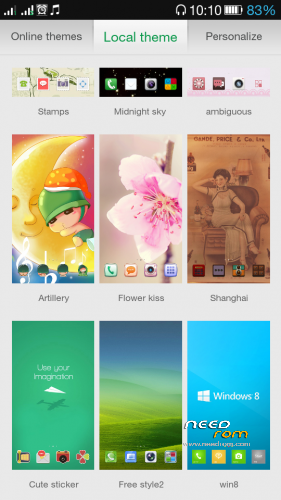
9- new themes support ( you can get a lot of fantastic themes from oppo online server )
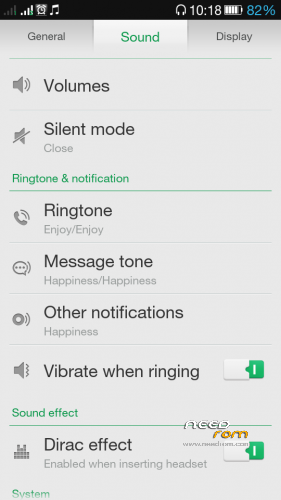
10- built in Dolby audio effect option for best music experience. ( i recommed to manually install viper4androidFX also )
with these audio customizers you can listen your favourite music in best quality.
How To Install
i will explain the easiest methods for all steps.
but read carefully and follow all words.
1- phone must be rooted.( u can use iroot for rooting )
2- download twrp image file and copy to sdcard anywhere
3- install flashify.apk as normal installation
4- open flashify in phone and flash recovery image, select twrp image file and w8 for recovery flashing completion.
5- download ZTE_v967s_ColorOs_build.140819.zip
6- download ZTE_V967S_1G_SYSTEM.zip
7- copy zip files to sd card and reboot to recovery
8- first install ZTE_V967S_1G_SYSTEM.zip and again reboot recovery to initialize new partition layout.
9- From twrp recovery go to wipe >>> advance wipe >>> wipe all areas one by one except sdcard.(some areas will fail to wipe.just ignore it & continue to next.)
10- after wipe all now you have a clean ground to install new color os
11- go back to main screen and select install , then select ZTE_v967s_ColorOs_build.140819.zip file from sd card.
12- when install complete.. reboot mobile to normal,and enjoy new look and new advance features.
remembe that first boot will take time longer than usual..
————————————————————————————
if you have CWM recovery , may be it will work for flashing this rom
but if you do factory reset from phone menu then you will stuck at boot loop.
if you have TWRP recovery , then such problem will never come…
if u want to increase ringtone volume just type *#*#3646633#*#*
go to mtk audio hardware setting and set volume levels to max….
good luck to all testers.and do not forget to give your feedback in comments.
※Please make a backup of your device before installing or updating ROM
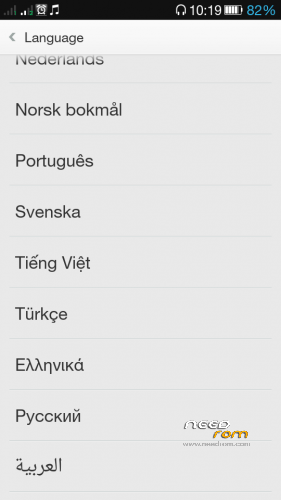
no it does not have polish
hungarian language?