
- Title: Color OS No.1 N3 By Mouse1969
- Listed: March, 2014
- Last modified: 03/09/2014 8:20 pm
- Version: Android 4.2.2 Color Os 1.0i
You must be logged for ROM download.
21517 total views, 2 today
1 Total favorites
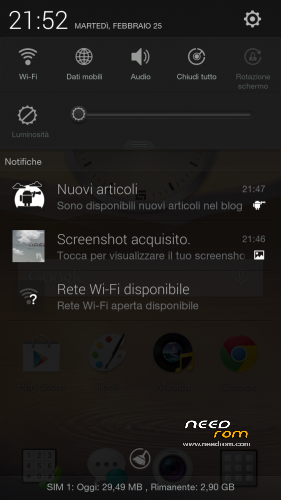
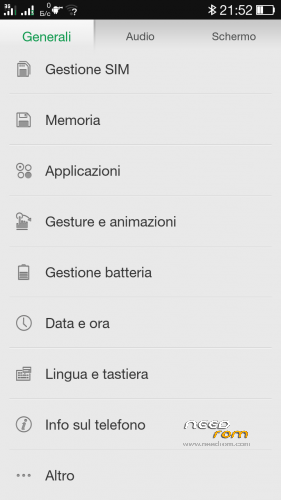
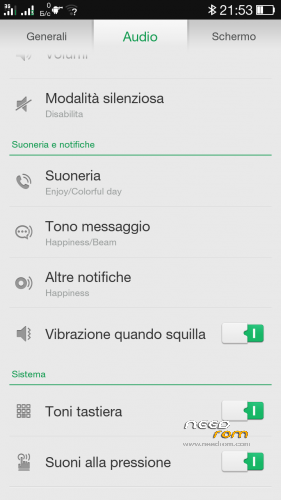
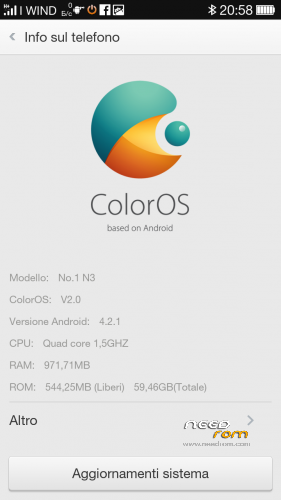

 Member Info
DESCRIPTION
ROM Phone GFIVE A800 - ROM Android 4.2.2
Features ROM:
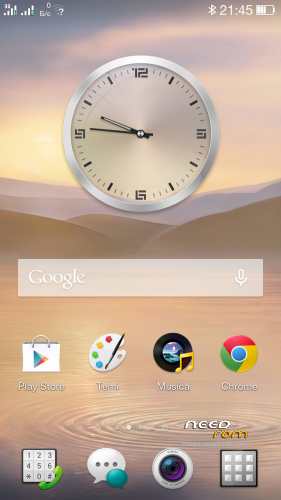
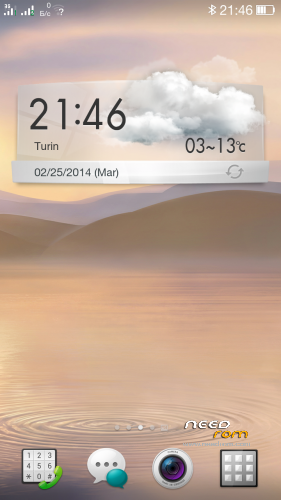
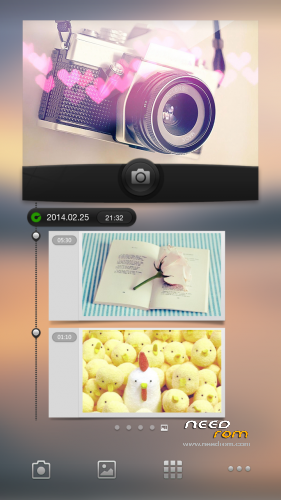
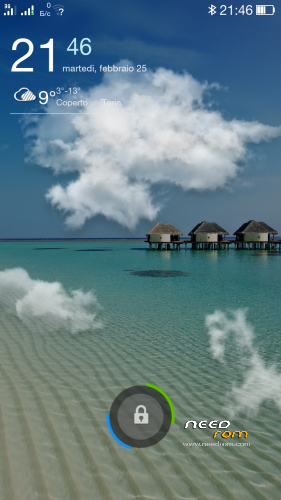
OPPO Colors OS For GFIVE A800
Gapps not include - Rooted
Language support: Multi Lang
* Root
* Extremely stable
* Gapps already installed
* Boot Animation & splash screen Original Sam***g
Install ROM: ( CWM Version )
There are two different series of No.1 N3: Boot version A and B
If you can not load the boot with version A, or if your light and proximity sensors have problems, try the other version with Boot B
thanks
the official page here : http://www.androidiani.com/forum/modding-altri-terminali-mtk/388567-rom-no-1-n3-color-os.html#post5359011
Step 1: Download the custom ROM copied to an external SD card root directory
Step 2: the shutdown state. While holding down:
– Power button + volume button up, to enter the recovery mode.
– Wipe Data / Factory Reset -> delete all user data
– Wipe Cache Partition -> Wipe cache
Step 3: Return to recovery main interface Install zip from sdcard -> choose zip from sdcard -> Select your ROM
Step 4: Brush complete, restart the phone Patience required – first boot takes a while
※Please make a backup of your device before installing or updating ROM
ciao mouse1969
ho un problema grave allora volevo installare la CWM sul No.1 n3 l'ho installato e poi ho riavviato e volevo entrare nella cwm e non entra si blocca nell splashscreen lo riavviato senza di entrare nel cwm si e acceso ma ora non funzione giusto il touchscreen e un tasto dell telefono per andare iniedtro, Prima di mettere la cwm funzionava mi poi aiutare :'(:'(:'(:(:(:(
I dati dell telefono sono:
Kernel version
3.5.4-526212 se.infra@SEP-111#1 Tue Apr 23 23:00:57 KST 2012
Build-Numero
N3_V1.0_V01_2014-03-01_15:58:03
Ciao
Sicuramente hai installato una Recovery CWM che non è adatta al tuo terminale.
Installa la rom Stock con spflashtools , poi crea la CWM per il tuo N3 , non prendere mai altre CWM trovate su internet , potrebbero non essere adatte al tuo terminale.
Grazie ciao
Hello
Surely you've installed a CWM Recovery that does not fit into your terminal.
Install the rom with Stock spflashtools, then creates the CWM for your N3, never take other CWM found on the internet may not be suitable for your terminal.
la rom stock di Needrom ?
yes
Fabi23 io ho la tua stessa versione ed ho fatto il tuo stesso errore…
bisogna sperare di trovare il firmware originale
i also need new firmware
N3_V1.0_V01_2014-03-27_17:33:36
N3_V1.0_V01_2014-03-01_15:58:03
Ciao. Mi spieghi per favore come hai risolto con il problema del touch screen e del tasto "back"? nel forum androidiani non sono riuscito a venirne a capo
Ciao terapia77
scusami perchè non ti ho risposto allora il problema l'ho risolto ho rimandato il telefono e mi sono ritirato i soldi via paypal. Ho fatto tanti prove prima di mandarlo ma niente ha funzionato ho provato qualsi tutti i rom su questo sito ma niente, ho non mi funzionava il scermo completamente pieno di strisce (causa del sbagliato driver del scermo) ho sempre lo stesso errore con il taso indietro perchè quando ho fatto il backup già c'era questo problema potevo fare il backup prima dell errore….
il mio backup te lo posso mandare se voi
Hello,Mouse1969 after installing this Rom i got problems with back button (not work) and the touch is not calibrated. Any solution ?
This is the best firmware. thank you. I have two phones with white and black stylus. They are truly different.
I have a problem with white stylus (Boot B) - proximity sensor does not work. I cannot calibrate.
When flash stock firmware - does not work too. But there's a app that calibrates and it begins to work. In Color OS app does not work.
Both with non-working back button and the touchpad is offset.
But with a black stylus flashing fine on all firmware. The problem appeared after replacing the touchscreen.
And white stylus – only two firmware work. And the problem appeared after flashing
In factory mode is also a problem with the touchscreen