
- Title: Color OS Special Edition
- Listed: March, 2015
- Last modified: 03/28/2015 2:40 pm
- Version: 4.2.2
You must be logged for ROM download.
12922 total views, 1 today
2 Total favorites


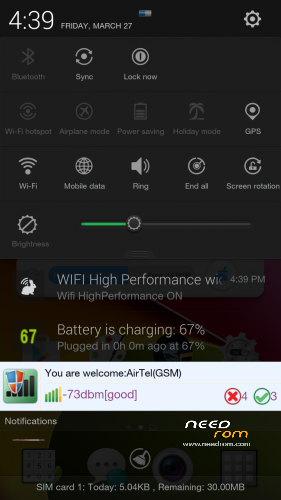
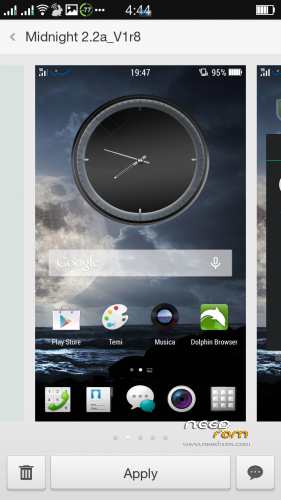
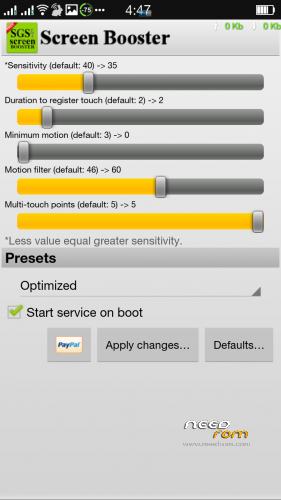
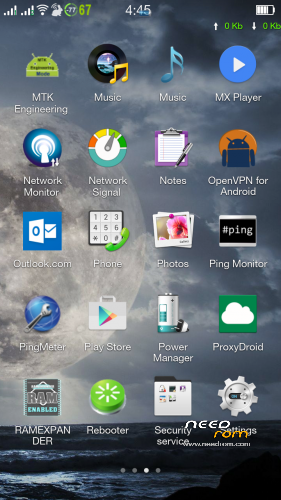
 Member Info
DESCRIPTION
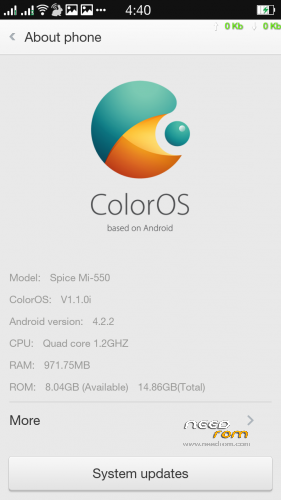
Color OS Special Edition for Spice Stylus Mi-550
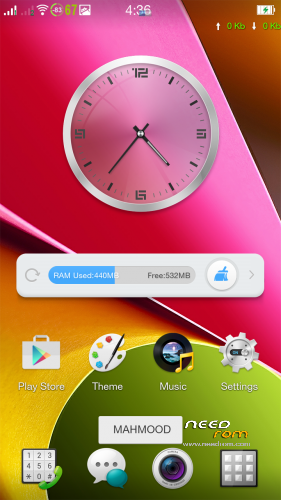
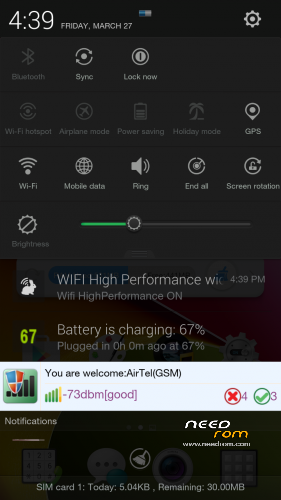
Cannot resist …Color OS Special Edition with awesome new looks and style with lots of goodies with good memory management which gives lag free performance with multitasking and device never slows down with ultra tweaks and mods which includes wifi,3g,touch,battery and lots more.
Note : You need to flash this Color OS Special Edition by the Recovery-SpiceMi-550 which you can donwnload from above.
*************SOME FEATURES**************************************************************
** Color OS UI v.2
** Quick Gesture
** IOS MultiTasking
** Whole new experiance
** camera patched
** lots of amazing goodies
** Better Pic quality
** Both sim 3G supported
** 5 lockscreen types (Inbuilt)
** 7 Themes ( I Default, 6 added)
** Pre-Rooted
** Zipalign
** Odex
** Services.jar patched
** Brighter Flashlight
** Brighter Camera Flash
** Gapps Included
** Performance Tweaks
** Better Responsiveness & Speed
** Themes Supported
** Battery Tweaks Added
** Many more hidden stuff
**************************************************************************************************
Sensor And Motion Features :
***************************************************************************************************
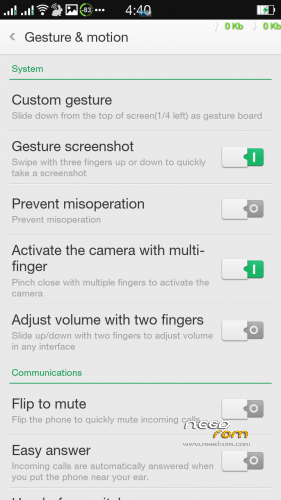
** 3 Finger Pinch Camera Open
** 2 Finger slide up and down manage Volume Control
** 3 Finger slide screenshots
** Quick Gesture Added from bottom
** Quick gesture to Shutdown
** Easy call,dial, Auto answer All r working
** Double Tap Home for recent apps
** Many More….Try explore yourself and Enjoy…!
************************************************************************************************
Note :
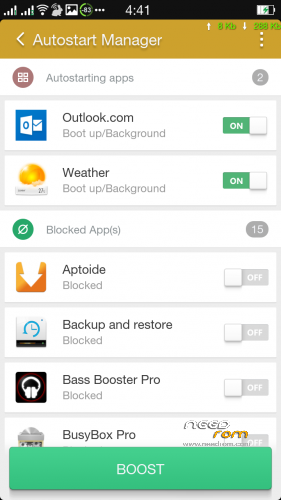
After first boot enable universal init.d app and reboot the device and you will get around 500 MB free ram, as you open apps and do multitasking the ram consumption will increase depends on your hardcore multitasking and ram may reach up to 90% ++ that's fine this will will use full ram but it will not decrease the performance any time, after 95% percent ram will be released simultaneously without affecting multi tasking. This rom is very heavy duty its size is 846 MB with some advance apps, you can explore yourself, with this huge size of rom the device works well without lags and this is cool, you can always remove the apps which you don't use…………
For ultimate smoothness go to developer options by tapping on About phone>more>Tap 7 times on build number,disable alll transition effects / Animation effects Turn off…Enjoy..!
ROM Installation :
- Frist Download Recovery-SpiceMi-550.zip to SD card then boot in recovery and flash this Recovery and again reboot in recovery and flash Color OS Special Edition Rom with this recovry otherwise you device may stuck in boot loop.
- Format Cache, Format Data, Format System, Wipe Dalvik
- Install zip from SD card
- Reboot, First boot may take some time.!
***************************************************************************************************
Donation
You can transfer/deposit money in the following Account Number of State Bamk Of India.(SBI)
Name: Mahmood Ali Khan
State Bank of India.
Bank Account No : 20159760904
Mehdipatnam Branch
9-4-84/6, Nanal Nagar, Mehdipatnam, Hyderabad, AP – 500060.
IFSC Code: SBIN0011744
MICR Code: 500002123
Branch Code is the last 6 digits of IFSC Code. (011744 is branch code)
******************************************************************************************************
※Please make a backup of your device before installing or updating ROM
I had NOTE3 Custom ROM installed, Rebooted into recovery mode, did System Reset, Formatted Cache, Formatted Data, Formatted System, Wiped Dalvik then Installed Recovery-SpiceMi-550.zip and now Phone in Boot Loop (Showing Mahmood Chainfire Logo) . I cannot even boot into recovery mode. What can I do?
Dont worry..
Found the solution…
csaju : Stuck with the same problem. What did you do? Please tell me solution.
Found soln. For those of us like me who would accidentally stumble and get stuck, here it is..
Remove your cellphone's battery for about 5-10 min. Then switch it on, holding power button and volume up key. Thats it! you are back in recovery.