
- Title: COLOR OS V3 UPDATED AND ERRORLESS
- Listed: January, 2015
- Last modified: 02/04/2015 9:12 pm
- Version: 4.2.2
You must be logged for ROM download.
19215 total views, 3 today
155 Total favorites

 Member Info
DESCRIPTION
COLOR OS VERSION v3
UPDATED and Stable .restart problem due to more ram usage removed download the color os v3 zip …
COLOR OS V2
UPDATED ,TESTED ,ZERO BUGS
FOR MICROMAX A177
1] Download the Rom file from the link provided (Same for both A77 and A177)
2] Place it in the root of your SD card
3] Go to CWM or any other custom recovery (not stock one)
4] Wipe Data/Factory Reset
5] Wipe Dalvilk cache
6] Select "Install .zip from SD card" and select the file
7] Select "YES"
8] It will automatically REBOOT (It will take 2-3 minutes to boot so don't worry)
For MICROMAX A77
1] Download the Rom file from the link provided (Same for both A77 and A177)
2]Open the ROM file in winrar
3] Download boot.img and copy paste it in the ROM file. (replace). Select "Normal" compression and "32 kb" dictionary size.
4] Place it in the root of your SD card
5] Go to CWM or any other custom recovery (not stock one)
6] Wipe Data/Factory Reset
7] Select "Install .zip from SD card" and select the file
8] Select "YES"
9] It will automatically REBOOT (It will take 2-3 minutes to boot so don't worry)
ROM FEATURES
1.BETTER TOUCH RESPONSE
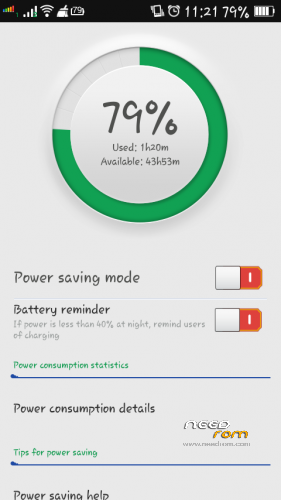
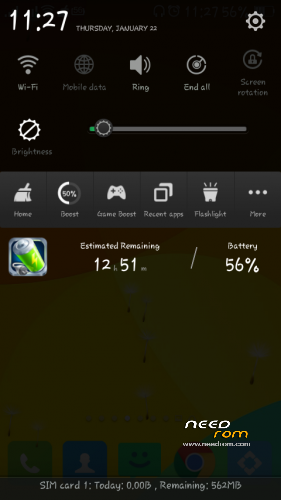
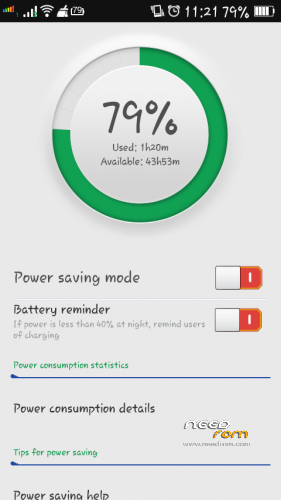
2.BETTER BATTERY BACKUP
3.SMOOTH OPERATION
4.PERMISSION MANGER
5.GUEST ACCOUNT
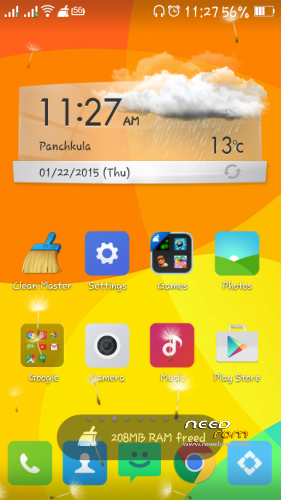
6.THEMES PACK COMBO
7.DEOXED
8.ROOTED
9.USB Debugging enabled
10.camera with 8MP
11.BAR CODE scanner in camera
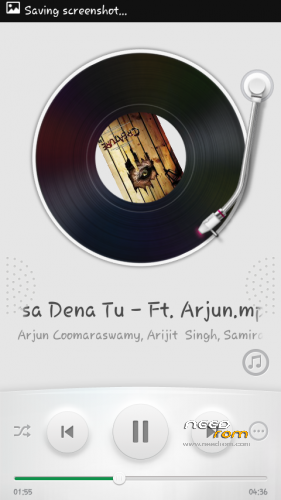
12.ULTIMATE MUSIC PLAYER SHAKE TO SKIP
13.AND many more download and explore .
14.dont forget to link my page FACEBOOK
https://www.facebook.com/customroid?ref=aymt_homepage_panel
DONT SHARE THE MEDIFIRE LINK ANY WHERE ELSE YOU CAN SHARE THE NEED ROM Any where..
DONT FORGET TO TAKE THE BACKUP OF THE EXISTING ROM
Link for the boot.img of a77 UPDATED NO NEED TO GO TO PREVIOUS VERSION
FOR APPLING Themes …
1.extract from zip
2.make folder in rootof sd card name it "Themes"
3.copy all the THEMES in that folder
4.now you can see all your THEMES in theme app
APPLY AND ENJOY
BUG:: ICONS NOT CHAnging in Color os V3 on application of themes
Solution flash the patch
named ::: ICONs Bugs Removed ..
THANKS
※Please make a backup of your device before installing or updating ROM
ravinder sir can u tell me how to enable Nava bar in color os v3 .
I want Nava bar. is there will be any problem ?
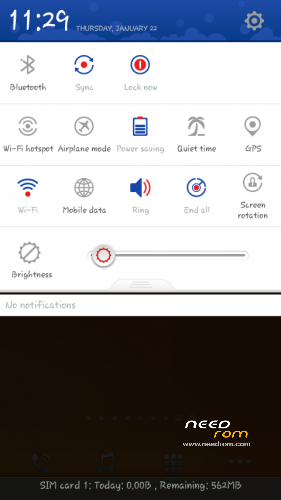
guys if you want to enable onscreen Nava bar in color os v3 then goto esfile explorer there will be a folder system open that and go to build.prop and at last write qemu.hw.mainkeys=0 after writing this save build.prop .and reboot. see magic.
the only that I noticed in this ROM is that it consumes too much ram .overall all features are awesome.
no Dolby digital .
camera is 8mp but not much impressive . camera quality is like stock camera.there is no increase in camera clarity.
one thing I want to tell it is error less after flashing the main ROM . but flashing the patches causes force reboot and SD card error.
to enable navabar u have to add a line at the end of the build.prop file that is qemu.hw.mainkeys=0
Sir YouTube sahi nahi chal raha hai plz help video tez chal raha hai aur voice late aaa rahi hai playback speed bhi check kr Le hai