
- Title: ColorOS 4 Juice (MT6572)
- Listed: July, 2014
- Last modified: 07/17/2014 3:06 pm
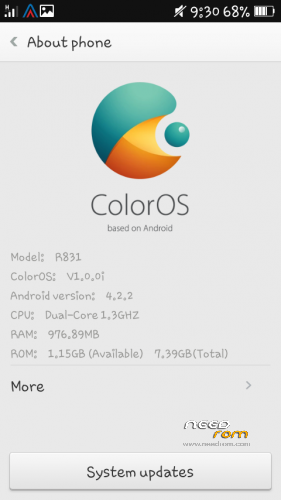
- Version: 4.2.2
You must be logged for ROM download.
26659 total views, 3 today
2 Total favorites
CUSTOM













 Member Info
DESCRIPTION
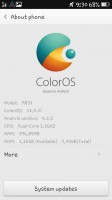
ColorOS 140411 for Canvas Juice A77 & A177.
For A177 users wait for some time and i will provide you with a kernel which will work for this rom.
Please read from top to bottom in order to have successful installation  .
.
Features :-
1. Odexed (odexed roms are fast and quick).
2. OTA updates (get the latest ColorOs update anytime).
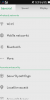
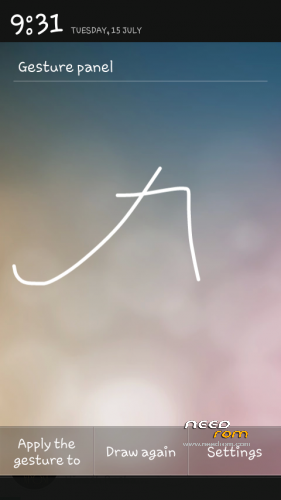
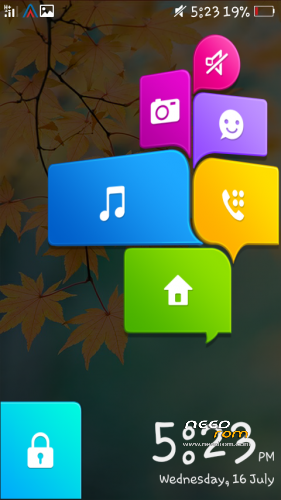
3. Gesture Support (see ss).
4. Inbuilt Font Changer ( see ss).
5. Smooth and Fast.
6. Dual 3G.
7. Bunch of build.prop Tweaks.
8. SuperChargeV6 Tweaks.
9. Init.d Tweaks.
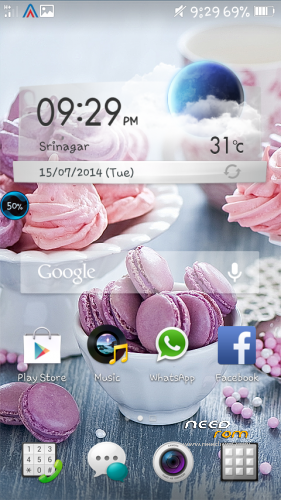
10. Theme Support (see ss).
11. Most User Friendly ROM.
12. More Customization Options.
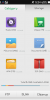
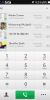
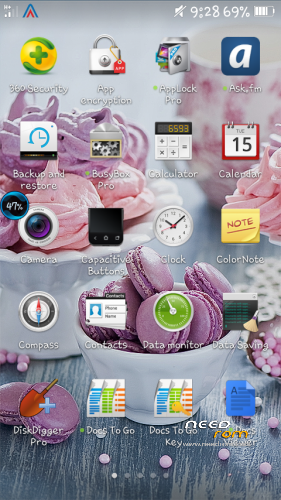
13 . Awesome system apps and widgets (see ss).
14. Pre-Rooted.
15. Pre Installed apps (viper4android with kernels and profiles, TTPOD).
16. Pure ColorOS.
17. BUGFREE.
Installation Procedure:-
1.Copy the file to ur sd card.
2.Then go to recovery.
3.Then wipe data/factory, wipe cache partition.
4.Do wipe dalvik cache.
5.Then go to mounts and storage and format system.
PLEASE DON’T FORGET THESE TWO STEPS
6.Now go to Install zip you will find toggle signature verification, please disable it.
7.Below it u will find toggle assert verification, disable it also.
8.Now click on install zip from sd or internal sd and then select the ColorOS 4 Juice{Baba} zip.
8.Wait there and it will get installed.
Note : Capacitive buttons light turns on while touching tge sreen also, ifu want to turn it off then install the apk Capacitive Buttons Light, you will find it in ur sd card.
Also the ota updates do get flashed due to verification, that is why i provided them manually without verification.
After flashing updates it will still show u Update Available, just ignore that.
If any problem occurs don’t worry msg me(fb: burhan.nabi).I will surely help u.
All reviews are wlecomed
Enjoy the ROM
Allah bless
If any one wants to port it to any MT6572 Device or any other, do take permission from me.
It will work for both A77 and also A177.
A177 users just wait for me, i will provide u the boot.img for this rom.
Enjoy
Hj
※Please make a backup of your device before installing or updating ROM
Permission port to evercoss a7 sir…
Granted!
flashlight not working in camera
is there any patch for it ??
Sorry but ColorOs hasn’t provided it as feature!
so…flash is never going to work
flashlight works when you take a pic in dim light. But u will not see option to put on or off!
thanks for give boot.img for my a177 but my camera flash does not work plz solve this problem
how to update os manually plz tell the method
U have to edit the updater script! Just remove the verification script in it and then flash!
where to find updater script?