
- Title: ColorOS by ATs 2.2
- Listed: August, 2014
- Last modified: 08/03/2014 4:35 am
- Version: v2.2
You must be logged for ROM download.
22409 total views, 3 today
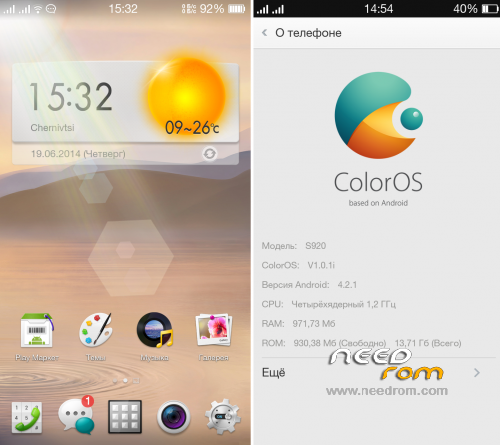
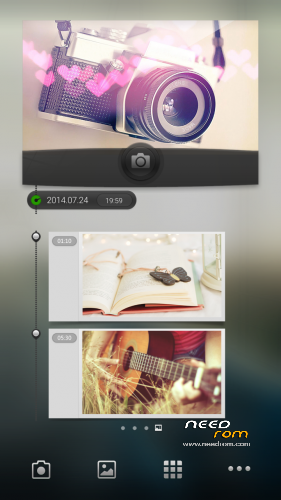
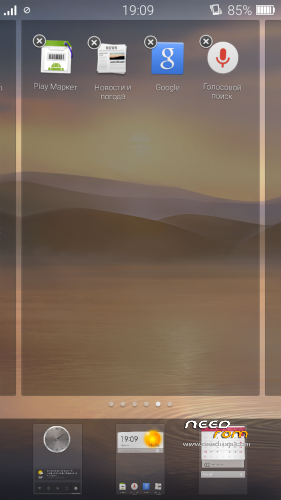
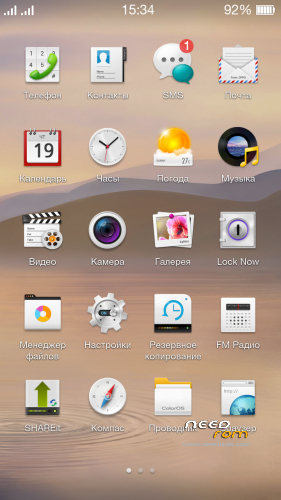
 Member Info
DESCRIPTION
Very smooth, fast and beautiful ROM.
I was spent a lot of time, and has been done a lot of work on the optimization and modernization.
Language support: Multi Lang
Base: ROW
Info:
- Deodexed;
- Full Rooted;
- Google Apps attended;
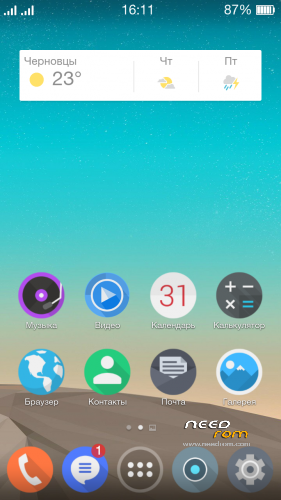
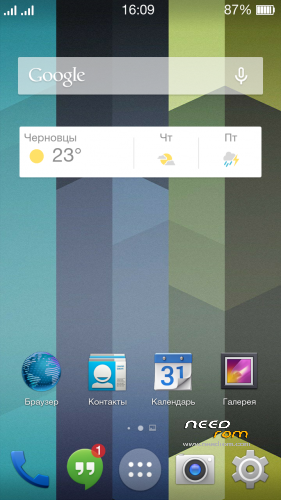
- Desktop grid is 4×5;
- Iconpack from ColorOS v2.0;
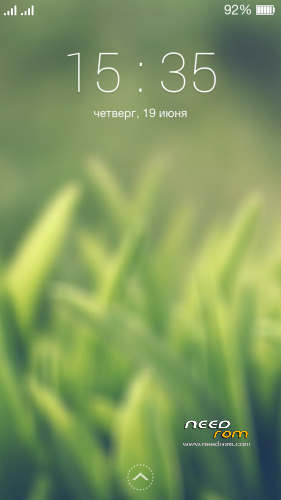
- LockScreen from ColorOS v2.0;
- Weather widget like ColorOS v2.0;
- New sound and animations of switch on/off;
- Removed China and unnecessary apps (more than 100 MB free in /system);
- The widgets of music and camera are not distorted now;
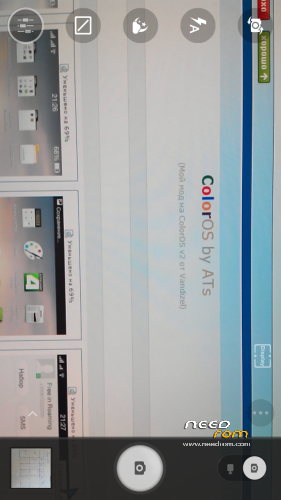
- Modded Lenovo Camera (with voice selfshot);
- Swype Keyboard from Oppo;
- DolbyEffect in settings (advanced equalizer);
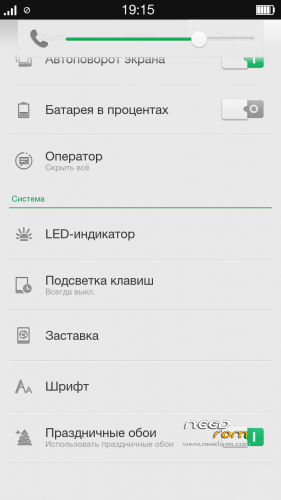
- Compass, gyroscope and Led-indication are worked now;
- Been remade volume levels;
- More softly haptic feedback of virtual buttons;
- The lowest minimum brightness reduced;
- Backlight Auto-Off of buttons at very low and high brightness;
- Improved work of GPS, EPO enabled by default;
- Ad Blocking across all applications;
- Removed the alarm icon in the status bar;
- The maximum number of applications in a folder launcher: 100 instead of 12;
- Increased the maximum size of MMS;
- Correct operation of one and three button headsets;
- Productivity and performance tweaks;
- Reduced energy consumption in sleep mode;
- Lots of graphics, text and other corrections.
NEW in previous version:
- Smart installation of the ROM
- All applications optimized (zipalign)
- Updates via OTA
- Tune-up the led-indicator at one touch (restore configurations from SD)
- List of opened apps at the left button (double tap on the central button now locks the screen off)
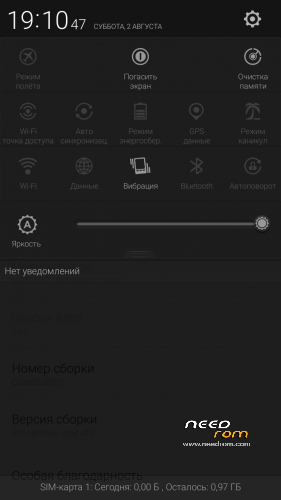
- Clock with the seconds and flashing dots in expanded status bar
- Icons in status bar not overlap the clock now (fix)
- Turn display off when touch the battery in status bar
- Power menu when long pressing the battery in status bar
- Speed of Internet connection in status bar
- Fix the problem with a black background of status bar
- Holo blue genocide
- Holo and HoloLight themes remake
- Fixed the speaker wheezing
- Integrated ShareIT application from Lenovo
- All applications are updated to the latest versions
- Prevent the creation of ".thumbnails" files in SD (now will be a significant memory savings)
- Smart Keyboard app updated (exclusive version from me)
- New web-browser
- Fixed lock screen with weather
- Epo download fixed (new server)
- Default lock screen remaked
- New default themes
- New lock/unlock sounds
- Other improvements.
NEW in this version:
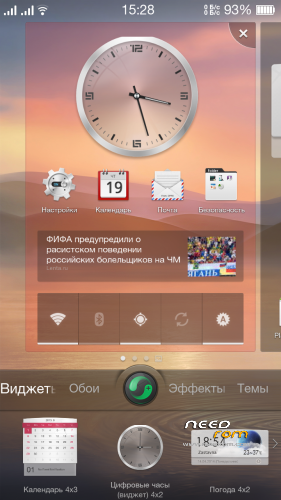
- New Launcher;
- New Dialer;
- New Theme Manager;
- Fixed the mediatek vulnerability with "=" symbol in sms;
- Added the function to double tap the home button to lock the screen, now you need to long press on the Menu button to enable task manager;
- Add "Auto record calls" function in call settings, you can assign contacts to auto start call recording with them (in SD/Calls);
- Add the function to turn off data network automatically when the screen is off;
- "Answer", "Silent when turned" and other functions are now working;
- Revised the animations of transition effects;
- Redone panel of volume control;
- Altered the buttons in expanded statusbar;
- New sound of usb connection;
- Added several new fonts;
- Lenovo Explorer updated;
- Sounds from Android L;
- Run a flashlight when tap the clock in the expanded statusbar
(if you click on the hours - run clock, when click on the minutes or seconds – starting flashlight);
- The contact's photo increased (in contact info);
- File filtering option in Music;
- Removed wheezing at speakerphone (finally won);
- Applications updated to the latest version;
- Power consumption improved;
- Some more performance;
- Tweaks of build.prop;
- Other bug fixes and improved the system stability.
How to install:
1. Copy ROM to SDcard;
2. Go to TWRP or CWM;
3. Wipe Dalvik, Cache, Data, System;
4. Install ROM;
5. Reboot and enjoy!
Here you can write your suggestions: Link
Donations are also accepted at:
Яндекс money: 410011478604853
Visa: 4731185601488676
WMZ (Z130011925552), WMR (R408832216342), WMU (U302712610968)
Thank you, friends =)
Without your support would not have been this ROM.
※Please make a backup of your device before installing or updating ROM
Dear sir,
I have international version (ROW based) – 8GB , shall I try this ROm..??
Will it work directly on my phone..??
Do i need to change any files..??
Thanks for your support./
Regards,
Bhanu
Sir, I'm not sure. Try if you want and please tell me.
awesome new version sir, i will try and I hope you can allow me, for the re-ported at the base of CN..:D
i’m sorry to my speaking english not good, i hope you understand dude.
(y)
Yes, friend you can do it. People waiting for CN base from you
Im waiting for cn base.. Please, what android version have this ROM??? 4.3?? Por 4.2.1???
Thx
Look at screenshots (4.2.1)
Awesome rom!
But please give me some advice to reduce battery usage…
Should we use Fly-On Mod™V5.0 Alpha2 from this xda thread?
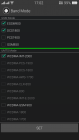
Try to turn off the unused frequencies for SIM1 and SIM2 in Engineer menu (see the picture) and Usb debug.
Not sure about Fly-On Mod. Try and write me here if working.
how to disable speed internet connection in status bar, sory sir but i like simple rom
heheheheheh
thanks for your works on this rom
Using Xposed Installer maybe…
AT, could you help please fix "Speed of Internet connection in English" for your new updated 2.2?
Status bar is "forced close" after long boot when installed this English mod.
Friends, I was upload the new patches, you will find and download them above.
Thank you for your suggestions.
where can i download the row base…i want to change it back from cn to row…
For base CN ; )
http://www.needrom.com/mobile/...../#comment-90553
Good news, friend!
request colorOS kitkat
gan ane nemu bug yang base cn, kamera depannya gak bisa…..
bisa di fix kan…?
for base CN, update patch fix camera FC and gallery slow
How to enable locking device with double tapping the central button? I can't find it
It's enabled by default.
but when I did that, my device didnt lock. instead, it showed the task manager. FYI, I used lenoppo rom, and I flashed this rom of yours using CWM. I did all the wipes, then installed from zip. it was succeed, except I couldn't use the double tap feature