
- Title: ColorOS by ATs
- Listed: May, 2014
- Last modified: 05/11/2014 8:43 pm
- Version: v2.0
You must be logged for ROM download.
20961 total views, 3 today

 Member Info
DESCRIPTION
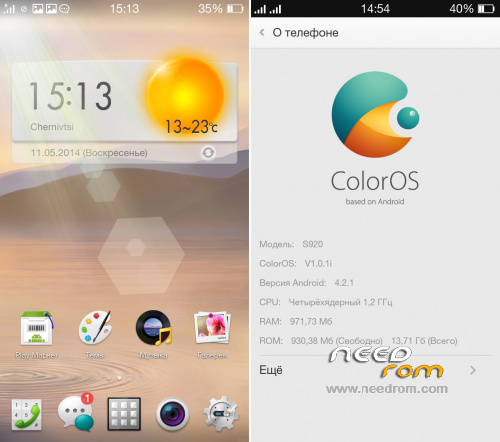
Very smooth, fast and beautiful ROM.
I was spent a lot of time, and has been done a lot of work on the optimization and modernization.
Language support: Multi Lang
Info:
- Deodexed;
- Full Rooted;
- Google Apps attended;
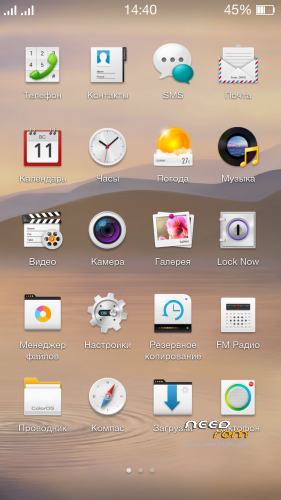
- Desktop grid is 4×5;
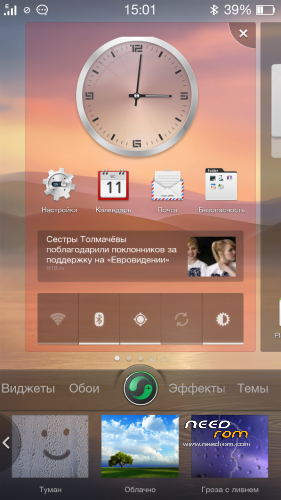
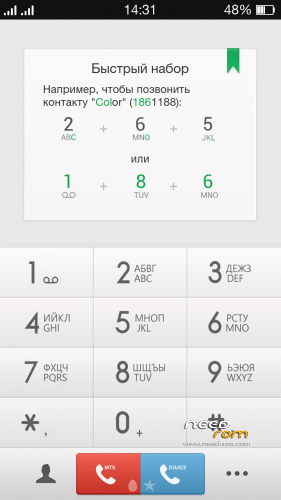
- Iconpack from ColorOS v2.0;
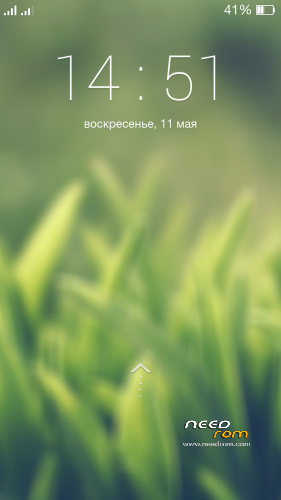
- LockScreen from ColorOS v2.0;
- Weather widget like ColorOS v2.0;
- New sound and animations of switch on/off;
- Removed China and unnecessary apps (more than 100 MB free in /system);
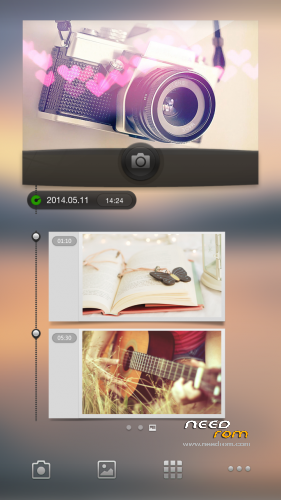
- The widgets of music and camera are not distorted now;
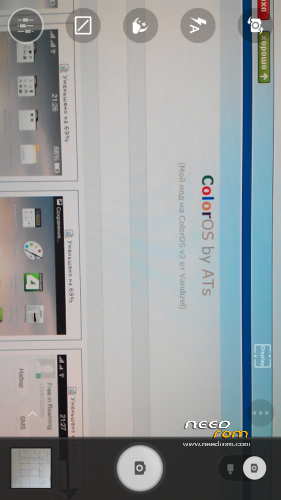
- Modded Lenovo Camera (with voice selfshot);
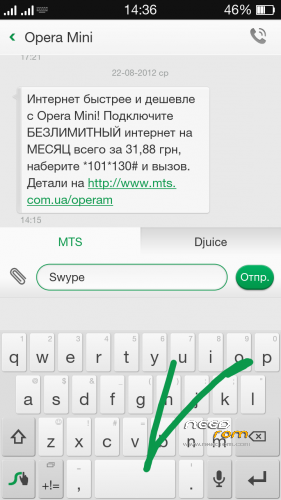
- Swype Keyboard from Oppo;
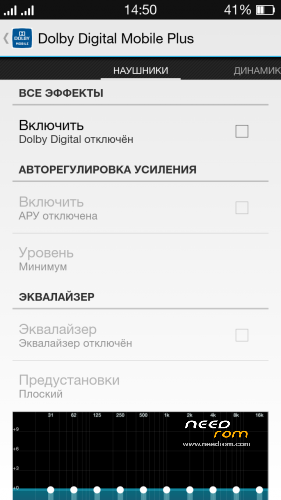
- DolbyEffect in settings (advanced equalizer);
- Compass, gyroscope and Led-indication are worked now;
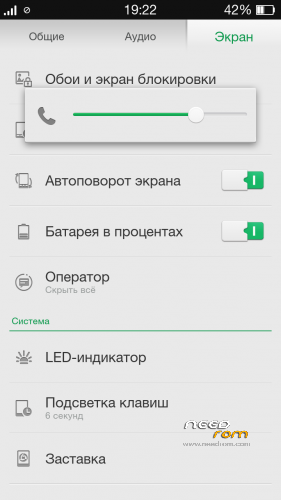
- Been remade volume levels;
- More softly haptic feedback of virtual buttons;
- The lowest minimum brightness reduced;
- Backlight Auto-Off of buttons at very low and high brightness;
- Improved work of GPS, EPO enabled by default;
- Ad Blocking across all applications;
- Removed the alarm icon in the status bar;
- The maximum number of applications in a folder launcher: 100 instead of 12;
- Increased the maximum size of MMS;
- Correct operation of one and three button headsets;
- Productivity and performance tweaks;
- Reduced energy consumption in sleep mode;
- Lots of graphics, text and other corrections.
How to install:
1. Copy ROM to SDcard;
2. Go to TWRP or CWM;
3. Wipe Dalvik, Cache, Data, System;
4. Install ROM;
5. Reboot and enjoy!
Donations are also accepted at:
Яндекс money: 410011478604853
Visa: 4731185601488676
WMZ (Z130011925552), WMR (R408832216342), WMU (U302712610968)
Thank you, friends =)
Without your support would not have been this ROM.
※Please make a backup of your device before installing or updating ROM
try this :
https://docs.google.com/file/d.....G5WeXpEclE/edit
i've installed this ROM on ROW s121, everythings goes well.. nice job sir ATsuAnd..
I installed, but lenovo logo is frozen. no picture no sound. I feel blue.
dont forget to format the system first before u install this ROM
just flash ROW117 and flash CWM and do full wipe, wipe data, cache, format cache, data and system.
then go to advance do wipe dalvik cache.
dont flash rom, got reboot into recovery in advance, notification to root again (klik yes root)
then after all just flash ROM, wait for 2-5minit for boot..
and enjoy
I Thhink it’s china base
its row dude, i can flash on ROW 117 and boot up
E-mail doesn't work. keeps saying wrong username/password everytime. even tried using manual setup.
This rom has no problems with Email. It works fine.
bener gan… untuk gmailnya sih lancar jaya.. tapi untuk email yg pake pop3 ato imap ga jalan.. baru nemu ane… hehehe
di ane email pop3 lancar jaya aja gan…
beda muka beda nasib bro
TQ for support s920.Ahh your port rom are use ram very much about 700-800Mb.Why?
Report bug smart call and answer not work.When I restart auto rotate and set off.
Sorry bro, ini base cina or inter?
Beautiful interface ROM but there is some problem i’ve found.
1. Always noticeable lagging when I change in between apps even he RAM have 100+mb free.
2. When i install and try to open temple run, dialog box app is not responding came out.
3. Using no frill CPU, i tried to to change cpu governor but when i reopen back no frill it revert automatically to userspace. Does it cant be changed???
Bug don’t apply lock screen.