
- Title: Colt OS 1.4
- Listed: December, 2017
- Last modified: 12/14/2017 9:37 pm
- Version: Colt OS 1.4
You must be logged for ROM download.
9910 total views, 1 today
2 Total favorites


 Member Info
DESCRIPTION
I collected the firmware from the sources
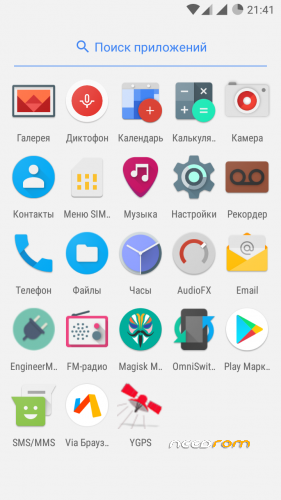
Added the engineering menu.
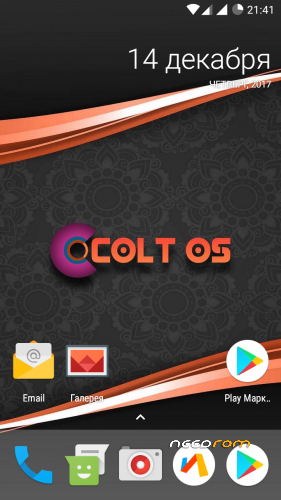
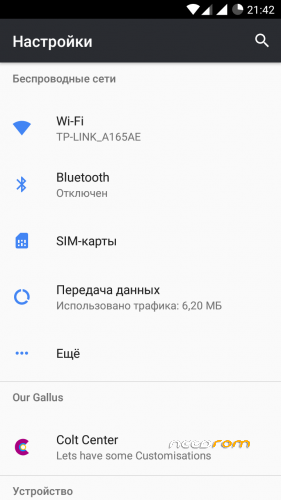
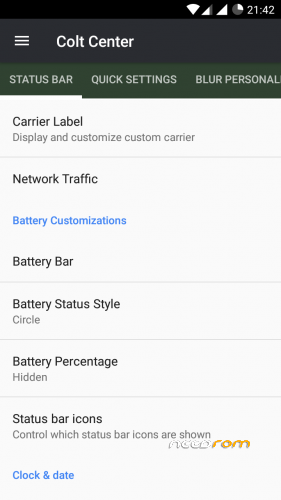
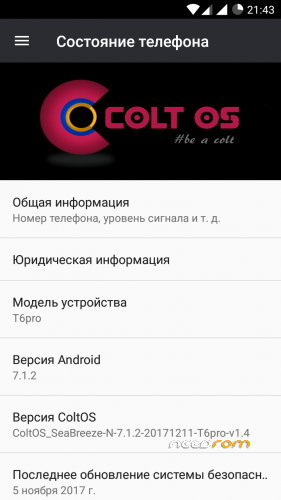
The ColtOS project is a team of developers who created custom firmware based on lineageos with some additional settings. They carefully selected the settings due to what ColtOS firmware differs from many other firmware / projects.
Based on:
LineageOS / Cyanogenmod
crDroid Android
DirtyUnicorns
AOSiP
TeamSubstratum (Theme Engine)
Pure Nexus
ViperOS
ResurrectionRemix
GZR-ValidusOS
ParanoidAndroid
OmniROM
Installation via TWRP
Be sure to do Backup, in case something goes wrong.
1. Download the firmware, put it in the root directory of the cd-card or the phone's memory.
2. Put the smartphone into recovery mode and make wipes: Dalvik / ART Cache, System, Cache, Data.
3. Go to "Installation" and select the firmware, start the installation.
※Please make a backup of your device before installing or updating ROM