
- Title: CoolPad 7295
- Listed: April, 2013
- Last modified: 04/29/2013 6:07 pm
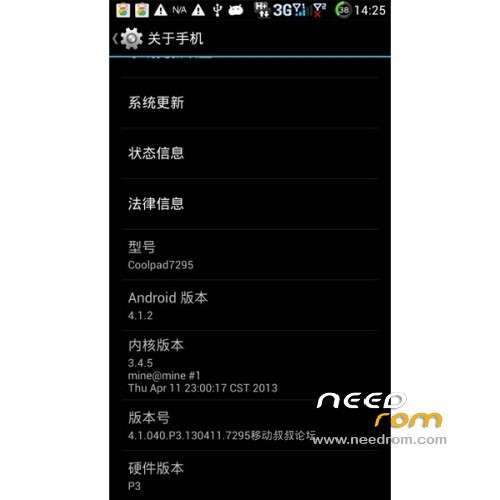
- Version: ROM Android 4.1.2
You must be logged for ROM download.
23641 total views, 2 today
1 Total favorites
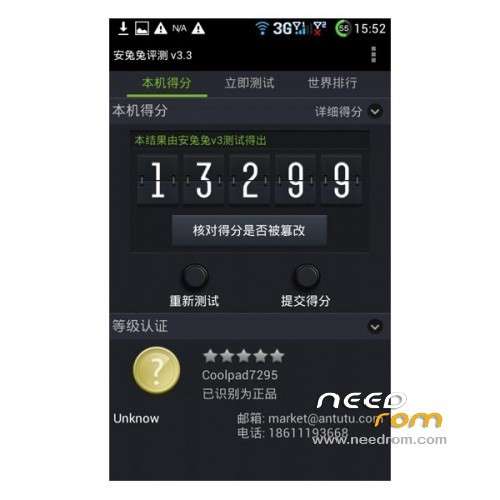
 Member Info
DESCRIPTION
ROM CoolPad 7295 – ROM Android 4.1.2
Features ROM:
- The package is based on the official 040 firmware to streamline landscaping.
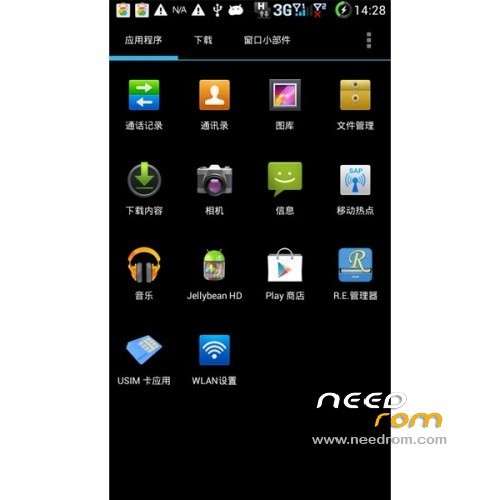
- Pre-installed ink weather Baidu input method pre-installed the Google framework of thumb to play
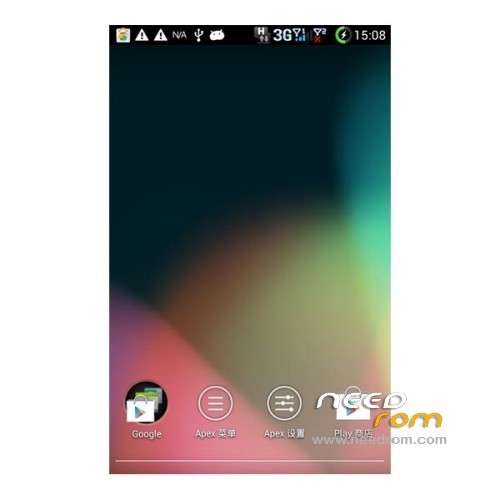
- The desktop aspects delete the native launcher to replace the state-of-the-art starter smoother! Pre-installed JBHD theme in the theme settings change!
- Optimize power display accurate to 1%
- The default unlock fps
- Delete the native touch tone changed to the Samsung water droplets touch sound
- Replace the switch machine animation delete switch ring! First brushing boot relatively long second boot 18 seconds!
- Root system comes with re management and authorization management
- Built-in external interchangeable so the default storage for the external SDe and smooth
Install ROM :
To unpack Flash run Flash_tool.exe
Select a the MT6589_Android_scatter_emmc.txt in Recovery
Click Flash_tool.exe interface Firmware-> Upgrade
Phone after taking the battery in put something
Connect the data cable
Brush finished with green circles appears
Install with SP MDT:
Unpack the archive SP_MDT_exe_v3.1304.00_A2013.02.26.rar and archive with the ROM
1). Turn off the smartphone. Cable is not connected to the computer.
2). Remove the battery and insert it again
3). Connect your phone to a computer cable. The operating system detects a new device
4). Disconnect the cable from the computer.
5). Run SPMultiPortFlashDownloadProject.exe
6). Choose Database Factory menu> Configuration File data source and specify the file MTK_DATABASE.mdb (it is in the folder SP_MDT).
7). Choose File> Open File Agent download and specify the file MTK_AllInOneDA.bin (it is in the folder SP_MDT).
8). Click File and select the MT6589_Android_scatter_emmc.txt file (it's in the folder with the rom).
9). The other parameters are fixed, as in the screenshot below.
10). Click "Start all".
11). Connect your phone to a computer cable. The program should see and blink. If the phone is not detected, then unplug it from the computer, remove and insert the battery and reconnect it to the computer.
12). After (OK) click Stop and disable any phone.
13). Completed.
or
CWM
※Please make a backup of your device before installing or updating ROM
can i download this one
the scatter file is corrupted
is good … but haz a small promlem at media scan from external sd ! We whait next update
And offcourse will be good an custom firmweare for CoolPad 7728 too …..
…..
Are the instructions correct? I can see only one scatter file in recovery folder and no scatter file in ROM folder…
Hello, rom is not updating seems that scatter file is not correct. Can you send me the rom, i really need it!
any 4.2 update for this ??
cant load CWM recovery scatter file on sp flash tool it says the load scatter file is invalid