
- Title: crDroid 7.1.2 v.3.8.9 By MDSdev
- Listed: August, 2017
- Last modified: 10/27/2018 1:25 pm
- Version: crDroid 7.1.2 v.3.8.9 By MDSdev
You must be logged for ROM download.
27870 total views, 2 today
12 Total favorites
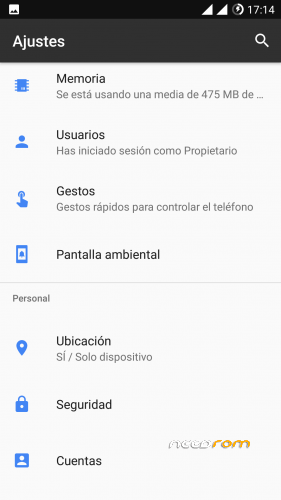
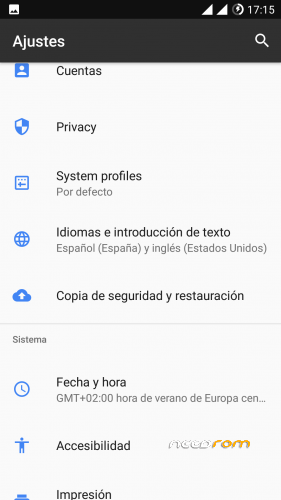
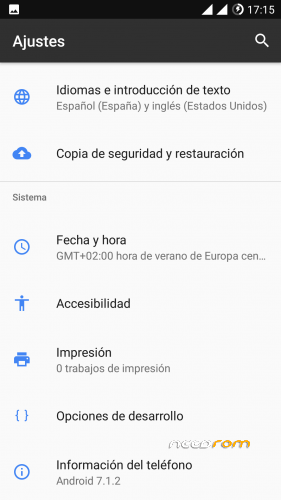
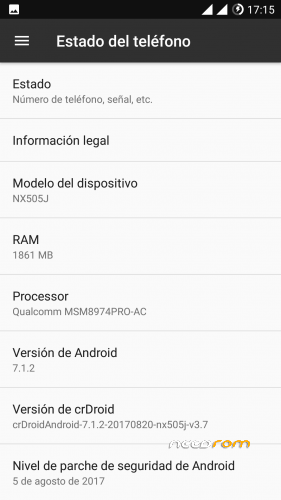
 Member Info
DESCRIPTION
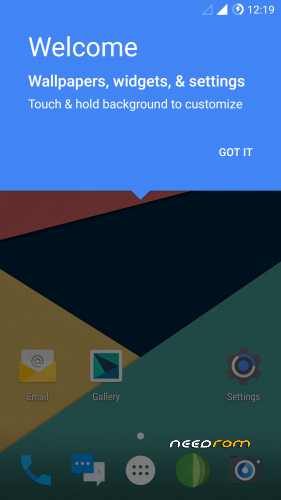
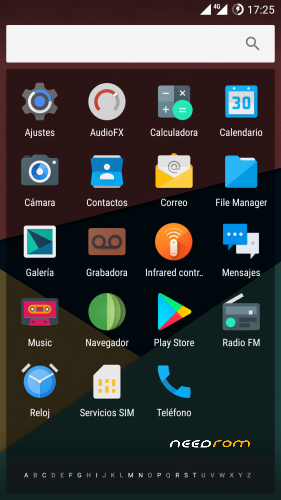
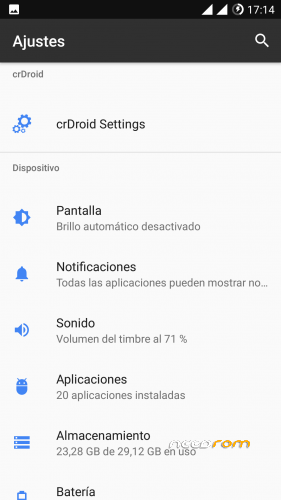
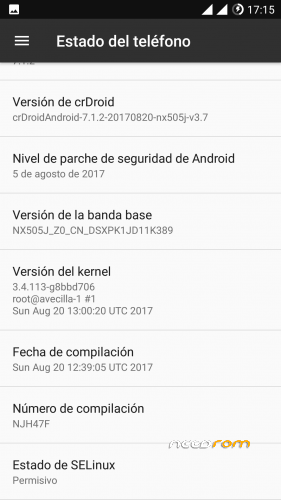
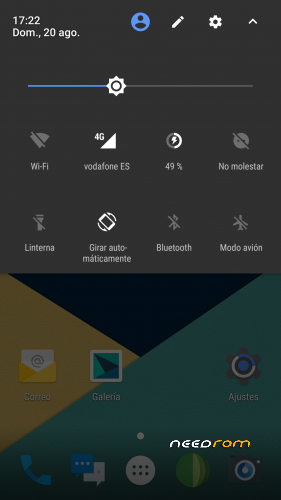
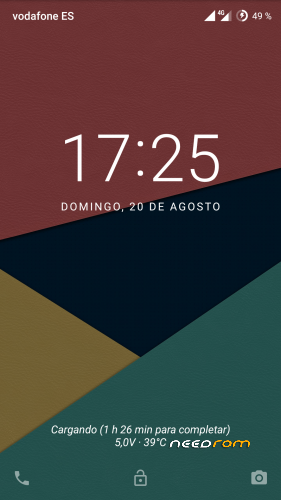
crDroid 7.1.2 v.3.8.9 By MDSdev
La Rom is compiled by me and synchronized with the latest sources of crDroid.
Security Patch: 05/07/2018
Radio and infrared works.
Installation:
It is installed by recovery.
Make all the wipes, except the external and internal memory.
After starting the rom for the first time, we go back into recovery and install the gapps.
In principle everything works. You can leave here your impressions.
The two sim have LTE. In order to operate the Sim 2 LTE, you must set the Sim 1 as "GSM only", put in airplane mode and then re-enable.
You can enable Root in "Development Options"
Thanks:
PaoloW8 and Team crDroid.
To my colleagues MDSdev, especially to FeyoMX and the rest of movilesdualsim colleagues.
Support: https://www.movilesdualsim.com/tema/crdroid-7-1-2-v-3-7-_-z7-max-by-mdsdev.177788/#post-2012636
If you want you can help me with a little help on Paypal
※Please make a backup of your device before installing or updating ROM
are nubia neovision camera add in rom to?
I did not get it
no working mate. there is no PLAY STORE built in, you can t even add your google account to access your contacts. onestly, big waste of time
You have to install the gapps by means of recovery, this is in the instructions. Before speaking please read a little and do not waste people's time.
Thanks)
What about SmartLock, where it?
Sorry, i find it))
I have been using this rom since last year when you first published it and what can I say? It's just perfect. Sometimes when I connect to my BT speaker I get glitchy sound but after a reboot everything works fine.
I wasn't expecting an update, I'm going to install it RN. Keep up the good work and thank you for rejuvenating my Z7 Max (a surprising phone).
Hi, how's the battery life? Thanks
Battery life is great, not shorter than stock rom. There aren't power hungry services or anomalies of that kind.
I also use Ambient display and Pocket mode so my proximity sensor is always active. This rom is awesome.
Is there going to be regular update to this ROM?
Great rom! with great gaming performance.
With stock Nubia 5.1 rom, i could play pubg only on the lowest settings and a bit laggy sometimes.
With this one i'm rocking it at medium/high settings and super smooth too! No lag
Everything's great but how can i enable the System UI Tuner for enable the splitscreen mode?
Holding the gear icon doesn't work and it doesn't spin neither
Hi Valenfield, I hope you read this! Splitscreen mode is enabled indeed but the physical button layout (menu – home – back) of this phone makes it difficult to activate without a few adjustments here and there. There are many ways to activate splitscreen.
1. Go to settings > CrDroid settings, then buttons. Choose "home button", second menu entry is "Long press action". From there you can choose "Split screen". So every time you press and hold the central home button you'll enter split screen mode. You can also enable Single hand mode from this menu, which is very handful.
2. Go to settings > CrDroid settings, then "Navigation": here you can enable on screen buttons with classic layout (back – home – switcher), which work like standard Android. Long press on the switcher button to enter split screen mode. If you choose this solution you can also disable physical buttons and their backlight from the "Buttons" menu.
3. Just change the layout of the physical buttons. This is my choice because I also use another phone with standard layout so I want to navigate all my phones in the same way. You need a root explorer like ES File Manager, go to /system/usr/keylayout and edit and save a file called "generic.kl". For the standard layout (back – home – switcher) you need to change
key 102 HOME VIRTUAL
key 139 MENU VIRTUAL
key 158 BACK VIRTUAL
into
key 102 HOME VIRTUAL
key 139 BACK VIRTUAL
key 158 APP_SWITCH VIRTUAL
102 is the middle button, 139 the left one and 158 the right one. I really hope that I could help you, let me know if there's something that's not working for you, you can also use a PM (in italian if you want, I see that we both have a little italian flag under our nicknames). Have fun with this rom!
I flash it yesterday. Works fine.
I'm running 3.22 right now. Can I flash this rom using just twrp recovery or need sth special?
Hello,
I installed today CrDroid 3.8.6, I made a clean installation. About the version 3.7 you recommanded to install baseband 389, is it necessary to install it with the new rom. Thanks.