
- Title: crDroid Android Unofficial
- Listed: November, 2017
- Last modified: 11/30/2017 8:33 pm
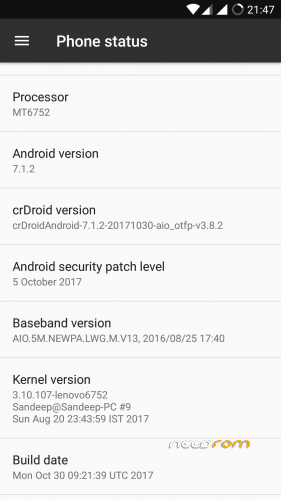
- Version: 7.1.2
You must be logged for ROM download.
13343 total views, 2 today
5 Total favorites
 Member Info
DESCRIPTION
crDroidAndroid Rom
crDroid is a free AOSP/LineageOS android based rom, bringing a lot of custom features from AOSPA, SlimRoms, OmniRom, and many others great roms out there.
crDroid brings what android have of most advanced in terms of customization and stabilty !
Features :
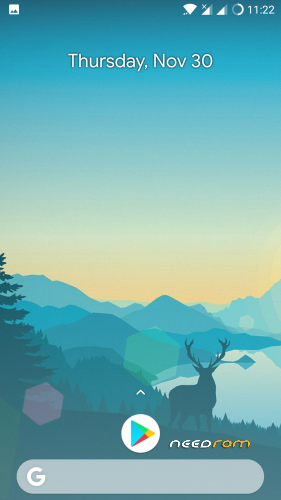
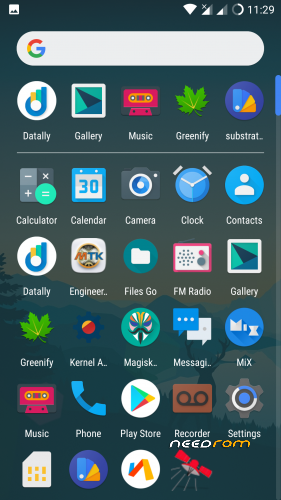
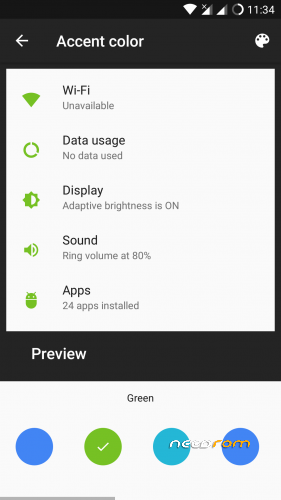
Pixel look and feel.
CyanogenMod 14.1 – all mods and features
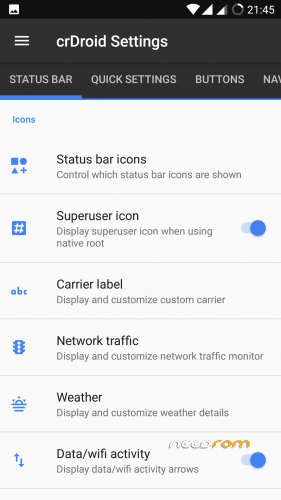
StatusBar: Network Traffic
StatusBar: SU icon toggle
StatusBar: Ticker
StatusBar: Hide/Show icons
StatusBar: BatteryBar customization
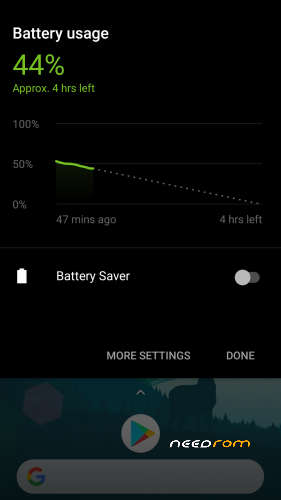
StatusBar: Battery styles
StatusBar: Tap to Sleep
StatusBar: Clock styles
StatusBar: crDroid logo customization
QuickSettings: Tiles customization
QuickSettings: Brightness slider toggle
QuickSettings: Optional brightness icon
QuickSettings: Vibrate on Touch
QuickSettings: WiFi easy toggle
QuickSettings: Bluetooth easy toggle
QuickSettings: Data easy toggle
Navigation: Toggle navbar
Navigation: PIE navigation
Navigation: DUI – SmartBar / Fling Toggle
Navigation: Pulse - smart visualization
Notifications: Power notification controls
Notifications: Force expanded notifications
Notifications: Toggle immersive mode messages
Notifications: Breathing notifications
Notifications: Headsup Snooze
Notifications: Headsup Timeout customization
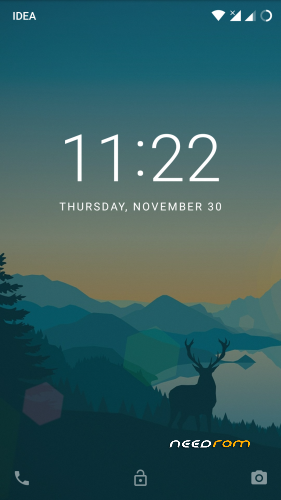
LockScreen: Screen shortcuts
LockScreen: Toggle longpress for screen shortcuts
LockScreen: Swipe shortcuts
LockScreen: Toggle media cover art
LockScreen: Toggle clock
LockScreen: Toggle date
LockScreen: Toggle alarm
LockScreen: Tap to sleep
LockScreen: Toggle longpress torch
LockScreen: Cutomize number of notifications
LockScreen: Toggle power menu for secure lockscreen
Recents: Immersive Recents
Recents: Hidden apps
Recents: Toggle OmniSwitch as default Recents
Sound: Toggle screenshot sound
Sound: Live customization for number of volume steps
Sound: Less frequent notification sounds
Sound: DND customizations
Miscellaneous: Clock Widget
Miscellaneous: Expanded Desktop customization
Miscellaneous: Transparency customization
Miscellaneous: Partial / Full screenshot selection option
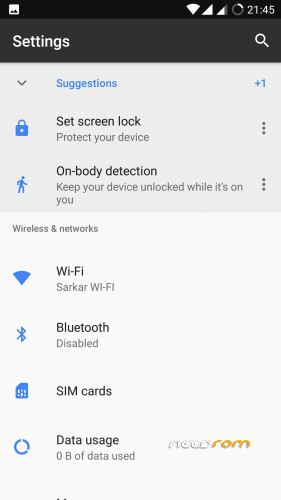
Miscellaneous: Toggle suggestions on Settings dashboard
Miscellaneous: Toggle summaries in Settings
Miscellaneous: Toggle auto-start music player on headset detection
Settings/Sound: Increasing Ringtone
12 New Quick Settings Tiles including Caffeine mode, Expanded Desktop and Sync.
Settings/Security: Quick PIN/Password Unlock
Default sounds from latest Nexus image.
Stability and performance improvements.
…and many more…
Instruction :
Download rom and copy to sd card
Go to recovery ,wipe system,cache,data,dalvik
Flash the rom and reboot
Gapps included,no need to flash gapps
Thanks & credits : crDroid team,k3 devs all other for this rom !
※Please make a backup of your device before installing or updating ROM
Not showing sim contacts
It's a noigat problem on k3 i think cuz no nougat rom shows them so far i think only mm roms show them maybe just vibe ui idk
Please fix provide a patch for the external storange.It always said "not exist" but I cant still see it on the file maneger but can't copy or paste through it.Thanks!
ES File Explorer, FX File Explorer
Very stable ROM and cheers to hard work of Indra Sarkar! Been using it for almost a month and no major/ minor issues. No heating, smooth UI etc.
How to set up korean language?
google play
1. MoreLocale 2 – X
2. Set Locale and Language – X
3. Language Enabler – X
Too good rom but need update for flashlight fix patch
I've been using this for weeks now. So far it's the best imo. I get approx 6.5 hours screen on time (that includes watching movies online). There is no lag as such.
The only problem i'm facing is frequent network drops. The mobile network just goes off and pops up after few minutes. It's frustating during calls or internet usage.
I hope you'll fix it soon.