
- Title: CTR Recovery Gionee F103 only for Android 6
- Listed: July, 2016
- Last modified: 07/09/2016 9:12 pm
- Version: 6.0
You must be logged for ROM download.
12261 total views, 2 today
3 Total favorites
 Member Info
DESCRIPTION
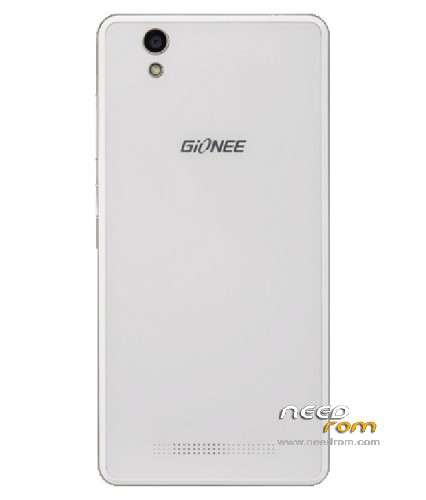
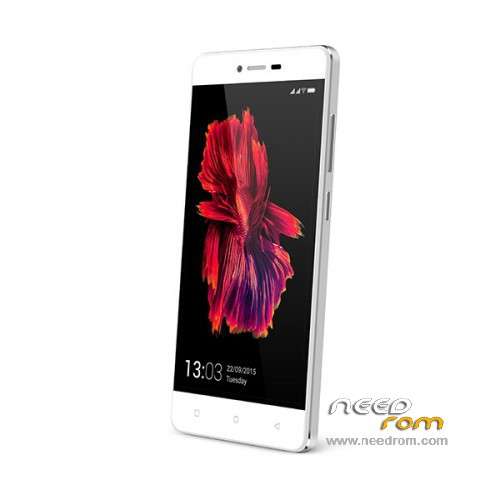
This is freshly made Custom Recovery port for Gionee F103 Android 6 Update >> 09 Iul 2016
Made after a zp952 recovery, thanks to Carliv and initial porter
Working also on Allview X2 Soul Lite > only with Gionee Android 6 Software
Injected Android 6.0 kernel from stock rom (Gionee F103 Official Android 6.0 Update)
Replaced some files in Ramdisk
Edited default.prop
Not working: TOUCH > you can use VOLUME UP, VOLUME DOWN and POWER buttons for operations
With this you can:
- Backup on the SDCARD
- Burn Custom Recoveries on the device (none made so far, still working – maybe someone else can also help)
- Gain ROOT with SuperSU.zip or other flashable root exploits (SuperSU works)
- Burn SDK 23 Xposed on your device (installed version 86 just as I write this down – active)
- A lot of other good stuff!
Burn with SPFlash Tool 5.15.16 or higher.
Worked about 2 hours on it, so don't waste!
※Please make a backup of your device before installing or updating ROM
not working. even after flashing your recovery 5 times it still shows same stock recovery
well now it worked. I extracted img file then flashed it but still no luck. then I flashed it without inserting battery. after clicking download in sp flash tool connect usb cable while keeping volume down pressed. √
but don’t know why dolbyatmos not working now. no change in sound effect. it worked great in lollipop before.
scatter file which one?
sorry not dolbyatmos but viperatmos
Hi, did this finally work for you?
Not working for me. After flashing custom recovery, the phone doesn't boot, it gets stuck in the first screen. Could you please also post the stock firmware files which work with this recovery? Thanks.
same problem occours as above with me
then how to flash it with sp flash . which scatter file is needed.