
- Title: Cubot X6 MIUI v5 4.7.11
- Listed: June, 2014
- Last modified: 07/18/2014 2:38 pm
- Version: Android 4.2.2 MIUI v5 4.4.27 / 4.4.18 / 4.6.13
You must be logged for ROM download.
43680 total views, 4 today
2 Total favorites
 Member Info
DESCRIPTION
ROM update 15/07/2014
ROM update 30/06/2014
ROM update 16/06/2014
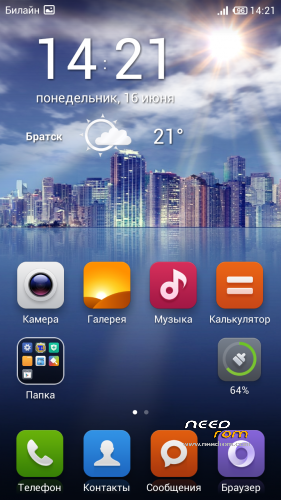
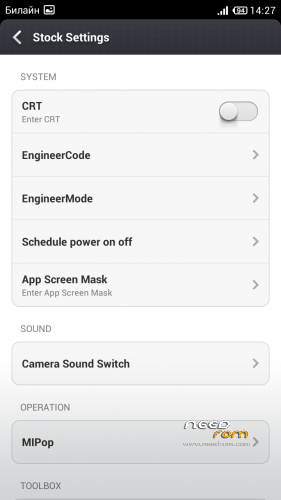
ROM Cubot X6 MIUI v5 4.4.27
* Flash Version (Attached SP Flash Tool)
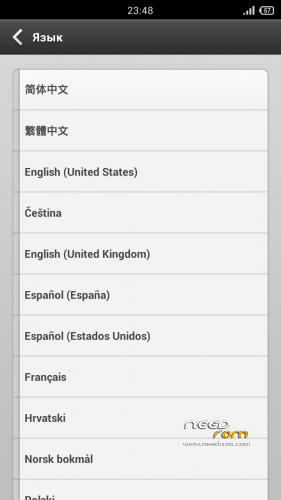
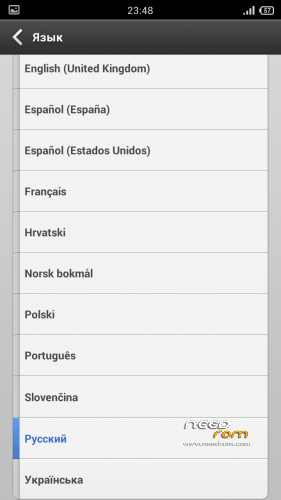
* Multilanguage version
* Preferences – Russian language
* Gapps include
Install ROM:
- Device rooted with Vroot or another program …
- Download FlashTool this version here or I think that goes well any version 5
- Make a backup with MtkDroidTool
- Install with flashtool this Rom:
- Unpack FlashTools, and Click on Flash_tool.exe
- Select scatter file (MT6592_Android_scatter.txt)
- Wait file to be added into Flash Tool
- Choose Option/Download/DA DownLoad All
- Turn off your phone
- Select Download only and press Download button
- And connect your phone into the computer via USB data cable.
- The process will start and a red progress bar will appear after color purple, yellow.
- And green circles display
Restart your device in Cwm recovery.
- Then always from Cwm perform a full wipe:
-> Wipe Menu -> wipe Data Factory Reset
-> Wipe Menu -> wipe Dalvik Cache
Reboot the Phone
p.s. for russian users: Rom took from 4pda, speak thank you andrey-131313
※Please make a backup of your device before installing or updating ROM
Anyone can tell me how can i download 4.7 miui version, please?
Isn’t the link “MIUI-V5_to_FlashTool” 4.7 version right?
Hello.
I have installed this rom but Whatsapp doesn't work.
Is there any solution for this?
Regards.
I cant download the miui v5 4.6.27 google drive requires autorization.
Esta en español??
here is the working link
https://mega.co.nz/#!pdVy1RKL!.....ORmpXJGhKuEfxek
please the new link for download!!!!
3G on sim1 problem found for my device. And I cannot flash back to official rom anyway. All official roms I've tried to do so result with "Failed" in TWRP.
Any suggestions to fix these?