
- Title: Custom No.1 N3 – Port from HDC SM9006 By Mouse
- Listed: February, 2014
- Last modified: 02/09/2014 9:36 pm
- Version: Rom Android 4.3
You must be logged for ROM download.
32414 total views, 2 today
3 Total favorites
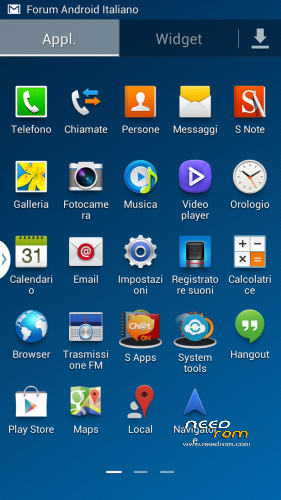
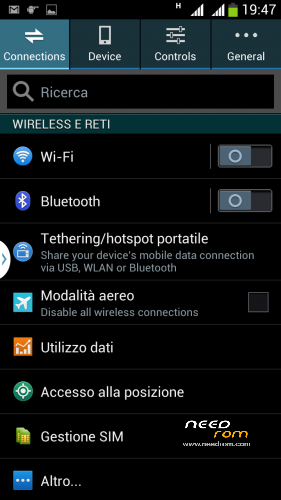
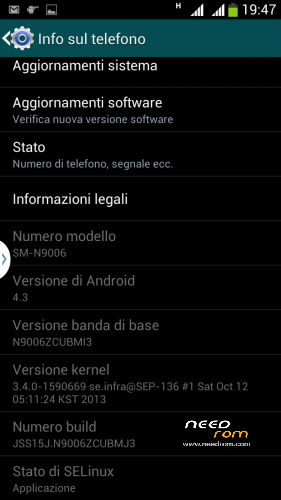
 Member Info
DESCRIPTION
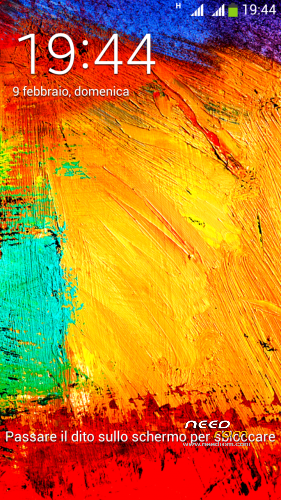
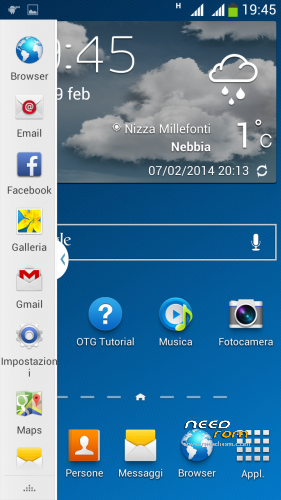
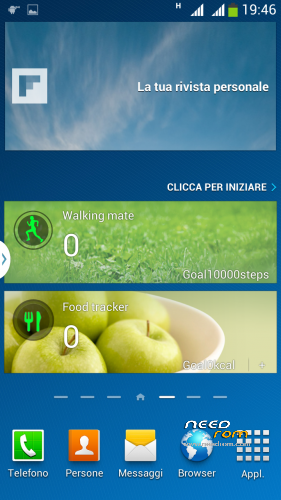
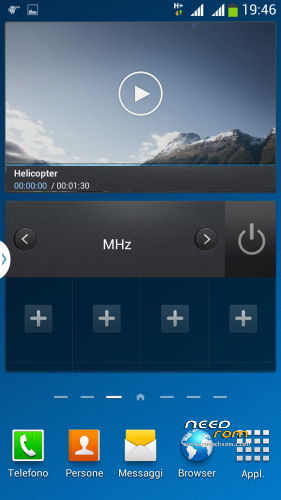
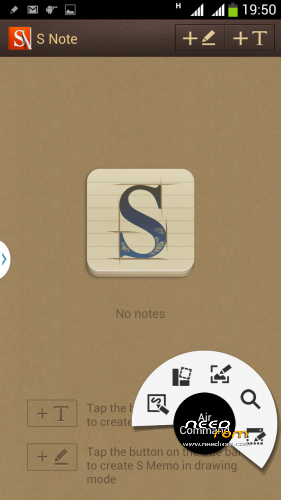
Enabled the "Gesture Sensing" as the original, fully functional , Flip cover support , new s-pen with direct s-note command , multiview with double window
* Root
* Extremely stable
* Gapps already installed
* Boot Animation & splash screen Original Sam***g
Install ROM: ( CWM Version )
Step 1: Download the custom ROM copied to an external SD card root directory
Step 2: the shutdown state. While holding down:
– Power button + volume button up, to enter the recovery mode.
– Wipe Data / Factory Reset -> delete all user data
– Wipe Cache Partition -> Wipe cache
Step 3: Return to recovery main interface Install zip from sdcard -> choose zip from sdcard -> Select your ROM
Step 4: Brush complete, restart the phone Patience required – first boot takes a while
※Please make a backup of your device before installing or updating ROM
Ok i'm having trouble rooting the damn phone despite experience with many others. One click root says success but neither supersu or either superuser app can update binaries for root. Mtk droid tools recognizes phone (adb etc drivers all installed) but THERE IS NO ROOT BUTTON on bottom right side.
Does anyone have a scatter file to push the recovery.img through sp tools? What am I doing wrong? =/
looking framaroot.apk
thanks mouse a wait for the flashtool version
because my cwm recovery won,t flash any rom i only can make a backup en can restore a backup
I put the link in my forum, look here.
spflashtools link is at the bottom of the second post.
http://www.androidiani.com/for.....tml#post5194802
hdc is compatible with n9006 mtk 6582??
no , not compatible with 6582
is fake android 4.3
Help please
Step 3: Return to recovery main interface Install zip from sdcard -> choose zip from sdcard -> Select your ROM
And Install aborted
Quote:
Enabled the "Gesture Sensing" as the original, fully functional , Flip cover support , new s-pen with direct s-note command , multiview with double window
Do these features work in this ROM ? Can anybody confirm ?
the recovery not work on my no.1 n3
my build number is: N3_1.0_Vo1_2013-12-31_12:16:24
Great ROM, but small problem – memory shows that is 16 GB and internal shows next 16 GB, but No.1 n3 has only 8 GB for both of them. Flashing EBR1 and EBR2 from stock ROM doesn't change anything. Photos below.
Can i Port this Rom to my Device Xolo Q700/Q700i